
Email Security in ShieldNet Defense
Stop email attacks before they become business incidents
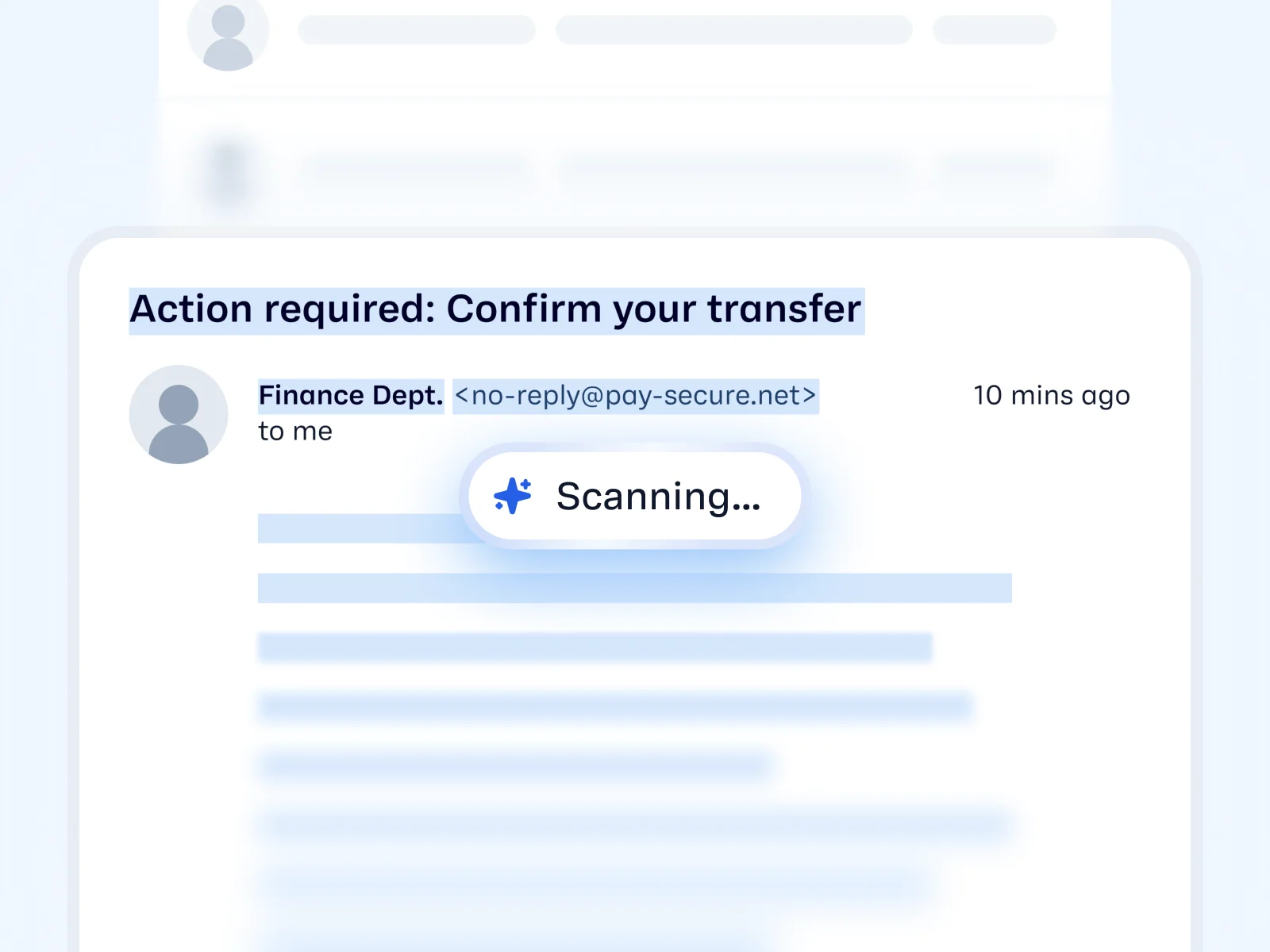
Modern phishing emails can look real, come from trusted accounts or appear inside existing conversations. Email Security detects suspicious senders, links, QR codes, attachments, payment requests and account activity—then explains the risk in plain language.
How it works
Detect
Email Security analyzes the sender, links, attachments, QR codes, payment requests and unusual email activity.
Explain
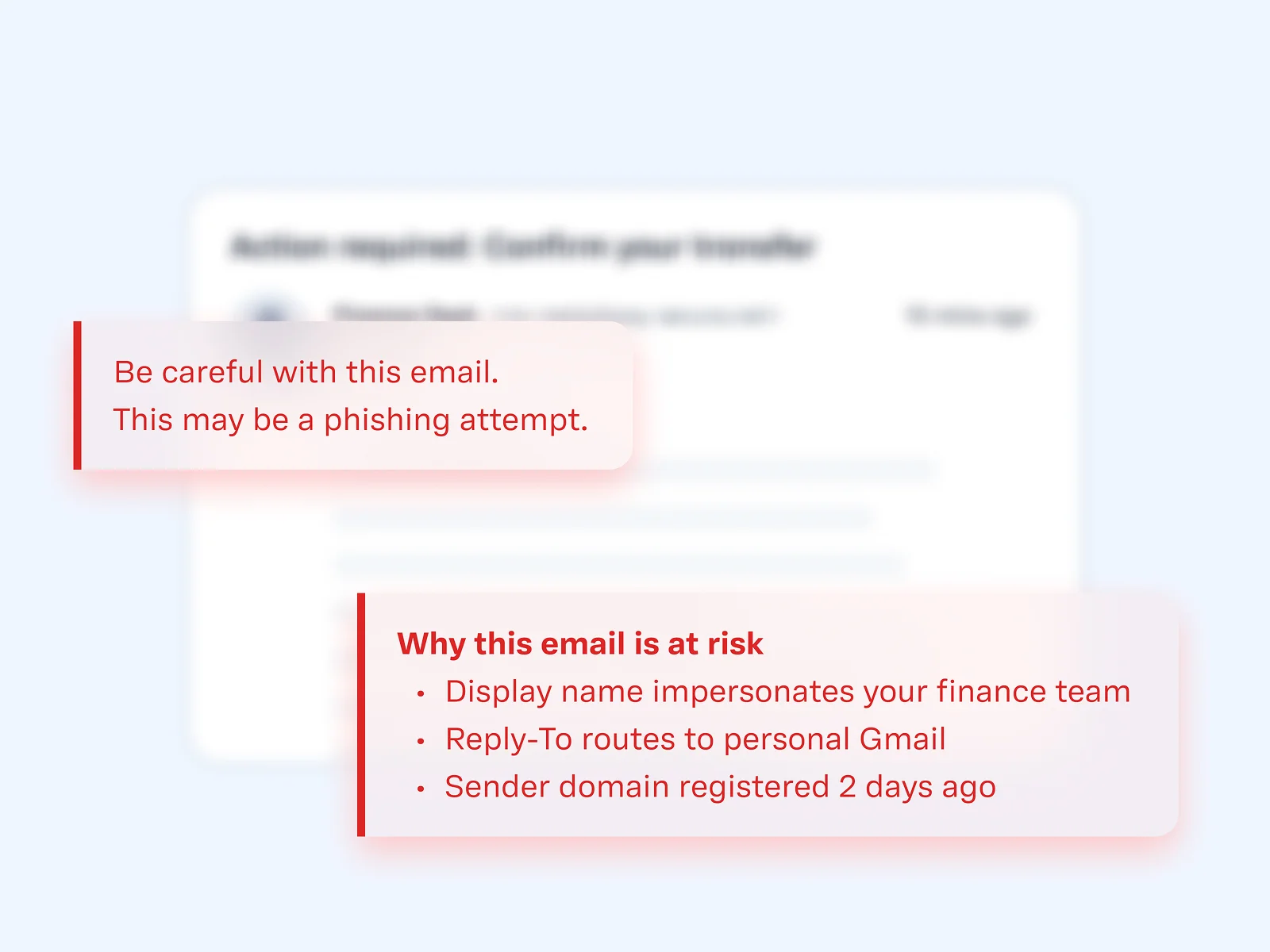
When a risk is found, the alert explains what looks suspicious and what the employee should avoid.
Verify and Respond
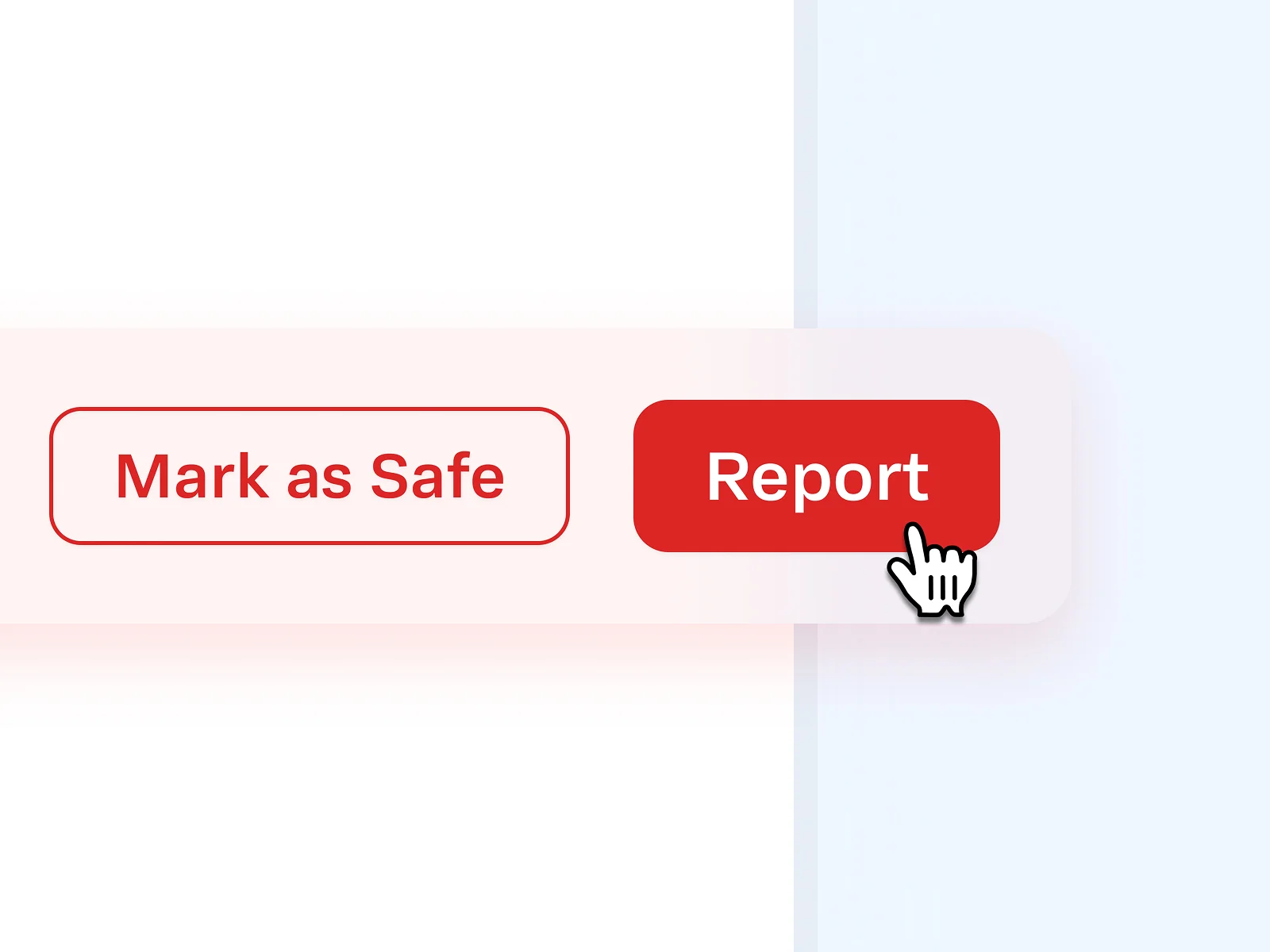
Employees receive clear steps to verify the request through a trusted channel. If someone has already clicked, shared information or sent money, ShieldNet helps guide the next response.
Why Email Security in ShieldNet Defense

Easy to understand
Plain-language alerts explain why an email is suspicious, helping employees learn how phishing works and recognize similar threats faster in the future.




Resources
Nov 12, 2026
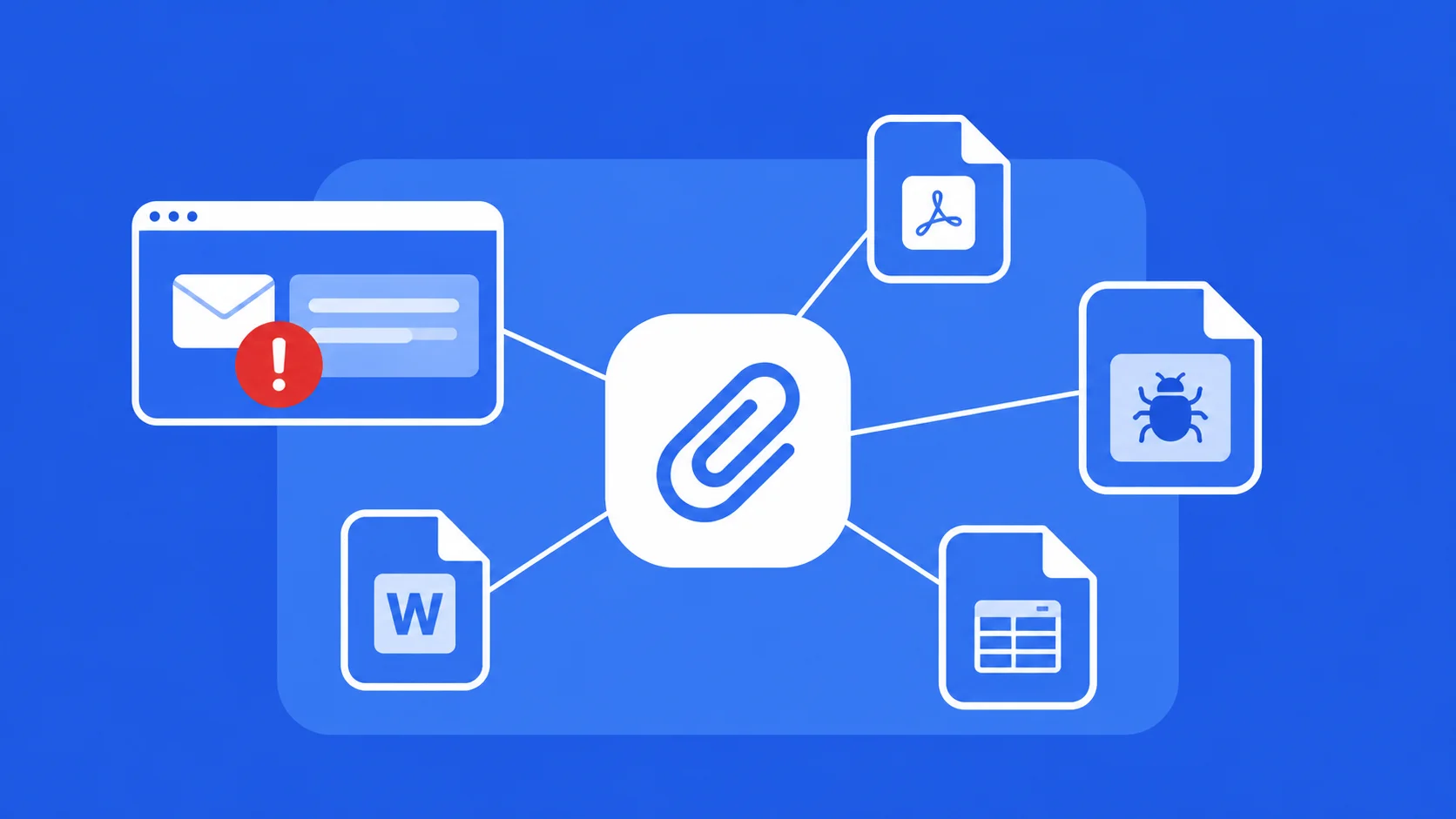
What is Attachment Phishing and How can you spot it?
Learn how attachment phishing works, which email attachments can be dangerous, how to spot suspicious files, and what to do if you open one.
Sep 18, 2026
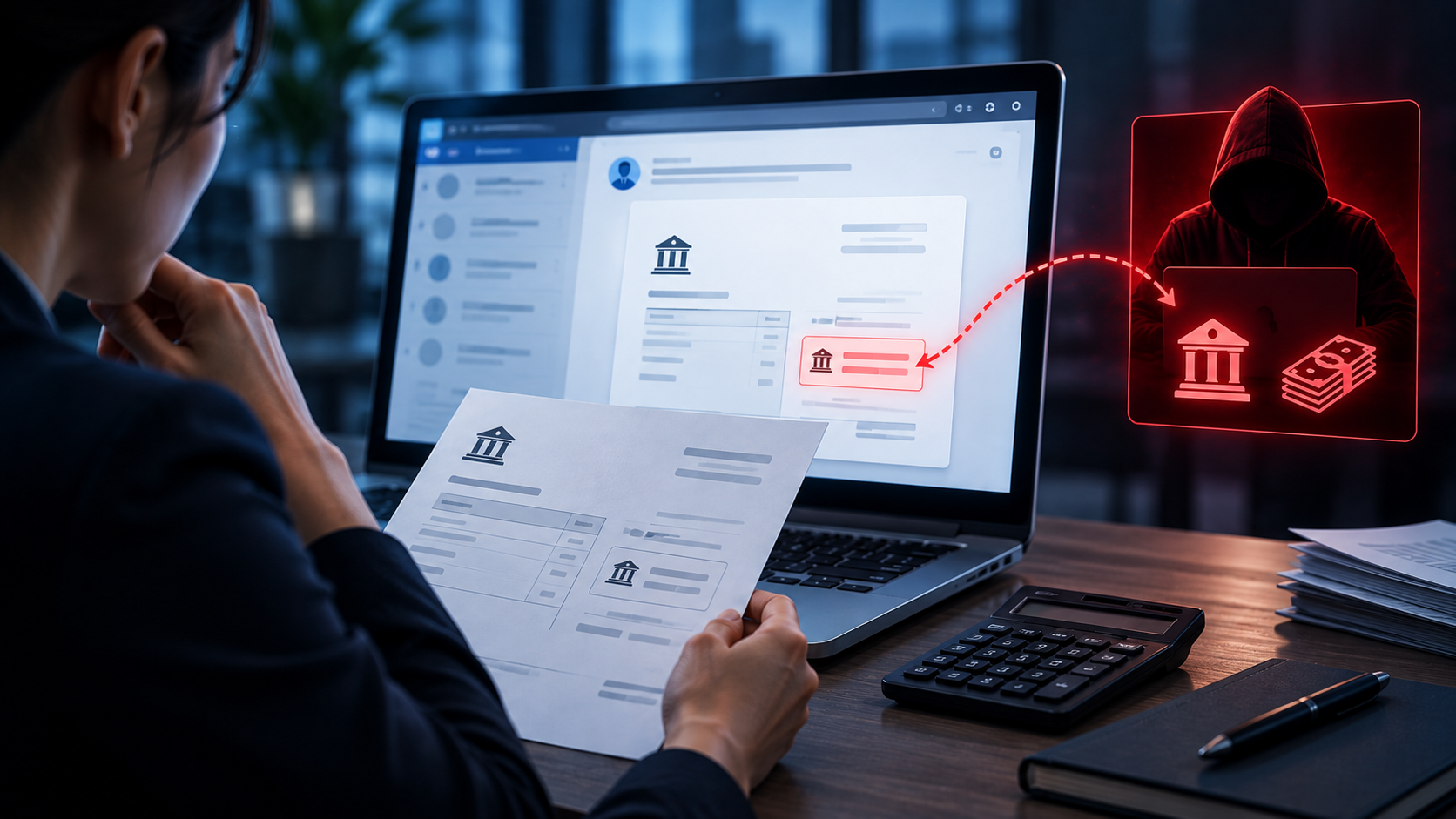
What is Invoice Fraud and How can employees spot it?
Learn how invoice fraud works, how attackers fake supplier payment requests, the warning signs employees should check, and how to verify invoices safely.

Sep 16, 2026
What is Payroll Phishing and How does it target HR?
Learn how payroll phishing targets HR teams, how fake salary and bank account requests work, the warning signs, and how employees can verify requests safely.