


The right people. The right access. No extra work.
ShieldNet Access gives visibility and control over access to internal business systems — ensuring only the right people, using secure devices, under right conditions, can connect.
How it works
Verify
ShieldNet Access verifies who the user is by checking practical signal such as account identity, device, and login location — to make sure it's really the right person.
Check
ShieldNet Access then checks whether the device and access conditions are safe before allowing the connection — preventing risky logins before they reach your systems.
Control
Once access is approved, users can access only the systems they're explicitly allowed to use — nothing more. If conditions change, access is automatically restricted.
Why ShieldNet Access

Controlled
Most break-ins happen because someone had more access than they should. ShieldNet Access makes sure that never happens — your systems stay completely hidden from anyone who hasn't been approved. No door to find. No way in.


Resources

Sep 25, 2026
I clicked a phishing link. What should I do now?
Clicked a phishing link? Learn what to do immediately, whether you entered a password or downloaded a file, and how to reduce the risk to your account and business.
Sep 24, 2026
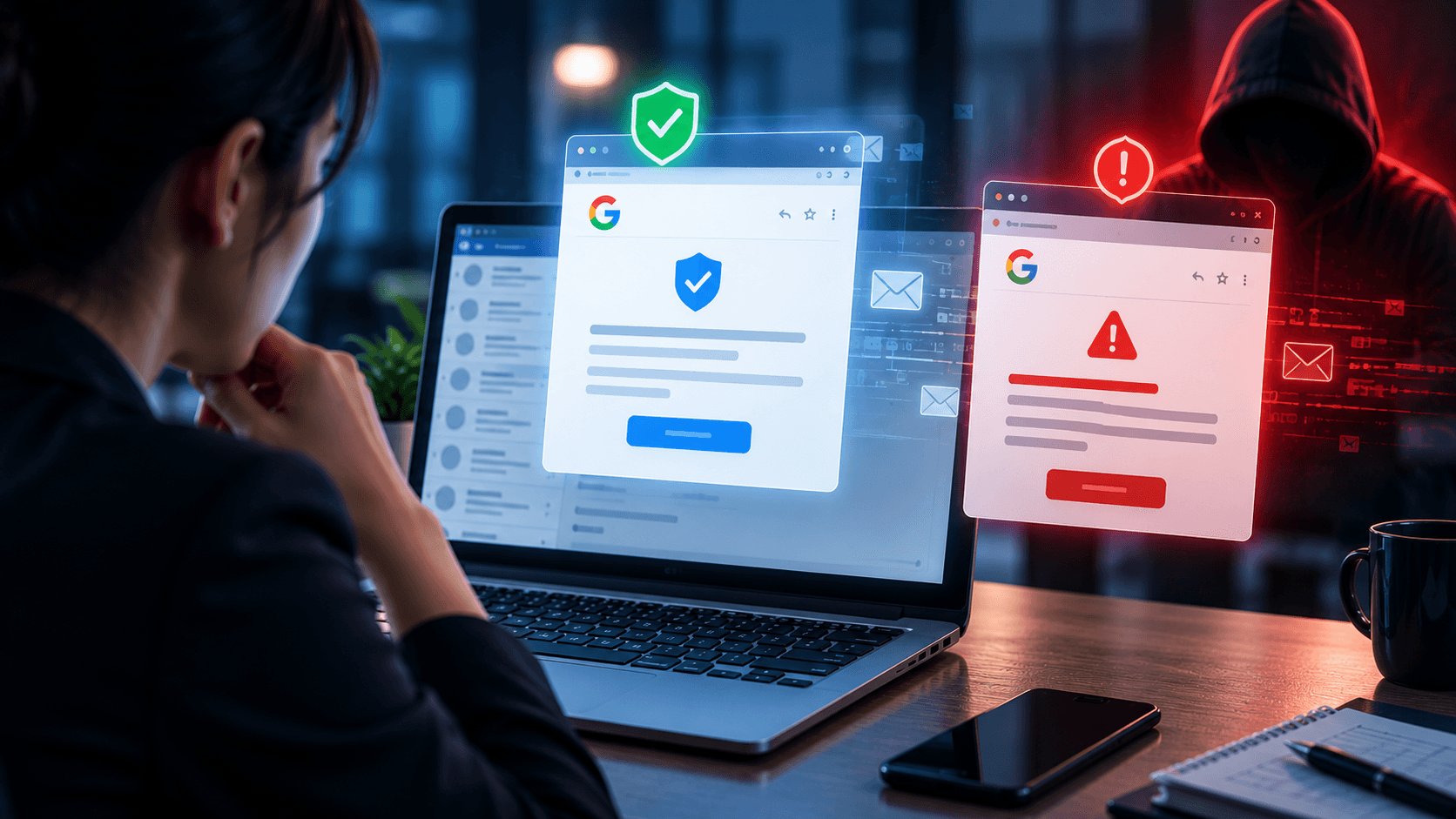
Real or Fake? Google Account Security Alert
Got a Google Account security alert? Learn how to tell if it is real or phishing, verify it safely, and protect your account without clicking suspicious links.
Sep 18, 2026
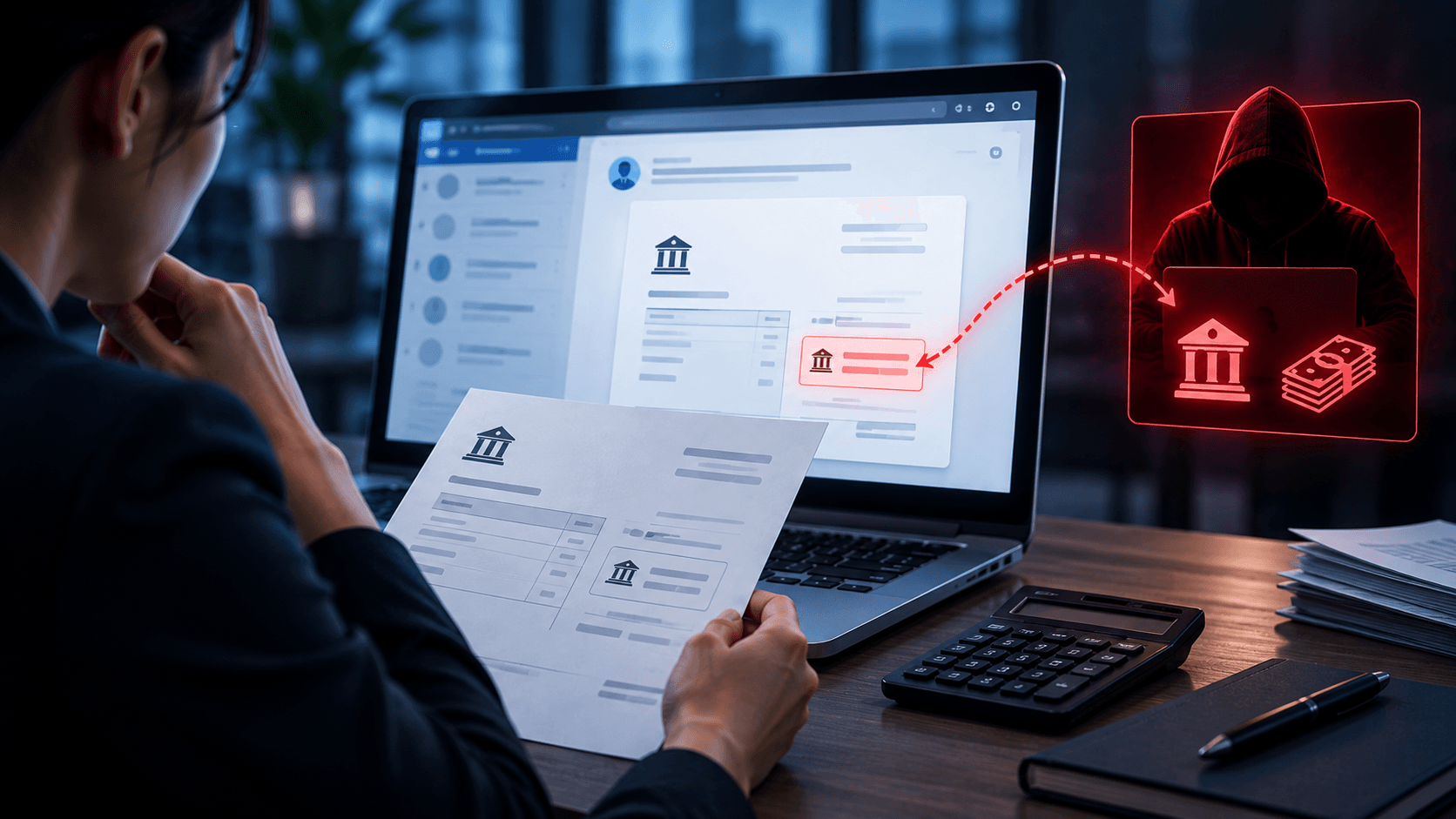
What is Invoice Fraud and How can employees spot it?
Learn how invoice fraud works, how attackers fake supplier payment requests, the warning signs employees should check, and how to verify invoices safely.
FAQs
We've gathered the most common questions about ShieldNet Access pricing and setup.

Protect your business logins with ShieldNet Access
Practical guides for SMEs on safer logins, reducing account takeovers, and running access reviews without spreadsheets.