
Jun 12, 2026
BlogWhat Is Smishing? SMS Phishing Explained (2026)
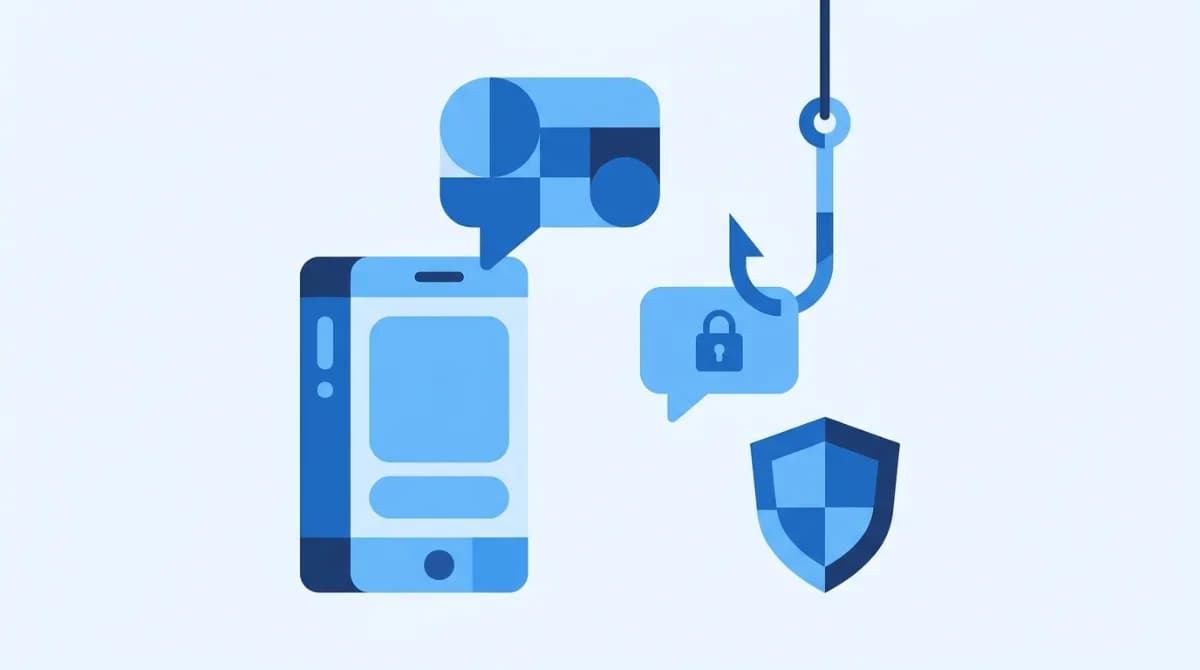
Smishing (SMS phishing) is a social-engineering attack that uses fake text messages to trick victims into clicking malicious links, revealing credentials or card details, or sending money. Attackers impersonate banks, delivery firms, toll agencies, and even your boss – and because people trust texts more than email, smishing now hits roughly 3 in 4 organizations every year.
The "your package couldn't be delivered" text. The "unpaid toll" notice. The "Hi, are you at your desk? Need a favor" from a number claiming to be your CEO. If your phone has buzzed with any of these, you've been smished. Here's the 2026 picture of SMS phishing: how it works, what the current scams look like, what to do if you already clicked, and how to keep it from becoming a business problem.
What is smishing?
Smishing is phishing carried out over SMS or messaging apps – the word mashes together "SMS" and "phishing." Like its email cousin, it's a social-engineering attack: the criminal impersonates someone you trust (a bank, FedEx, the tax authority, a colleague) and manufactures urgency to make you act before you think. The payload is usually a link to a fake login page that harvests credentials or card details, a malware download, or a direct request for money or codes.
It works disturbingly well, for one simple reason: we treat texts as personal. Decades of spam trained people to side-eye email, but a text still feels like something a real person sent. Proofpoint's State of the Phish research found that 75% of organizations experienced smishing attacks in 2023 (Proofpoint, 2024) – and the trend line since has only gone up.
How does a Smishing attack work?
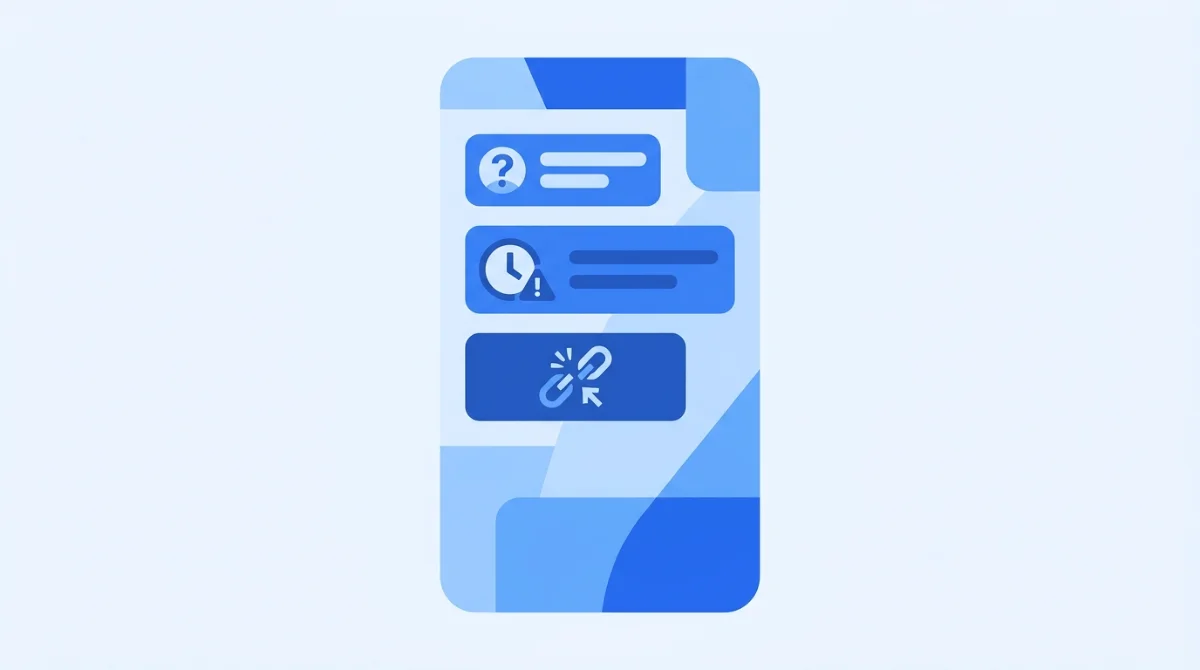
Almost every smishing attack runs the same three-act script:
- The impersonation. The message claims to come from a brand or authority you know – your bank, a courier, a government agency, your boss. Sender numbers are easily spoofed, rented from SMS gateways, or routed through email-to-text services, so the "from" field proves nothing.
- The bait. Something is urgently wrong: a locked account, a missed delivery, an unpaid toll, a suspicious transaction. Urgency is the whole game – fear and time pressure switch off skepticism.
- The goal. You're pushed to click a link (fake login page), call a number (a scammer answers), reply with information, or send money or gift cards.
Why text instead of email? The numbers explain it. SMS click-through rates run around 8.9–14.5%, versus roughly 2% for email (Klaviyo and Constant Contact benchmarks, 2024) – and phones make verification harder: you can't hover over a link to preview where it leads, and shortened URLs are normal in texts. Email filters also got good; SMS filtering is years behind. Attackers go where the clicks are.
One more 2026 reality: the old advice to "look for bad grammar" is dead. Criminals now draft flawless, brand-perfect messages using malicious AI tools like WormGPT – the typo-spotting era of phishing defense is over.
Why smishing keeps growing
Smishing is partly a story of attackers being squeezed out of other channels. When US regulators mandated the STIR/SHAKEN caller-authentication protocol in 2020, scam calls started arriving pre-labeled "Spam Likely" – so fraudsters migrated to texts, where no equivalent labeling existed. The FCC followed with its first rules targeting scam texting in 2023, requiring carriers to block messages from invalid and unused numbers, but filtering for SMS remains years behind email. Add two more accelerants – billions of phone numbers leaked through past breaches, and the rise of remote work putting company logins on personal phones – and you get exactly what the data shows: phishing's center of gravity sliding from the inbox to the message thread.
What are common examples of smishing? (2026 patterns)
The costumes change; the script doesn't. These are the patterns doing the damage right now:
- Bank fraud alerts. "We've detected unusual activity on your account – verify here." Bank impersonation is the single most-reported text scam, accounting for about 10% of reported smishing (FTC, 2023).
- Delivery and toll scams. A "missed package" needs a small redelivery fee, or you owe unpaid road tolls. The FBI issued a national warning about the toll-scam wave in 2024, and the template has since spread worldwide – including Gulf-region variants impersonating local couriers and toll systems.
- Business text compromise. The SMS version of CEO fraud: "It's [your boss]. I'm in a meeting – need you to handle an urgent payment / buy gift cards / send that client file." It skips the email security stack entirely by landing on a personal phone.
- MFA-code fraud. An attacker who already has your password triggers a login code, then texts you pretending to be support (or a friend "locked out") and asks you to read the code back. Anyone asking you to share a verification code is, definitionally, an attacker.
- Wrong-number long cons. "Sorry, is this Sarah?" The friendly correction becomes a weeks-long conversation that ends in a fake investment opportunity. Slow, patient, and devastatingly effective.
- Prize, refund, and fake-app scams. Free money if you just log in here, or a handy utility app that's actually malware.
Smishing vs phishing vs vishing – what's the difference?
Same con, different channel. Phishing is the umbrella term for deception-based attacks that steal information or money; smishing and vishing are its text and voice variants.
Phishing | Smishing | Vishing | |
|---|---|---|---|
Channel | Email (mainly) | SMS / messaging apps | Phone calls / voicemail |
Typical lure | Fake invoice, password reset | Delivery, bank alert, boss request | "Bank security desk", tech support, government threat |
Why it works | Volume + lookalike domains | Texts feel personal; links can't be previewed | Live pressure; AI voice cloning |
Defining tell | Sender domain doesn't match brand | Unknown number + urgency + link | Caller demands secrecy or immediate action |
Attackers increasingly chain the channels: a text warns "our security desk will call you" – and then the vishing call arrives, pre-legitimized by the smish.
What happens if you click a smishing link?
First: clicking alone is rarely fatal. Most smishing links lead to a fake login or payment page – the damage happens when you enter something. If you clicked, run this first-hour playbook:
- Close the page and enter nothing. If you typed nothing, you most likely lost nothing.
- If you entered credentials – change that password immediately, plus anywhere it's reused, and turn on multi-factor authentication. Stolen credentials get tested fast; early signs of misuse look exactly like what we describe in spotting account takeover early.
- If you entered card or bank details – call your bank using the number on your card (never the one that texted you), block the card, and watch for charges.
- If you downloaded anything – don't open it; run a reputable mobile security scan, and consider a factory reset for serious cases.
- Report it. Forward the text to 7726 (spells "SPAM"), the carriers' universal reporting number, and tell your IT or security contact if a work account could be involved.
How do you stop smishing as an individual?
The habit that beats nearly every variant: never act through the message itself. As IBM's security researchers put it, "the hackers perpetrating these attacks, sometimes called 'smishers,' know that victims are likelier to click text messages than other links" (IBM Think, 2024) – your click-reflex is precisely what's being farmed. Beyond that:
- Verify out-of-band. Real bank worried about fraud? Call the number on your card. Real package issue? Open the courier's app directly. Never act through the message itself.
- Treat verification codes like cash. No legitimate company or colleague will ever ask you to read one back.
- Use your phone's filters. iOS and Android both filter unknown senders; carrier spam tools catch more.
- Slow down on urgency. Urgency is the attack. Anything that can't wait ten minutes for verification is almost certainly fake.
How should a business protect against smishing?
Here's the part most smishing guides skip: your employees' phones are company endpoints now. The same device that gets the fake toll text also holds the Microsoft 365 session, the Slack login, and the authenticator app. One smished credential can become a company-wide incident by Monday.
Picture the realistic worst case: a finance clerk gets a flawless "CEO" text on a Saturday – right tone, right context, no typos, because it was AI-written. They reply, get a payment instruction, and by Monday the money is gone and the clerk's reused password is being tested against the company's Microsoft 365 tenant. Nothing in that chain touched the corporate email filter. That's why smishing is a business problem, not a personal-phone nuisance.
A sensible SMB defense stack:
- Awareness training with smishing simulations – not just email phishing tests. People can't recognize a pattern they've never practiced against.
- MFA everywhere – preferably phishing-resistant methods (authenticator apps or passkeys over SMS codes), so a stolen password isn't a skeleton key.
- A no-blame reporting culture – the employee who says "I think I just clicked something" within five minutes is your best security sensor. Punish the click and you'll never hear about the next one.
- Channel-aware email security. Smishing campaigns don't live in isolation – the same criminal infrastructure sends the emails, hosts the fake login pages, and harvests the credentials. Modern AI-driven email security like ShieldNet NGES maps and blocks that infrastructure where it's most visible (the inbox), cutting off campaigns that spill across channels.
FAQ
What is the difference between smishing and phishing?
Phishing is the general category of impersonation attacks that trick people into giving up information or money; smishing is phishing conducted specifically through SMS text messages instead of email. The psychology is identical – only the delivery channel changes.
What happens if you click on a smishing text?
Usually the link opens a fake login or payment page, and nothing bad happens until you enter information. If you clicked, don't type anything, change any passwords you may have exposed, enable MFA, contact your bank if card details were involved, and forward the text to 7726.
What is an example of smishing?
The most common is a fake bank alert: "Unusual activity detected on your account – verify your identity here," followed by a link to a counterfeit login page. Delivery-fee texts, unpaid-toll notices, and "it's your boss, I need a favor" messages are the other 2026 staples.
How do I stop smishing text messages?
Enable your phone's unknown-sender filtering, use your carrier's spam tools, report scam texts by forwarding them to 7726, and never reply – replying confirms your number is live and earns you more scams.
Why is smishing so effective?
Three reasons: people trust and open texts far more than email (SMS click rates run several times higher), phones make link inspection hard, and AI-generated messages have eliminated the spelling-and-grammar tells people were taught to look for.
Related Articles
Oct 22, 2026
Real or Fake? HR Asking You to Review Payroll
Got an email from HR asking you to review payroll? Learn how to identify fake payroll emails, verify HR requests, and protect your salary and bank details.
Oct 9, 2026
I replied to a phishing email. Am I at risk?
Replied to a phishing email? Learn what risks you face, what attackers can learn from your reply, and what to do next to protect your account and business.
Oct 8, 2026
Real or Fake? How to verify a sharepoint file invitation
Received a SharePoint file invitation? Learn how to spot fake SharePoint emails, verify shared files safely, and protect your Microsoft 365 account from phishing.

Protect your business with ShieldNet 360
Get started and learn how ShieldNet 360 can support your business.