
Sep 10, 2026
BlogCan a phishing email come from a real email address?
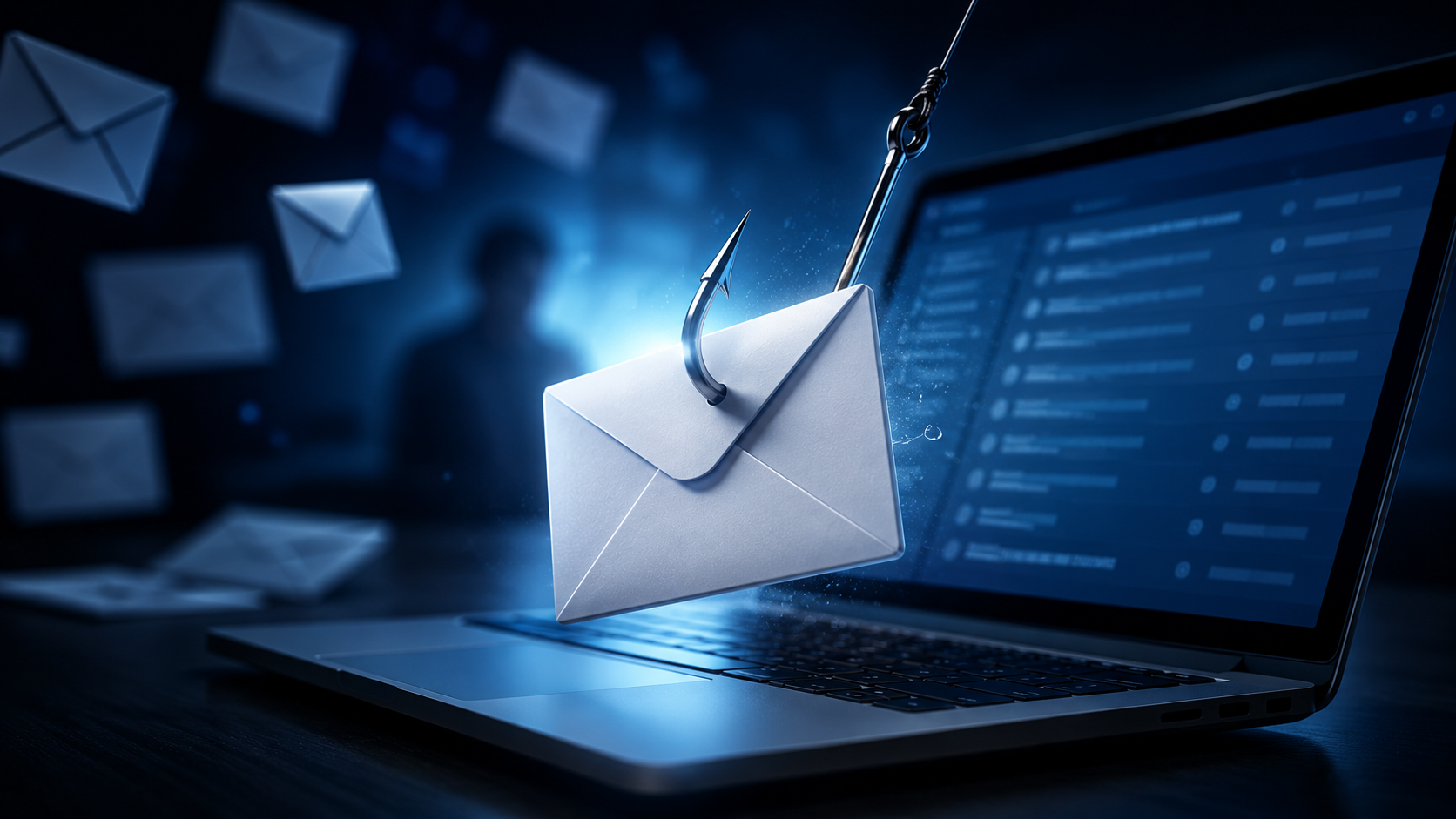
Most employees are taught one simple phishing rule:
Check the sender's email address.
It is useful advice – but it is no longer enough.
A phishing email can sometimes come from a real email address belonging to your colleague, manager, supplier, customer, or business partner.
How?
Because the attacker may have already taken control of that person's email account.
Instead of creating a fake address, the attacker simply uses the real account to send fraudulent messages.
That makes the attack much harder to recognize.
Quick Answer: Can Phishing Come From a Real Email Address?
Yes.
If an attacker gains access to a legitimate email account, they can use that account to send phishing emails.
The email may then have:
The correct sender address
The correct company domain
A real email signature
Previous conversation history
Real contacts and business information
This is why checking the sender address is important, but it should not be your only check.
Employees should also verify unusual requests, especially when they involve money, passwords, sensitive information, or changes to normal business processes.
How Can Hackers Send Phishing From a Real Account?
The attacker first needs access to the legitimate mailbox.
There are several ways this can happen.
1. The User's Password Was Stolen
A previous phishing attack may have already captured the employee's username and password.
The attacker can then use those credentials to access the real mailbox.
2. The Password Was Reused
An employee may use the same password across several services.
If one service suffers a data breach, attackers may try the leaked password on the employee's business email account.
If the password was reused, they may get access.
3. Malware Stole the Login Information
Malware on an employee's device can steal passwords, browser sessions, and other login information.
This may allow an attacker to access email without needing to guess the password.
4. The User Approved a Fake Login
Some phishing attacks attempt to trick employees into approving an unexpected login or authentication request.
Once the attacker gets access, they may be able to use the real mailbox.
5. A Supplier or Partner Was Compromised
Your own company's email does not need to be hacked for this attack to work.
An attacker might compromise:
A supplier
An accountant
A customer
A law firm
A business partner
They can then send phishing emails to your employees from a contact they already know and trust.
What Happens After an Email Account Is Compromised?
Attackers do not always send fraudulent emails immediately.
Sometimes they wait.
They may read the victim's inbox to understand:
Who they regularly communicate with
Who approves payments
Which suppliers the company uses
When invoices are normally sent
What projects are currently active
How employees communicate
Which conversations involve money or sensitive information
This information can make the next attack far more convincing.
For example, an attacker may discover an existing conversation between your Finance team and a supplier.
Instead of sending a random phishing email, they wait until a payment is due and reply:
“Please note that our bank details have changed. Use the account below for this invoice.”
The email comes from the supplier's real account.
The previous conversation is real.
The invoice may even be real.
Only the new payment instruction is fraudulent.
Why Is Phishing From a Real Email Address So Dangerous?
Traditional phishing awareness often teaches employees to look for obvious warning signs:
Strange sender addresses
Misspelled domains
Poor grammar
Unknown senders
Suspicious branding
Those checks are still useful.
But many of them may disappear when a legitimate account is compromised.
The employee sees a familiar person and thinks:
“I know this sender, so the email must be safe.”
That assumption is exactly what the attacker wants.
What Does a Real-Account Phishing Email Look Like?
There is no single format, but several scenarios are common.
Fake Payment Change
A supplier's real email account sends:
“We've changed banks. Please use these new payment details.”
Fake Document Sharing
A colleague's compromised account sends:
“Can you review this document before the meeting?”
The link leads to a fake login page.
Fake Executive Request
A manager's real account sends an urgent request for money or confidential information.
Fake Reply Inside a Real Conversation
The attacker replies directly to an existing email thread:
“Attached is the updated invoice.”
Because the conversation history is genuine, the message can be extremely convincing.
Internal Phishing
A compromised employee account sends phishing emails to other employees.
Internal messages may receive more trust because they come from the company's own email domain.
How Can You Spot Phishing If the Email Address Is Real?
When the sender address is legitimate, focus less on who sent the email and more on what the email is asking you to do.
Look for changes in behavior or business processes.
1. The Request Is Unexpected
A familiar person suddenly asks you to:
Reset your password
Open an unusual file
Visit a login page
Transfer money
Send confidential information
Ask yourself whether this request makes sense.
2. Payment Information Suddenly Changes
A supplier says their bank account has changed.
Even if the email address is correct, verify the change through another trusted channel.
3. The Sender Creates Unusual Urgency
Be cautious when a familiar contact suddenly says:
“Do this immediately.”
“Don't call me.”
“This is confidential.”
“We need payment in the next hour.”
Urgency is often used to prevent verification.
4. The Message Does Not Match Normal Behavior
Perhaps your manager normally shares documents through your company drive but suddenly sends an unfamiliar login link.
Or your supplier normally follows a specific payment process but suddenly asks you to bypass it.
The email address may be real.
The behavior is what is unusual.
5. The Email Asks You to Break Normal Procedures
This is one of the strongest warning signs.
For example:
Normal process: Two people approve payments.
Email request: “I'm traveling. Just process this one without approval.”
Security procedures should not disappear because an email says something is urgent.
How Should You Verify an Email From a Real Address?
If a trusted contact sends an unusual or sensitive request, verify the request itself.
Step 1: Do not interact with suspicious content
Avoid clicking links, opening unexpected attachments, scanning QR codes, or entering credentials until the request is verified.
Step 2: Consider the context
Ask:
Was I expecting this?
Is this normal for this person?
Does this follow our usual process?
Step 3: Use another communication channel
Call the person using a number you already know.
Message them through your normal internal communication tool.
For a supplier, use previously verified contact details.
Do not rely on a new phone number included in the suspicious email.
Step 4: Verify important changes separately
Always verify changes involving:
Bank accounts
Payment instructions
Passwords
Account access
Sensitive information
Confidential documents
Step 5: Report suspicious activity
If the sender says they did not send the email, report it immediately.
Their account may have been compromised, and other people may be receiving similar messages.
Is Checking the Sender Address Still Useful?
Yes.
Checking the sender address remains an important first step because many phishing attacks still use fake or lookalike addresses.
But the rule should not be:
“The address is correct, therefore the email is safe.”
A better rule is:
“Check the sender, then check the request.”
For sensitive actions, verify both.
Can MFA Prevent This Type of Attack?
Multi-factor authentication (MFA) can make account takeover harder and should be used where appropriate.
However, no single security measure removes every risk.
Attackers may still try to steal active sessions, trick users into approving authentication requests, or use other methods to gain access.
That is why businesses need multiple layers of protection, including strong authentication, email security, monitoring, clear approval processes, and employee awareness.
What Should You Do If Your Email Account Is Compromised?
If you suspect someone has gained access to your business email account, report it immediately.
Your IT or security team may need to:
Secure the account
End unauthorized sessions
Review recent login activity
Check whether settings were changed
Review emails sent from the account
Identify suspicious forwarding rules
Determine whether other accounts were targeted
Check whether sensitive information was accessed
The faster the account is investigated, the better the chance of limiting further damage.
The Important Lesson: Verify the Request, Not Just the Sender
Modern phishing is increasingly about abusing trust.
A familiar name is not enough.
A correct company domain is not enough.
Even a real email account is not always enough.
When an email asks for something sensitive, employees should consider both:
Who appears to be asking?
and
Does the request itself make sense?
For important requests, a quick independent verification can prevent a much larger security incident.
Frequently Asked Questions
Can hackers send phishing emails from a real email account?
Yes. If attackers compromise a legitimate mailbox, they can use it to send fraudulent messages from the real email address.
How do I know whether a real email account has been hacked?
From a single email, you may not know for certain. Look for unusual requests, unexpected links or files, changes to payment details, unusual urgency, or requests that do not follow normal business processes.
Is an email safe if the domain is correct?
Not necessarily. The domain may be legitimate while the individual account has been compromised.
Can phishing come from someone inside my company?
Yes. A compromised employee account can be used to send phishing emails to colleagues from the company's real email domain.
Should I reply to ask whether the sender really sent the email?
For sensitive requests, verify through another channel. If the account is compromised, the attacker may also receive and answer your reply.
What should I do if a supplier suddenly changes their bank account by email?
Do not rely on the email alone. Verify the change using previously trusted contact information and follow your company's normal payment verification process.
Related Articles
Oct 22, 2026
Real or Fake? HR Asking You to Review Payroll
Got an email from HR asking you to review payroll? Learn how to identify fake payroll emails, verify HR requests, and protect your salary and bank details.
Oct 9, 2026
I replied to a phishing email. Am I at risk?
Replied to a phishing email? Learn what risks you face, what attackers can learn from your reply, and what to do next to protect your account and business.
Oct 8, 2026
Real or Fake? How to verify a sharepoint file invitation
Received a SharePoint file invitation? Learn how to spot fake SharePoint emails, verify shared files safely, and protect your Microsoft 365 account from phishing.

Protect your business with ShieldNet 360
Get started and learn how ShieldNet 360 can support your business.