
Sep 7, 2026
BlogWhat is CEO fraud? How fake executive emails work
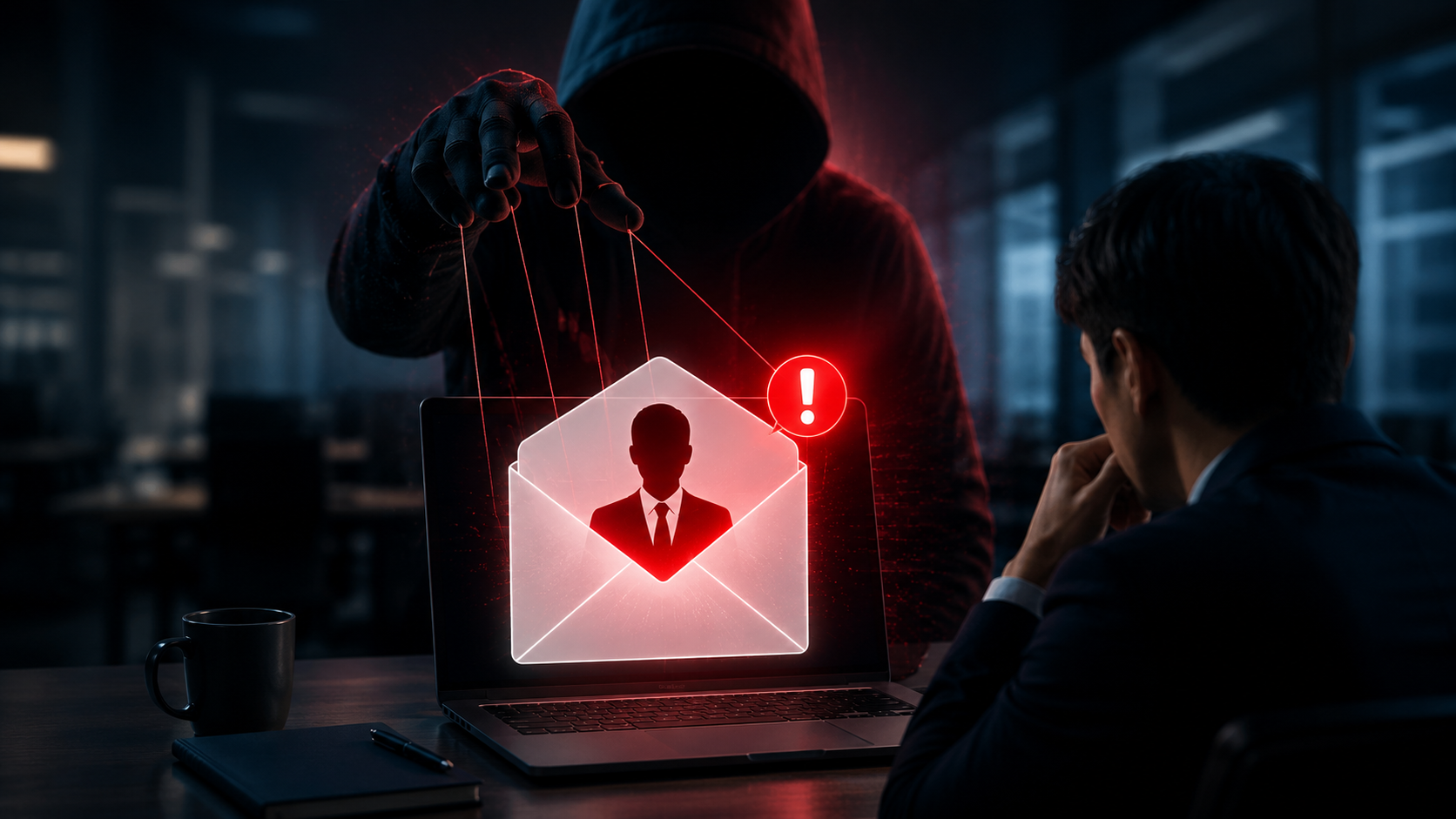
Imagine receiving this email from your CEO:
“I'm in a meeting and need this handled urgently. Please transfer the payment today. I'll explain later.”
The name is correct. The signature looks familiar. The request sounds important.
But the CEO never sent it.
This is CEO fraud, a type of email attack where criminals impersonate senior executives to convince employees to transfer money, disclose confidential information, or perform other sensitive actions.
Unlike obvious phishing emails, CEO fraud may contain no malicious link, attachment, or malware. The attacker simply needs the employee to trust the message.
That makes CEO fraud particularly difficult to spot.
Quick Answer: What is CEO fraud?
CEO fraud is an email attack where criminals pretend to be a CEO, founder, CFO, director, or another senior executive.
The attacker typically sends an urgent request involving money or sensitive information, such as:
Making an urgent payment
Changing bank details
Sending confidential documents
Sharing employee or customer information
Purchasing gift cards
Providing account or login information
The attack relies primarily on trust, authority, and urgency.
Is CEO Fraud the Same as Phishing?
CEO fraud is related to phishing, but it is usually more targeted.
Traditional phishing emails may be sent to thousands of people with the same message.
CEO fraud is often designed specifically for a particular organization or employee.
Attackers may research:
Who the CEO is
Who works in Finance
Who can approve payments
Who reports to whom
Which suppliers the business works with
How executives communicate publicly
They can then create a much more believable message.
CEO fraud is also commonly associated with Business Email Compromise (BEC), where attackers abuse or impersonate trusted business email accounts to commit fraud.
How Does CEO Fraud Work?
A typical CEO fraud attack can happen in several stages.
Step 1: The Attacker Researches the Company
The attacker first learns about the organization.
A surprising amount of useful information may already be publicly available through company websites, LinkedIn profiles, press releases, social media, job advertisements, and other sources.
For example, an attacker might discover:
CEO: John Smith
Finance Manager: Sarah Lee
Relationship: Sarah reports to John
The attacker now knows exactly who to impersonate and who to target.
Step 2: The Attacker Impersonates the Executive
The attacker creates an email that appears to come from the CEO.
Sometimes the display name is simply changed:
From: John Smith – CEO
But the underlying email address belongs to the attacker.
In other cases, attackers register a lookalike domain that closely resembles the real company's domain.
A more serious situation occurs when the executive's real mailbox has already been compromised. The fraudulent message may then come from the legitimate account.
Step 3: The Attacker Creates Urgency
CEO fraud often uses psychological pressure.
Common phrases include:
“This is urgent.”
“I need this completed before the meeting.”
“Please don't call me, I'm with a client.”
“This is confidential. Don't discuss it with anyone yet.”
These instructions are deliberate.
The attacker wants the employee to act before they have time to verify the request.
Step 4: The Employee Is Asked to Do Something Unusual
The attacker then makes the real request.
For example:
“Transfer $25,000 to this account.”
“Please send me the employee payroll file.”
“Buy ten gift cards for a client meeting.”
“We have new bank details for this payment.”
The employee may normally question such a request.
But because it appears to come from the CEO, the employee may feel pressure to comply.
Step 5: Money or Information Is Lost
If the employee follows the request, the attacker receives the money or information.
The company may not realize what happened until:
The real CEO asks about the transaction
Finance reconciles the account
A supplier says payment never arrived
Sensitive information appears somewhere unexpected
By then, recovering the money or controlling the data exposure may be much harder.
Why Does CEO Fraud Work?
CEO fraud exploits normal workplace behavior.
Employees are generally expected to:
Follow management instructions
Respond quickly
Help executives
Handle urgent requests
Respect confidential matters
Attackers turn these normal behaviors against the business.
The attack becomes especially convincing when it combines three elements:
Authority + Urgency + Secrecy
For example:
“This is for a confidential acquisition. I need the transfer completed in the next 30 minutes. Please don't discuss it with anyone until I call you.”
There may be nothing technically malicious inside the email.
The danger is the request itself.
Common Examples of CEO Fraud
Urgent Payment Request
The “CEO” asks Finance to make an urgent transfer for a confidential project or transaction.
Gift Card Scam
The “CEO” asks an employee to purchase gift cards for employees, customers, or an upcoming meeting and send the codes by email.
Confidential Document Request
The attacker asks HR, Finance, Legal, or another department to send confidential documents.
Employee Data Request
The “CEO” asks HR to send employee records, payroll information, tax documents, or other personal information.
Bank Account Change
The attacker asks Finance to use different banking information for an upcoming payment.
Fake Business Transaction
The attacker claims the business is working on a confidential acquisition, investment, legal matter, or supplier transaction that requires an urgent payment.
8 Warning Signs of a Fake Executive Email
CEO fraud can be sophisticated, but employees should pay particular attention when several of these signs appear together:
Unexpected urgency – The executive suddenly needs something completed immediately.
Requests for secrecy – You're told not to discuss the request with colleagues.
Unusual payment instructions – You're asked to use a new bank account or payment method.
An unusual communication style – The wording or tone feels different from the executive's normal communication.
A strange email address – The display name is correct, but the actual sender address is unfamiliar.
Requests to bypass normal procedures – The email asks you to skip approvals or verification.
Unusual requests for sensitive information – The executive suddenly wants payroll, customer data, passwords, or confidential files.
Pressure not to verify – The sender says they cannot take a call or insists that you act immediately.
One sign alone does not automatically mean the email is fraudulent.
But multiple unusual signals should trigger verification.
How to Verify an Email From Your CEO
If an email asks you to transfer money, change payment information, provide confidential data, or perform another sensitive action, verification should be simple.
1. Do not act immediately
Urgency is one of the attacker's strongest tools.
Take a moment to check the request.
2. Check the full email address
Do not trust the display name alone.
Look at the actual sender address and domain.
3. Ask whether the request is normal
Does your CEO normally request payments this way?
Would they normally ask you to send this information?
Does the request follow company procedures?
If not, verify it.
4. Contact the executive through another channel
Call their known phone number or use your normal company communication platform.
Do not use a new phone number provided in the suspicious email.
A simple question can stop the entire attack:
“Did you just ask me to make this payment?”
5. Follow the normal approval process
An email marked “urgent” should not override payment controls.
If two approvals are normally required, continue requiring two approvals.
6. Report suspicious emails
If the request turns out to be fraudulent, report it quickly so the business can determine whether other employees received similar messages.
Can CEO Fraud Come From the CEO's Real Email Address?
Yes.
This is one reason CEO fraud can be difficult to detect.
If attackers compromise an executive's actual email account, they may send messages from the legitimate address.
In this situation:
Checking the sender address alone is not enough.
Employees also need to consider:
Is the request expected?
Does it follow normal business procedures?
Is the amount unusual?
Is the CEO asking for secrecy?
Has payment information suddenly changed?
For high-risk requests, verification should focus on the request itself, not just the email address.
What Should You Do If Money Has Already Been Sent?
Act quickly.
Notify the company's Finance, IT/security team, and management immediately.
If a bank transfer was involved, contact the bank or payment provider as soon as possible to determine whether the transaction can be stopped or recalled.
The organization should also investigate:
Which email accounts were involved
Whether an account was compromised
Whether other fraudulent emails were sent
Whether sensitive information was exposed
Whether the attacker still has access
Do not delete the suspicious email. It may contain useful information for the investigation.
Technology Helps, but Business Processes Matter Too
Email security can help identify suspicious senders, dangerous links, unusual behavior, and other signs of an attack.
But CEO fraud highlights an important lesson:
Not every cyberattack contains malware.
Sometimes the attacker simply sends a convincing request.
Businesses therefore need both security technology and clear processes.
For example:
Email says: “Change the supplier's bank account.”
Business process says: “Bank account changes must be verified by phone.”
That simple rule can stop an attack even when the email looks completely legitimate.
Key Takeaways
CEO fraud works because attackers impersonate people employees already trust.
The email may look professional, contain no malware, and sometimes even come from a legitimate compromised account.
The strongest defense is therefore not simply looking for spelling mistakes or suspicious links.
Employees should pay attention to unusual requests involving:
Money → Sensitive data → Credentials → Bank changes → Secrecy → Urgency
When something feels unusual, verify it through another trusted channel before taking action.
Frequently Asked Questions
What is CEO fraud?
CEO fraud is an email attack where criminals impersonate a CEO or another senior executive to convince employees to transfer money, disclose sensitive information, or perform another valuable action.
Is CEO fraud a phishing attack?
CEO fraud can be considered a targeted form of phishing or Business Email Compromise. Unlike traditional phishing, it often relies heavily on impersonation and social engineering rather than malicious links.
Can CEO fraud contain no link or attachment?
Yes. Many CEO fraud emails simply contain instructions asking an employee to transfer money, purchase something, or send confidential information.
How can I tell whether an email from my CEO is fake?
Check the sender address, look for unusual urgency or secrecy, consider whether the request follows normal procedures, and verify sensitive requests with the executive through another trusted communication channel.
Can CEO fraud come from a real company email account?
Yes. If an executive's mailbox is compromised, an attacker may send fraudulent requests from the real account. This is why important requests should still follow established verification procedures.
What should employees do if they receive a suspicious CEO email?
Do not make the payment or send sensitive information immediately. Verify the request using a trusted channel and report the suspicious email according to company procedures.
Related Articles

Oct 22, 2026
Real or Fake? HR Asking You to Review Payroll
Got an email from HR asking you to review payroll? Learn how to identify fake payroll emails, verify HR requests, and protect your salary and bank details.

Oct 9, 2026
I replied to a phishing email. Am I at risk?
Replied to a phishing email? Learn what risks you face, what attackers can learn from your reply, and what to do next to protect your account and business.
Oct 8, 2026
Real or Fake? How to verify a sharepoint file invitation
Received a SharePoint file invitation? Learn how to spot fake SharePoint emails, verify shared files safely, and protect your Microsoft 365 account from phishing.

Protect your business with ShieldNet 360
Get started and learn how ShieldNet 360 can support your business.