
Sep 4, 2026
Blog10 types of email attacks every employee should know
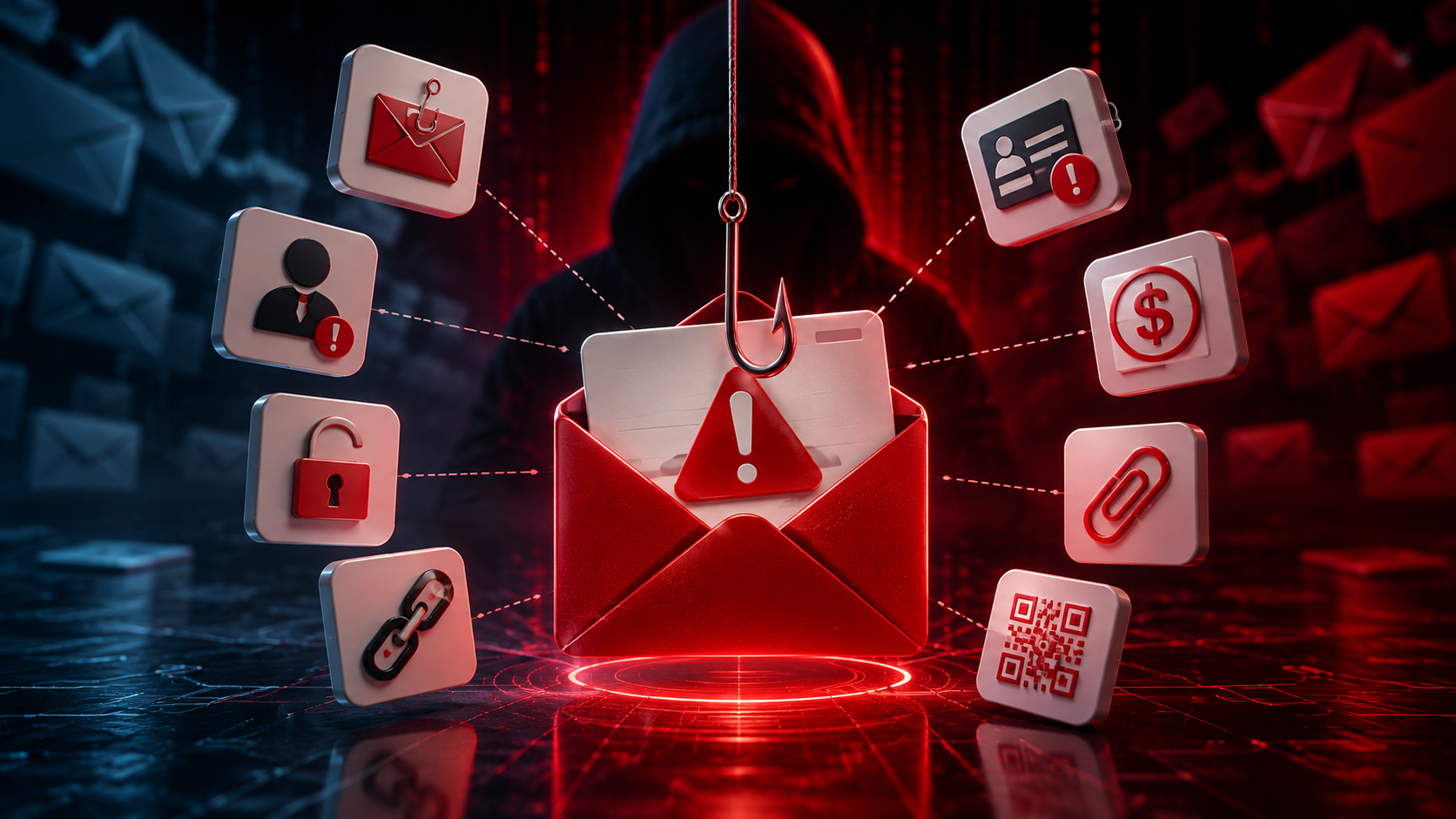
Email remains one of the easiest ways for attackers to reach a business.
They do not always need to break through complicated security systems. Sometimes, they simply need one employee to click a link, open a file, enter a password, approve a payment, or reply with sensitive information.
Modern phishing emails can also look surprisingly professional. They may use familiar company names, copy real email designs, impersonate executives, or even appear inside an existing email conversation.
That is why employees do not need to become cybersecurity experts – but they should understand the most common types of email attacks and know when to stop and verify a request.
Here are 10 types of email attacks every employee should know.
Quick Answer: What Are the Most Common Types of Email Attacks?
Common email attacks include:
Phishing
Spear phishing
Business Email Compromise (BEC)
CEO fraud
Invoice and payment fraud
Credential phishing
Email spoofing and domain impersonation
Malicious attachments
QR code phishing
Email thread hijacking
Although these attacks work differently, most have the same goal: make the employee trust the message and take an action that benefits the attacker.
1. Phishing
Phishing is one of the most common email attacks.
Attackers send emails designed to look like legitimate messages from organizations such as banks, delivery companies, cloud providers, or online services.
The email may claim:
Your password is expiring.
Your account has been locked.
You have an unpaid invoice.
A document has been shared with you.
You need to verify your account.
The attacker wants you to click a link, open a file, or provide information.
How to recognize it
Be careful when an unexpected email creates urgency and immediately asks you to click, sign in, download something, or provide information.
2. Spear Phishing
Normal phishing may target thousands of people.
Spear phishing targets a specific person, department, or organization.
Before sending the email, attackers may research the company through websites, social media, or publicly available information.
The email could mention:
Your real name
Your job title
Your manager
A real project
A customer or supplier
Because the message contains familiar information, it can feel much more believable.
How to recognize it
Do not assume an email is legitimate simply because it contains accurate information about you or your company.
Pay attention to what the sender is asking you to do.
3. Business Email Compromise (BEC)
Business Email Compromise is designed to abuse trusted business relationships.
An attacker may compromise a real email account or convincingly impersonate an employee, supplier, executive, or business partner.
The attacker then uses that trust to request something valuable.
For example:
“Please process this payment today.”
or:
“We have changed our bank account. Please use these new payment details.”
BEC can be particularly dangerous because there may be no malicious attachment or obvious phishing link.
The attack is based on trust and manipulation.
How to recognize it
Treat unexpected requests involving money, bank details, sensitive information, or unusual business processes as high risk.
Verify them through another trusted communication channel.
4. CEO Fraud
CEO fraud is a type of impersonation attack where the attacker pretends to be a CEO, founder, manager, or other senior executive.
A typical email might say:
“I'm in a meeting. I need you to handle this urgently.”
The attacker relies on authority and urgency.
Employees may be less likely to question a request when they believe it comes from senior management.
How to recognize it
Urgency from an executive should not override normal company procedures.
If a request involves payments, credentials, confidential information, or an unusual task, verify it directly.
5. Invoice and Payment Fraud
In this attack, criminals impersonate a supplier, customer, or internal finance employee.
The email may contain:
A fake invoice
New bank details
A payment reminder
A changed payment account
An urgent transfer request
More sophisticated attacks may occur after criminals compromise a real supplier's mailbox and observe legitimate conversations.
The fraudulent request can then arrive at exactly the right moment.
How to recognize it
Never approve a bank-account change based only on an email.
Confirm payment changes through an established process or contact the supplier using a previously verified phone number.
6. Credential Phishing
Credential phishing is designed specifically to steal usernames and passwords.
The email often contains a link to a fake login page that looks like a familiar service such as Microsoft 365 or Google Workspace.
The employee enters their credentials.
The fake website sends them directly to the attacker.
The attacker can then attempt to access the real account.
How to recognize it
Be cautious when an email unexpectedly asks you to sign in.
Instead of using the link in the message, open the service or application directly through your normal method.
7. Email Spoofing and Domain Impersonation
Attackers often make emails appear to come from someone you recognize.
This can happen through several methods.
A display-name impersonation might show:
John Smith – CEO
even though the underlying email address belongs to someone else.
A lookalike domain might replace or add a character so that the address looks almost identical to the legitimate company domain.
Employees who only glance at the sender's name may miss the difference.
How to recognize it
Check the full sender address, not only the display name.
Pay particular attention to the domain when the message requests sensitive actions.
8. Malicious Attachment Attacks
Some emails try to convince employees to open a dangerous attachment.
It may appear to be:
An invoice
A CV
A purchase order
A contract
A delivery document
A spreadsheet
A shared business file
Opening a malicious file can lead to malware infection or other security problems.
How to recognize it
Ask yourself:
Was I expecting this file?
An attachment from a familiar-looking sender is not automatically safe, especially if the email is unexpected.
Verify unusual attachments with the sender through a trusted channel before opening them.
9. QR Code Phishing
QR code phishing, sometimes called quishing, places a QR code inside an email instead of a normal link.
The message might say:
Scan to reset your password.
Scan to review a document.
Scan to confirm MFA.
Scan to view your invoice.
The QR code may lead to a fake login page.
This can be particularly effective because the employee often scans the code with a mobile phone and moves away from the protections available on the work computer.
How to recognize it
Treat unexpected QR codes like unexpected links.
Do not scan simply because the email says the action is urgent.
10. Email Thread Hijacking
This attack can be particularly convincing.
An attacker compromises a real mailbox and replies inside an existing email conversation.
Imagine you have exchanged emails with a supplier for several weeks.
One day, you receive another reply in the same thread:
“Please see the updated invoice attached.”
Everything looks familiar because much of the conversation is real.
But the latest message may have been sent by an attacker.
How to recognize it
A familiar email thread does not guarantee that a new request is safe.
Pay attention when the conversation suddenly introduces:
A new payment account
An unexpected attachment
A new login link
A request for confidential information
A major change to the normal process
Verify unusual changes separately.
How Can You Tell If an Email Is Phishing?
There is no single sign that proves every suspicious email is phishing.
Instead, look at the whole situation.
Ask yourself:
Was I expecting this email?
Do I know the sender?
Does the actual email address match the person or company?
Is the message creating unusual urgency?
Is it asking for a password, payment, MFA approval, or sensitive information?
Is this request consistent with our normal business process?
Can I verify it another way?
The more unusual elements appear together, the more carefully the email should be treated.
How to Verify a Suspicious Email Safely
If an email feels suspicious, avoid interacting with it until you verify the request.
A simple process is:
Do not click, reply, scan the QR code, or open attachments yet.
Check the actual sender address and domain.
Look carefully at what the email is asking you to do.
Requests involving passwords, payments, sensitive information, bank-account changes, or urgent downloads deserve extra attention.
Contact the sender through a trusted channel.
Use a saved phone number, company directory, or an existing trusted conversation. Do not rely on contact details provided in the suspicious email.
Open the official service directly.
If the email says there is a problem with Microsoft 365, Google, your bank, or another service, open the official application or website yourself rather than clicking the email link.
Follow your normal business process.
An urgent email should not be enough to bypass established approval procedures.
Report the message if you are still unsure.
Employees should not have to decide alone whether a sophisticated email is malicious.
What If You Already Clicked?
Do not ignore it.
What you should do depends on what happened.
If you only opened the email, the risk may be different from entering your password, opening an attachment, approving MFA, or sending money.
Tell your IT or security contact exactly what you did.
For example:
“I clicked the link but did not enter anything.”
is much more useful than:
“I think I received a phishing email.”
The faster the business understands what happened, the faster it can check the account or device and reduce potential damage.
Email Security Is Also About Employee Awareness
Technology plays an important role in detecting dangerous emails, but employees are still part of the process.
The goal should not be to make every employee a security expert.
Instead, employees should understand a few simple principles:
Stop when something feels unusual.
Verify important requests through another channel.
Do not let urgency bypass normal processes.
Report mistakes quickly instead of hiding them.
Every suspicious email can also become an opportunity to understand how modern phishing works and recognize similar attacks more quickly in the future.
Key Takeaways
Email attacks do not all look the same.
Some contain malicious links. Others use attachments, QR codes, fake invoices, compromised accounts, or even completely legitimate email conversations.
The common factor is usually trust.
Attackers want employees to believe the email long enough to take the next step.
Understanding the most common types of email attacks – and knowing how to verify unusual requests – can significantly reduce that risk.
Frequently Asked Questions
What is the most common type of email attack?
Phishing is one of the most common categories of email attack. Attackers impersonate trusted organizations or people to convince recipients to click, sign in, download files, send information, or take other actions.
Can a phishing email come from a real email address?
Yes. If a legitimate mailbox has been compromised, attackers may send phishing or fraudulent messages directly from the real account.
Can an email be dangerous without a link or attachment?
Yes. Business Email Compromise and CEO fraud may simply use written instructions to convince an employee to transfer money or reveal sensitive information.
How can I verify whether an email is real?
Avoid interacting with the message first. Check the sender, consider whether the request is expected, and verify important requests using a trusted communication channel that does not rely on information contained in the suspicious email.
Should I click a link to check whether it is legitimate?
No. If you are unsure about a message, avoid clicking the link just to investigate it. Open the official service directly or ask your IT/security contact for help.
What should I do if I clicked a phishing email?
Report it immediately and explain exactly what happened, including whether you entered a password, downloaded a file, approved MFA, provided information, or made a payment. Fast reporting can significantly improve the organization's ability to respond.
Related Articles
Oct 9, 2026
I replied to a phishing email. Am I at risk?
Replied to a phishing email? Learn what risks you face, what attackers can learn from your reply, and what to do next to protect your account and business.
Oct 8, 2026
Real or Fake? How to verify a sharepoint file invitation
Received a SharePoint file invitation? Learn how to spot fake SharePoint emails, verify shared files safely, and protect your Microsoft 365 account from phishing.
Oct 1, 2026
I paid a fake invoice. What should my business do?
Paid a fake invoice? Learn what your business should do immediately to contact the bank, preserve evidence, secure accounts, investigate the fraud, and reduce further losses.

Protect your business with ShieldNet 360
Get started and learn how ShieldNet 360 can support your business.