
Mar 20, 2026
BlogWhat is a security automation platform for SMEs?
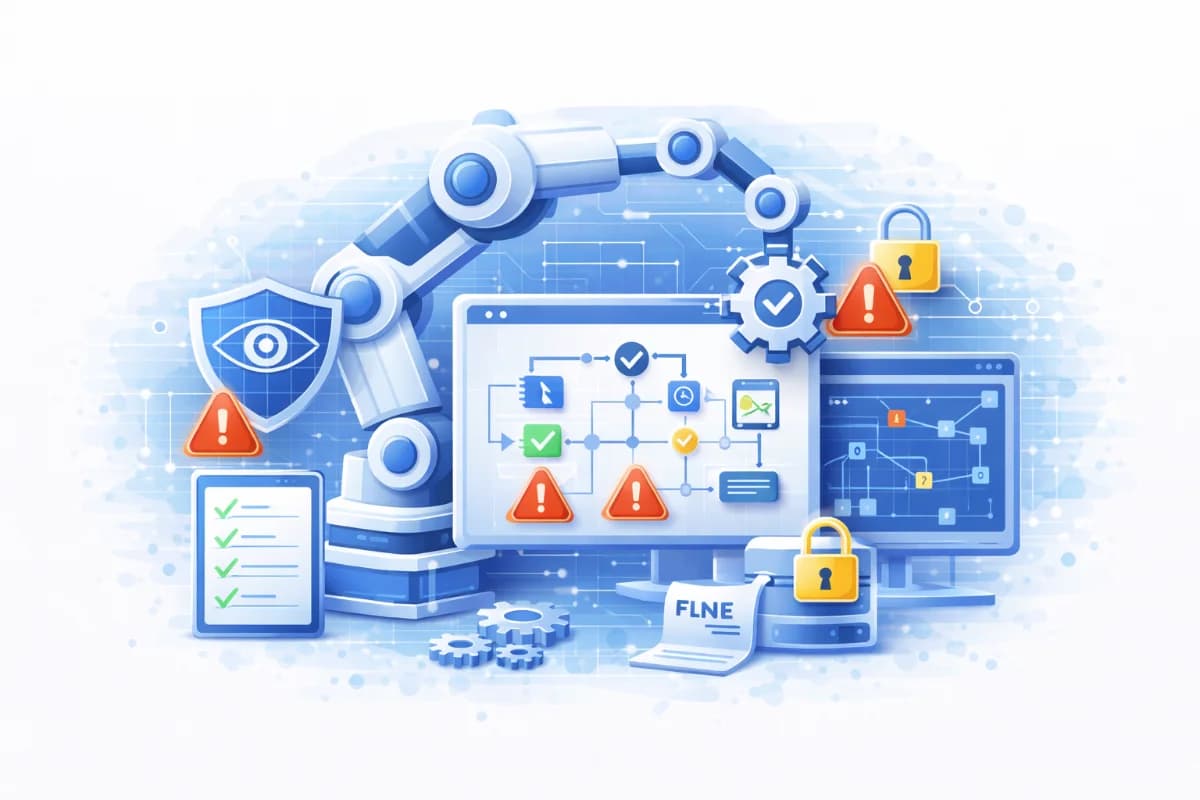
Security automation platform for SMEs: security orchestration, automated incident response, and security playbooks that turn alerts into clear incident workflows.
A security automation platform is a system that helps SMEs turn scattered security alerts into clear incident workflows: triage, enrich, and respond. Instead of having people copy information between tools at 2 a.m., the platform standardizes steps, routes incidents to the right owner, and can perform safe actions automatically. The goal is not to “automate everything,” but to reduce noise, speed up first response, and produce consistent evidence of what happened and what was done.
Why this topic matters
SMEs are increasingly overwhelmed by alerts because modern environments include email, cloud apps, endpoints, and vendors, each generating its own notifications. Without a system, responders waste time reconstructing context, deciding severity, and repeating the same steps for every incident. This leads to alert fatigue, slow response, and higher after hours risk, especially for account takeover and email compromise. A security automation platform matters because it transforms alerts into incidents with a consistent workflow and a consistent owner, which is how small teams behave like larger security operations teams.
Imagine a 120 person company where IT manages security part time. A suspicious sign in alert arrives from email, a separate alert flags mailbox rule creation, and another alert flags unusual file downloads. Each alert looks moderate alone, so nobody escalates until morning, and the attacker has hours of free time. With a security automation platform, those alerts are correlated into one incident, enriched with user role and asset criticality, routed to the on call owner, and the first safe steps like revoking sessions and forcing re authentication can be executed quickly. This reduces business impact without requiring a 24/7 staffed team.
Key factors and features to consider
Plain language incidents: Turning signals into a story
A major benefit of a security automation platform is the ability to translate technical alerts into plain language incidents that non specialists can act on. Instead of showing five raw alerts, the platform can summarize: “Possible account takeover: suspicious sign in, new mailbox forwarding rule, and unusual downloads.” SMEs need this because responders are often generalists, and clarity reduces hesitation. When incidents are written in plain language, security playbooks become easier to follow and incident response becomes faster.
Security orchestration: Connecting tools and data sources
Security orchestration is the capability to connect your existing tools email security, identity logs, endpoint protection, ticketing, and cloud logs so incidents can be handled in one workflow. For SMEs, orchestration matters because most time is lost switching tabs and copying evidence, not in the final action itself. Good orchestration pulls context automatically: what account was involved, what device, what recent changes, and what similar activity exists. This reduces manual work and increases consistency, especially during automated incident response.
Security playbooks: Repeatable workflows that anyone can run
Security playbooks are step by step response scripts that define triage, enrichment, containment, and recovery actions for specific incident types. In SMEs, playbooks are often the difference between calm response and chaotic improvisation, because they remove guesswork in the first hour. A good security automation platform can run playbooks automatically up to safe checkpoints, then request human approval for disruptive actions. When playbooks are standardized and reviewed, they also create strong evidence of audit ready operations.
Automated incident response: Speed with controlled risk
Automated incident response means the platform can take certain actions without waiting for a human, such as collecting logs, opening a ticket, revoking sessions, quarantining a malicious email, or isolating a device. SMEs should prioritize reversible actions first, because they reduce risk of accidental disruption. For example, forcing re authentication is often safer than disabling accounts outright, and quarantining a specific message is safer than blocking an entire domain without review. The best
platforms support phased automation, where you start with enrichment and routing, then expand to safe containment once false positives are understood.
Evidence and accountability: proving what happened and what you did
SMEs increasingly need evidence management for customers, insurers, and audits. A security automation platform can automatically record timeline, actions taken, approvals, and supporting evidence, which reduces the burden on responders. This matters because post incident reporting is often where SMEs struggle, especially when incidents happen after hours and people forget details. When the platform records actions as they happen, you get a defensible incident narrative with less manual effort, strengthening compliance posture.
Detailed comparisons or explanations
Security automation platform vs “scripts” and manual workflows
Many SMEs start with scripts and checklists, which can help, but they often break under pressure because they depend on people remembering steps and copying data correctly. A security automation platform differs because it centralizes workflow, pulls context automatically, enforces approvals, and records evidence consistently. Scripts can still be part of the solution, but they usually lack visibility, governance, and reliable integration across tools. For SMEs, the platform approach becomes more valuable as alert volume grows and as the need for consistent response increases.
A practical example is investigating a suspicious sign in. A manual approach might involve checking email logs, identity logs, and endpoint status separately, then writing a ticket from scratch. A platform can automate enrichment by fetching sign in history, checking whether the device is known, listing recent mailbox rules, and packaging evidence into one incident card. That reduces time to triage and reduces the chance of missing a key clue, which is exactly what automated incident response is meant to improve.
Security orchestration and the triage → enrich → respond workflow
The triage → enrich → respond model is a simple way to evaluate whether a security automation platform will actually help your team. Triage is deciding whether the incident is real and how urgent it is. Enrich is collecting context account role, asset criticality, related alerts, and recent changes so responders can make accurate decisions quickly. Respond is executing containment and recovery actions with safe guardrails and approvals. Security orchestration is what makes this flow work end to
end across tools, because without orchestration you cannot enrich reliably or respond consistently.
For SMEs, the best time savings usually comes from enrichment and routing, not from aggressive auto blocking. Enrichment can cut investigation time because responders see a coherent story instead of raw alerts. Routing ensures the right person is notified with the right evidence, reducing delays caused by handoffs. When those two steps are stable, response automation becomes safer and more effective because the platform has enough context and confidence to act without breaking business operations.
When SMEs should adopt a platform and when they should wait
SMEs should consider a security automation platform when alert volume is high enough to create fatigue, when investigations require multiple tools, or when response depends on a few individuals who hold tribal knowledge. Another trigger is when customers demand evidence and consistent incident handling, because a platform makes evidence capture repeatable. If your team lacks basic logging, clear ownership, and a minimal incident response plan, you may need to strengthen those foundations first. A platform amplifies what you already do; it does not replace fundamental hygiene like strong login protection and tested backups.
A realistic readiness check is whether your team can handle the “top three incident types” with a repeatable process today. If not, start by writing short playbooks and defining owners. If yes, a platform can automate enrichment and evidence capture, making the process faster and less dependent on one person. This is how SMEs avoid buying automation that becomes shelfware because workflows were never defined.
Best practices and recommendations
· Start with plain language incident definitions and a small set of incident types you see most often
· Build 3 5 security playbooks: suspicious sign in, mailbox rule change, malware detection, unusual downloads, and vendor account risk
· Use security orchestration to enrich incidents automatically with user role, device context, and related alerts
· Implement automated incident response in phases: enrich first, then route, then automate reversible containment
· Require approvals for disruptive actions until false positives are measured and understood
· Review monthly metrics: time to triage, time to contain, false positives, and after hours escalations
To apply these steps, begin with your most common and most costly incidents, because automation delivers the fastest ROI there. Write playbooks that specify the first 15 30 minutes of actions and the evidence to collect, then implement orchestration to gather that evidence automatically. After that, automate safe actions like session revocation and message quarantine, and keep higher impact actions behind approvals. This approach improves speed without creating accidental outages, which is the biggest fear SMEs have with automation.
· Safe automation examples: collect logs, open a ticket, tag severity, revoke sessions, force re authentication, quarantine a specific email
· Higher risk actions requiring approval: disable accounts, block domains globally, isolate critical servers, or revoke broad vendor access
· Evidence artifacts to store automatically: incident timeline, actions taken, approvals, affected systems, and remediation tasks
These lists help SMEs implement automation responsibly. Safe automation reduces manual work and shortens the attacker’s time window, especially after hours. Approval gates protect business continuity until you gain confidence and tune detections. Automatic evidence artifacts support audit readiness and reduce post incident reporting burden, which is often overlooked but expensive in time and credibility.
FAQ
Is a security automation platform the same as a ticketing system?
No, a ticketing system tracks work, but a security automation platform executes and enforces incident workflows. The platform can create tickets, attach evidence, route incidents, and run playbooks, while the ticketing system is usually the destination for assignment and documentation. SMEs benefit when the platform connects alerts to tickets automatically with context and recommended next steps. This reduces manual writing and speeds incident triage.
What does “security orchestration” mean in plain language?
Security orchestration means connecting your security and IT tools so they work together in one workflow instead of in separate dashboards. In plain terms, it lets you pull the right evidence automatically, correlate related alerts, and trigger response steps without switching between systems. For SMEs, orchestration is often the main source of time savings because it reduces copying, pasting, and missed context. It also improves consistency because everyone sees the same incident story.
How do security playbooks help a small team?
Security playbooks help by turning “what should we do now?” into a short set of repeatable steps for common incidents. They define triage checks, the evidence to collect, and the first containment actions, so responders do not improvise under stress. For SMEs, playbooks also reduce reliance on one expert and make after hours response less chaotic. When implemented in a security automation platform, playbooks can run automatically up to safe checkpoints.
What is the safest way to start automated incident response?
The safest way is to start with enrichment and routing, then add reversible containment actions only after you measure false positives. Begin by automating log collection, incident creation, severity tagging, and ticket creation, because these steps reduce work without disrupting operations. Next, automate actions like session revocation or forcing re authentication, which are typically reversible. Keep disruptive actions behind approval gates until confidence is proven.
When is a security automation platform not worth it for SMEs?
It may not be worth it if alert volume is low; investigations are rare, or your team lacks the foundations needed for automation, such as reliable logging and defined incident ownership. If you do not have basic playbooks, the platform will not know what to automate and will become an expensive dashboard. SMEs should invest first in strong login protection, tested backups, and a basic incident workflow, then add automation when it will reduce measurable effort. The platform is most valuable when it shortens triage time and improves consistency.
Conclusion
A security automation platform helps SMEs turn alerts into plain language incident workflows by standardizing triage → enrich → respond steps, connecting tools through security orchestration, and running security playbooks with safe automation. The best approach is phased: enrich and route first, then automate reversible actions, and require approval for disruptive steps until accuracy is proven. When implemented well, automated incident response reduces alert fatigue, improves after hours readiness, and strengthens evidence for audits and customer reviews. If you want a practical next step, write three playbooks for your most common incidents and evaluate platforms based on how well they orchestrate enrichment and support safe, explainable automation.
Related Articles

Sep 10, 2026
Can a phishing email come from a real email address?
Yes, phishing emails can come from real email accounts. Learn how attackers hijack trusted accounts, what warning signs to check, and how to verify emails safely.
Sep 9, 2026
How to verify a suspicious email without clicking anything
Learn how to verify a suspicious email safely without clicking links, opening attachments, scanning QR codes, or replying to the sender.

Sep 7, 2026
What is CEO fraud? How fake executive emails work
Learn how CEO fraud works, how attackers impersonate executives by email, the warning signs to watch for, and how employees can verify suspicious requests.

Protect your business with ShieldNet 360
Get started and learn how ShieldNet 360 can support your business.