
Oct 22, 2026
BlogReal or Fake? HR Asking You to Review Payroll
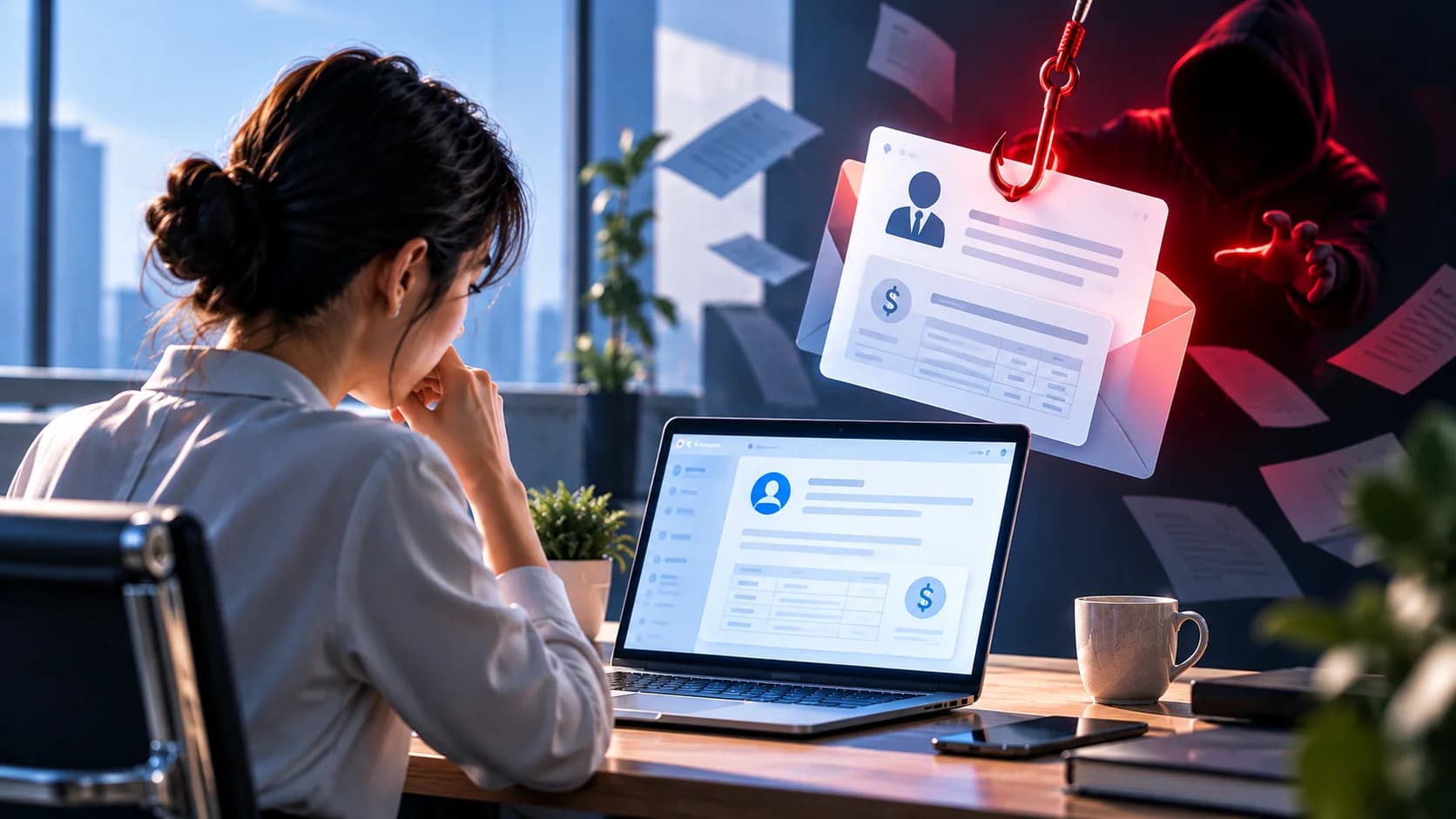
You receive an email that appears to come from your company's HR department.
The subject says:
"Action Required: Please Review Your Payroll Information"
The email explains that your salary details need to be verified before the next payday.
It includes a button:
"Review Payroll Details"
You recognize the company name. The email looks professional. And because it involves your salary, you don't want to ignore it.
But what if the email isn't really from HR?
Cybercriminals frequently impersonate HR departments to trick employees into opening fake payroll portals, entering login credentials, or sharing sensitive personal and banking information.
Some attacks even aim to change the bank account where your salary is deposited.
So how can you tell whether a payroll review request is legitimate?
The safest approach is to verify the request through your company's official HR system or a trusted HR contact before clicking anything.
Quick Answer: How Can I Tell If an HR Payroll Email Is Fake?
If you receive an unexpected email asking you to review or update payroll information:
Don't click the link immediately.
Check the sender's full email address, not just the display name.
Ask whether HR normally requests payroll updates this way.
Be cautious of urgent deadlines or threats of delayed salary payments.
Open your company's official HR or payroll portal independently.
Contact HR through an existing trusted channel to confirm the request.
Never enter your password, verification code, or bank details into an unverified website.
Report suspicious emails to IT or security.
Remember:
A payroll email can look completely professional and still be fraudulent.
What Is an HR Payroll Phishing Email?
An HR payroll phishing email is a fraudulent message designed to look like a legitimate communication from your company's Human Resources or Payroll department.
The attacker may claim that employees need to:
Review their salary information
Confirm their bank account
Update direct deposit details
Verify a payslip
Review a new compensation policy
Complete an employee payroll form
Confirm personal information before payday
The email usually encourages employees to click a link or open an attachment.
The destination may be a fake login page, fraudulent payroll form, or malicious file.
The attacker's objective may be to steal account credentials, obtain personal information, redirect salary payments, or gain access to business systems.
What Does a Fake HR Payroll Email Look Like?
Here's a typical example.
Payroll Department
Example: Suspicious email
From: HR Payroll <[email protected]>
Subject: Urgent Payroll Verification Required
Dear Employee,
Our payroll system has recently been updated. To ensure your salary is processed correctly, please review and confirm your payroll information before the end of today.
Failure to complete verification may result in a delay in your next salary payment.
Review Payroll Information
Thank you,
HR Payroll Team
At first glance, this might seem reasonable.
But several details deserve attention:
The message creates urgency.
It threatens a salary delay.
It asks employees to use a link.
The sender's domain may not match the company's official domain.
The request may not follow the company's normal HR process.
A legitimate HR department may occasionally ask employees to update information. The difference is whether the request can be independently verified.
7 Warning Signs of a Fake HR Payroll Email
1. The Email Threatens to Delay Your Salary
A common tactic is to create anxiety about getting paid.
For example:
"Your salary payment will be suspended unless you verify your details within 24 hours."
Attackers know that salary-related messages get attention.
A genuine payroll issue can be time-sensitive, but threats or unusually short deadlines should prompt verification.
2. The Sender's Email Address Looks Different
The display name might say:
HR Department
But the actual address could be:
instead of your company's established domain.
Look for unusual spelling, extra words, or unfamiliar domains.
However, a familiar address alone does not prove the message is legitimate. Attackers can also compromise real employee accounts.
3. The Email Asks You to Log In Through an Unexpected Link
The message may direct you to a page resembling:
Microsoft 365
Workday
SAP SuccessFactors
ADP
Your company's internal HR portal
The page may look identical to the real service.
If you enter your username and password, the attacker may capture them.
Never assume a login page is safe simply because it looks familiar.
4. You're Asked to Reconfirm Bank Account Details
Be particularly cautious if an unexpected email asks you to enter:
Bank account number
Account holder name
Bank name
Salary payment details
Other financial information
The attacker may attempt to redirect your next salary payment.
5. The Request Doesn't Match Your Company's Normal Process
Perhaps your company normally uses an internal HR portal.
But the email asks you to complete a form on an unfamiliar website.
Or HR usually communicates through Teams, but you suddenly receive a request from an external email address.
An unexpected change in process deserves verification.
6. The Email Requests Passwords or MFA Codes
HR may legitimately require employees to sign in to a payroll system.
However, HR should not need you to send your account password or one-time authentication code by email.
A request to disclose passwords or MFA codes is a strong warning sign.
7. The Email Contains an Unexpected Attachment
Some fake payroll emails include files such as:
Payroll_Update.zip
Salary_Review.html
Compensation_2026.xlsm
Employee_Verification.pdf
The file may contain a malicious link, request credentials, or attempt to deliver malware.
A familiar file type does not automatically make an attachment safe.
Real vs. Fake HR Payroll Email: What Should You Check?
What to check | More reassuring | Warning sign |
Sender | Confirmed through a trusted HR contact | Unknown or suspicious domain |
Payroll request | Matches a known HR process | Unexpected request or unusual procedure |
Link | Official portal accessed independently | Unfamiliar login page |
Bank details | Changes handled through approved procedures | Urgent request to enter banking details |
Deadline | Normal HR communication | Threats of immediate salary suspension |
Credentials | Secure authentication through approved systems | Requests to disclose passwords or OTPs |
Verification | HR confirms independently | Cannot confirm with HR |
Important: Even a legitimate sender address can be used in an attack if the account has been compromised.
How to Verify a Payroll Email Without Clicking the Link
You don't need to follow the email's instructions immediately.
Step 1: Check Your Company's Normal Payroll Process
Ask yourself:
Does HR usually send this type of email?
Do we have an official employee portal?
Have employees been informed about a payroll update?
If the request is unexpected, verify it.
Step 2: Check the Full Sender Address
Inspect the sender's actual email address.
Don't rely on the display name or company logo.
But remember that even a legitimate account may be compromised.
Step 3: Open the Payroll Portal Yourself
Instead of clicking the email link, open your company's official HR or payroll system through:
A saved bookmark
The company intranet
Your usual HR application
Another company-approved access method
Check whether any action is required.
Step 4: Contact HR Through a Trusted Channel
If you're unsure, send a message through an existing internal channel or call the HR contact you already know.
For example:
"I received an email asking me to review my payroll information before payday. Can you confirm whether HR sent this request?"
Do not use a new phone number or contact link supplied only in the suspicious email.
Step 5: Report the Email if It Cannot Be Verified
If HR confirms that the message is fake, report it through your company's security process.
Other employees may have received the same email.
Can a Fake Payroll Email Come From the Real HR Account?
Yes.
A payroll phishing attack does not always involve a fake email address.
If an attacker compromises an HR employee's Microsoft 365 or Google Workspace account, they may send fraudulent requests from that legitimate mailbox.
The email may include:
The real HR employee's name
The company's actual email domain
A familiar email signature
A genuine conversation history
A convincing payroll request
This is why checking the sender address alone is insufficient.
Verify unexpected requests involving credentials, personal information, or bank details, even when they appear to come from HR.
What Do Attackers Want From Fake Payroll Emails?
1. Your Login Credentials
Attackers may create a fake HR portal or Microsoft 365 sign-in page.
Once they obtain your credentials, they may attempt to access your business account.
2. Your Salary Payments
An attacker may trick you into entering a new bank account for salary deposits.
If the change is processed, your salary could be sent to an account controlled by the attacker.
3. Your Personal Information
Fake payroll forms may collect:
Full name
Home address
Date of birth
Identification details
Employee ID
Bank information
This information can be used for identity-related fraud or more targeted scams.
4. Access to Business Systems
A compromised employee account may give attackers opportunities to access internal documents, business communications, or other connected systems, depending on permissions.
5. Information for Future Attacks
Even limited information about an employee's role, department, or payroll process may help attackers impersonate HR more convincingly.
What Should I Do If I Already Clicked a Fake Payroll Email?
The response depends on what happened afterward.
Scenario 1: I Clicked the Link but Entered Nothing
If you only opened the page:
Close the suspicious website.
Don't interact with it further.
Report the incident to IT/security.
Explain whether anything downloaded automatically or behaved unexpectedly.
Simply opening a link does not automatically mean your account has been compromised, but it still deserves attention.
Scenario 2: I Entered My Work Password
If you entered credentials on a suspicious website:
Stop using the page.
Open the legitimate service independently.
Change the exposed password immediately.
Notify IT/security.
Follow instructions for reviewing account activity and revoking suspicious sessions.
If the password was reused elsewhere, those accounts may also need to be secured.
Scenario 3: I Entered an MFA Code or Approved a Login
Report the incident immediately.
An attacker may have attempted to use your verification code or authentication approval to sign in.
Do not assume the account is safe simply because MFA was enabled.
Scenario 4: I Entered My Bank Details
Contact HR or Payroll through an established trusted channel immediately.
Ask them to verify:
Whether your payroll bank account was changed
Whether a payment is pending
Whether any unauthorized change needs to be reversed
If financial account information may have been exposed, you may also need to contact your bank.
Scenario 5: I Downloaded or Opened an Attachment
Stop interacting with the file.
Tell IT/security what you downloaded, whether you opened it, and whether you enabled any content or installed anything.
Follow your company's instructions for checking or isolating the device.
Scenario 6: I Submitted Personal Information
Report exactly what you provided.
Your organization may need to assess the exposure and determine appropriate protective steps.
How Can Fake Payroll Emails Affect a Business?
Payroll phishing is not only an employee problem.
A successful attack can lead to:
Stolen employee credentials
Unauthorized payroll bank-account changes
Diverted salary payments
Exposure of employee personal information
Compromised business email accounts
Additional phishing attacks against colleagues
Fraudulent financial requests
Disruption to payroll operations
HR and Finance teams may also be targeted directly.
For example, an attacker may impersonate an employee and ask Payroll to change the bank account receiving their salary.
This is why both employees and payroll administrators need strong verification procedures.
How Can Businesses Prevent Payroll Phishing?
1. Establish a Trusted Payroll Update Process
Employees should know exactly where to review or change payroll information.
Avoid relying on unexpected email links for sensitive updates.
2. Require Verification for Bank Account Changes
Payroll bank-detail changes should follow an approved process with appropriate authentication and independent confirmation.
A simple email request should not be sufficient to redirect salary payments.
3. Protect HR and Employee Accounts
Use strong authentication, appropriate access controls, and monitoring for suspicious account activity.
HR and Payroll accounts deserve particular attention because of their access to sensitive employee information.
4. Use Email Security
Email security solutions can help detect impersonation, phishing links, suspicious requests, and signs of compromised accounts.
For more advanced attacks, organizations should also investigate unusual communication patterns and account behavior rather than relying only on sender reputation.
5. Train Employees to Recognize Payroll Scams
Employees should know that:
Payroll requests can be fraudulent.
Familiar logos do not prove authenticity.
A real email account may be compromised.
Passwords and MFA codes should not be shared.
Bank-account changes require verification.
6. Make Suspicious Email Reporting Easy
Employees should know where to report:
"I received an unexpected email asking me to review my salary information."
Early reporting can help protect other employees before they respond.
A 30-Second Payroll Email Safety Checklist
Before reviewing your payroll details, ask:
Expected? Was I informed about a payroll update?
Sender? Can I independently verify that HR sent this?
Process? Is this how our company normally handles payroll?
Link? Am I being directed to an unfamiliar website?
Credentials? Is the email asking me to disclose passwords or verification codes?
Bank details? Am I being asked to change or reconfirm payment information unexpectedly?
Verification? Can I confirm the request through our official HR system?
If you're unsure:
Don't click → Open the official HR portal → Verify with HR → Report if suspicious.
Key Takeaways
An email asking you to review payroll information may be legitimate.
But attackers frequently impersonate HR because salary-related requests attract attention and may involve valuable personal, financial, and account information.
The most important lesson is:
Don't verify payroll information through an unexpected email link. Verify the request through your company's trusted HR process.
A familiar logo, professional email design, or even a legitimate HR sender address is not enough to guarantee safety.
Frequently Asked Questions
How can I tell if an HR payroll email is fake?
Check whether you expected the request, whether it follows your company's normal payroll process, and whether HR can independently confirm it. Be cautious of unfamiliar links, urgent threats, and unexpected requests for bank details or credentials.
Does HR normally ask employees to verify payroll information by email?
Some organizations send legitimate payroll reminders or notifications. However, sensitive changes should be completed through the company's approved payroll process rather than through unverified email links.
Can a fake payroll email come from my company's real HR address?
Yes. If an HR mailbox is compromised, an attacker may send fraudulent requests from the legitimate account.
What if I entered my bank details on a fake payroll website?
Contact HR/Payroll immediately to check whether your salary payment details were changed. Report the incident to IT/security and contact your bank if financial information may have been exposed.
What if I entered my Microsoft 365 password?
Change the exposed password through the legitimate service, notify IT/security immediately, and follow the organization's instructions for securing the account.
How can companies prevent payroll phishing?
Use verified payroll-update procedures, independently confirm bank-account changes, protect HR accounts, deploy email security, and train employees to verify unusual requests.
Related Articles
Oct 9, 2026
I replied to a phishing email. Am I at risk?
Replied to a phishing email? Learn what risks you face, what attackers can learn from your reply, and what to do next to protect your account and business.
Oct 8, 2026
Real or Fake? How to verify a sharepoint file invitation
Received a SharePoint file invitation? Learn how to spot fake SharePoint emails, verify shared files safely, and protect your Microsoft 365 account from phishing.
Oct 1, 2026
I paid a fake invoice. What should my business do?
Paid a fake invoice? Learn what your business should do immediately to contact the bank, preserve evidence, secure accounts, investigate the fraud, and reduce further losses.

Protect your business with ShieldNet 360
Get started and learn how ShieldNet 360 can support your business.