
Aug 26, 2026
BlogPassword attacks every business should know
A cyberattack does not always begin with sophisticated malware.
Sometimes, all an attacker needs is a password.
Once criminals obtain an employee's credentials, they may be able to access email, cloud applications, customer information, financial documents, and other business systems while appearing to be a legitimate user.
For small and medium-sized businesses (SMEs), understanding common password attacks is therefore an important part of protecting the business.
The challenge is that password attacks come in many forms. Attackers may guess passwords, reuse credentials leaked elsewhere, trick employees into revealing them, or steal them directly from infected devices.
Here are the password attacks every business should understand – and what can be done when a password is compromised.
Quick Answer: What Are Password Attacks?
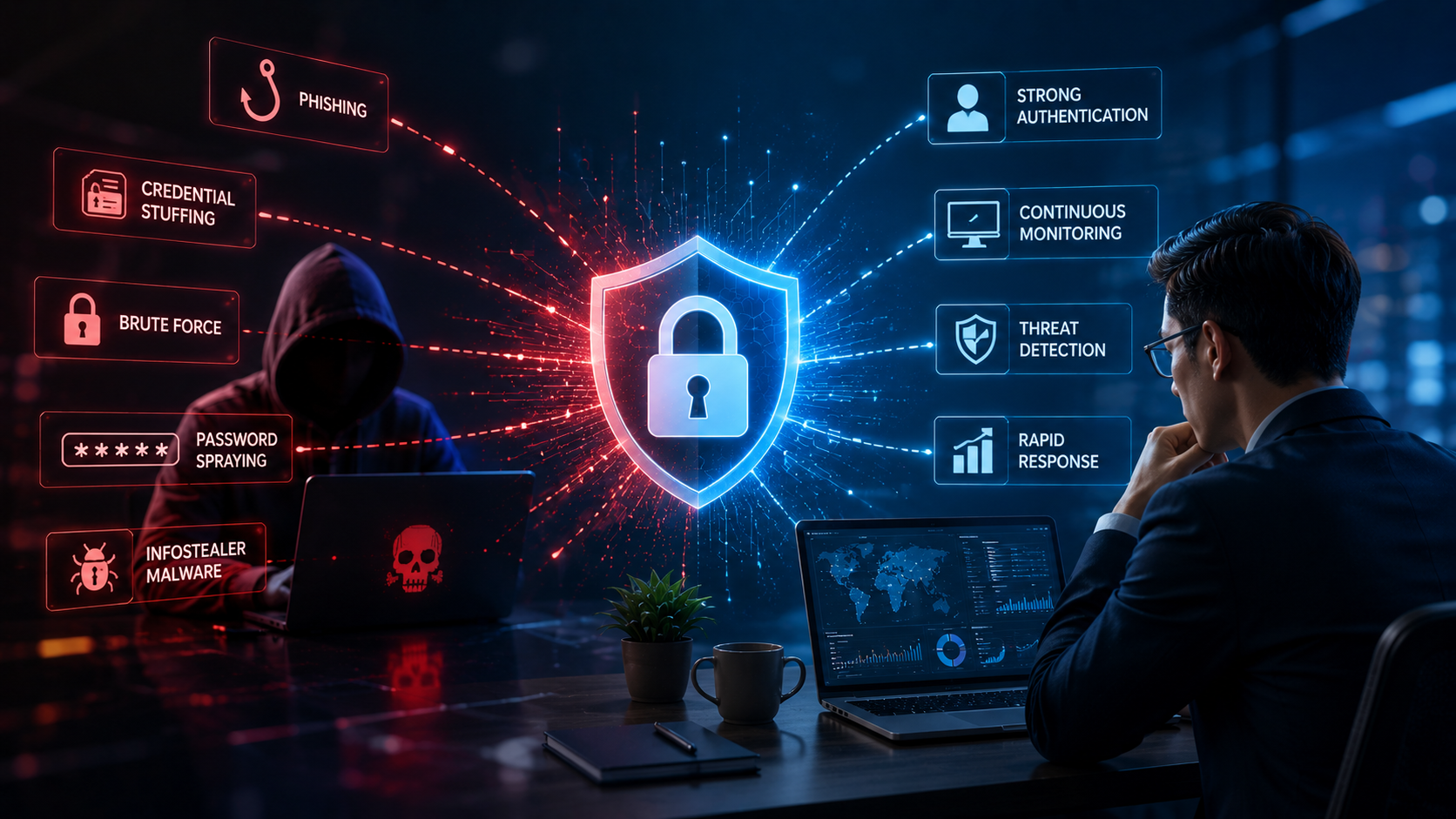
Password attacks are attempts to obtain, guess, steal, or reuse login credentials to gain unauthorized access to an account. Common methods include phishing, credential stuffing, password spraying, brute-force attacks, and credential theft through malware.
Once attackers have a valid password, their activity can look like a normal employee login, making early detection especially important.
1. Phishing
Phishing is one of the simplest ways to steal a password.
An employee receives an email or message that appears to come from a trusted company, colleague, bank, Microsoft 365, Google, or another familiar service.
The employee is directed to a fake login page and enters their credentials.
Those credentials go directly to the attacker.
The attacker can then attempt to access the real account.
Why it matters to businesses
A compromised email or cloud account may give attackers access to confidential conversations, files, contacts, and other connected services.
It may also allow them to impersonate the employee and target colleagues or customers.
2. Credential Stuffing
People frequently reuse passwords across multiple websites.
Attackers take advantage of this through credential stuffing.
Suppose an employee's email address and password were exposed in a breach of an unrelated website.
Attackers can automatically test those credentials against Microsoft 365, Google Workspace, VPNs, cloud services, and other business applications.
If the employee reused the password, the attacker may successfully sign in.
Why it matters
Your own company does not need to suffer a data breach for employee credentials to become compromised.
A breach somewhere else can eventually become your security problem.
3. Password Spraying
Instead of trying hundreds of passwords against one account, attackers can try a small number of common passwords against many accounts.
For example, they might test common patterns across hundreds of employee usernames.
This is known as password spraying.
Because each account receives relatively few attempts, the attack may be less obvious than traditional password guessing.
4. Brute-Force Attacks
A brute-force attack repeatedly tries different password combinations until the correct one is discovered.
Weak and predictable passwords make this much easier.
Passwords based on company names, employee names, years, or simple patterns can be particularly vulnerable.
Modern login protections can slow these attacks, but businesses should still avoid relying on password strength alone.
5. Malware and Infostealers
Sometimes attackers do not guess passwords at all.
They steal them directly from employee devices.
Information-stealing malware, often called an infostealer, can collect information such as:
Saved browser passwords
Login cookies
Email credentials
Cloud credentials
Other information stored on the device
This creates an important problem: even a very strong password can be stolen.
A long, complex password offers little protection if malware captures it directly from the user's device.
6. Stolen Login Sessions
A password is not always necessary after a user has already signed in.
Browsers and applications use login sessions so employees do not need to enter their passwords constantly.
Attackers who steal these sessions may sometimes access an account as if they were the legitimate user.
This is why businesses need to protect more than passwords themselves.
What Happens After a Password Is Stolen?
Stealing the password is usually only the beginning.
Once inside an account, attackers may:
Read confidential email
Search for financial information
Download customer data
Access cloud applications
Create hidden email forwarding rules
Impersonate employees
Send fraudulent payment requests
Look for additional accounts and systems
This can develop into account takeover, data theft, financial fraud, or a wider attack on the business.
Why a Successful Login Can Still Be Dangerous
One of the biggest challenges with password attacks is that attackers often use valid credentials.
The username is correct.
The password is correct.
The login succeeds.
To a traditional security system, this may look completely normal.
But the surrounding behavior can tell a different story.
For example:
The employee normally works in Vietnam, but the account suddenly signs in from another country.
A new device appears for the first time.
Hundreds of files are downloaded.
A new email forwarding rule is created.
The account accesses applications it rarely uses.
Individually, these events may seem minor.
Together, they can indicate an account takeover.
Are Strong Passwords Enough?
Strong, unique passwords remain important.
Businesses should also use multi-factor authentication (MFA) wherever possible.
But neither measure means businesses can stop monitoring accounts.
Credentials and sessions can still be stolen, and employees can still be tricked.
Businesses therefore need to consider both prevention and detection.
The question should not only be:
"How do we stop someone from stealing a password?"
It should also be:
"How quickly would we know if someone successfully used a stolen account?"
How ShieldNet Defense Detects Password-Based Attacks
ShieldNet Defense helps businesses identify suspicious activity after credentials or accounts are targeted.
Rather than trusting every successful login, the platform continuously looks at the context and behavior around the account.
Detect
ShieldNet Defense monitors identities, devices, cloud services, email, endpoints, SaaS applications, and other business systems for suspicious behavior.
This can help identify signs such as unusual logins, new devices, risky access, abnormal account activity, and other indicators of compromise.
Analyze
AI Agents connect related activities automatically.
For example, a suspicious login, followed by unusual mailbox activity and abnormal file access, can be analyzed as one incident rather than three unrelated alerts.
ShieldNet Defense organizes the evidence and explains what happened in plain language.
Respond
When an account is compromised, ShieldNet Defense can support or automate actions such as:
Revoking suspicious sessions
Blocking malicious activity
Isolating compromised employee devices
Identifying related suspicious behavior
Guiding credential recovery
Helping remove attacker persistence
This helps businesses act before a stolen password becomes a larger business incident.
Password Security Is Really Identity Security
Passwords are only one part of the problem.
What businesses ultimately need to protect is the identity behind the password.
That means understanding:
Who is signing in
From where
From which device
What they do after signing in
Whether their behavior is normal
Whether the account suddenly becomes risky
Modern security therefore needs to look beyond the login screen.
Key Takeaways
Password attacks remain one of the simplest ways for attackers to enter a business.
Phishing, credential stuffing, password spraying, brute force, infostealers, and stolen sessions can all put employee accounts at risk.
Strong passwords and MFA help reduce that risk, but businesses also need the ability to recognize when an account is behaving suspiciously.
With ShieldNet Defense, AI-powered Detect → Analyze → Respond helps businesses identify account compromise, understand what attackers are doing, and respond before stolen credentials lead to larger financial or data losses.
Frequently Asked Questions
What are the most common password attacks?
Common password attacks include phishing, credential stuffing, password spraying, brute-force attacks, infostealer malware, and theft of authenticated login sessions.
What is credential stuffing?
Credential stuffing occurs when attackers take usernames and passwords exposed in previous breaches and automatically test them against other services.
What is the difference between password spraying and brute force?
Brute force typically tries many password combinations against an account. Password spraying tries a small number of common passwords against many different accounts.
Can a strong password still be stolen?
Yes. Malware, phishing, and other credential-stealing techniques can capture even long and complex passwords. This is why password strength alone is not sufficient.
Does MFA stop all password attacks?
MFA significantly strengthens account security, but businesses should still monitor for suspicious account activity and compromised sessions.
How does ShieldNet Defense help with compromised accounts?
ShieldNet Defense monitors identity and account behavior, uses AI to connect suspicious events, explains incidents clearly, and helps businesses respond through its Detect → Analyze → Respond approach.
Related Articles

Oct 9, 2026
I replied to a phishing email. Am I at risk?
Replied to a phishing email? Learn what risks you face, what attackers can learn from your reply, and what to do next to protect your account and business.
Oct 8, 2026
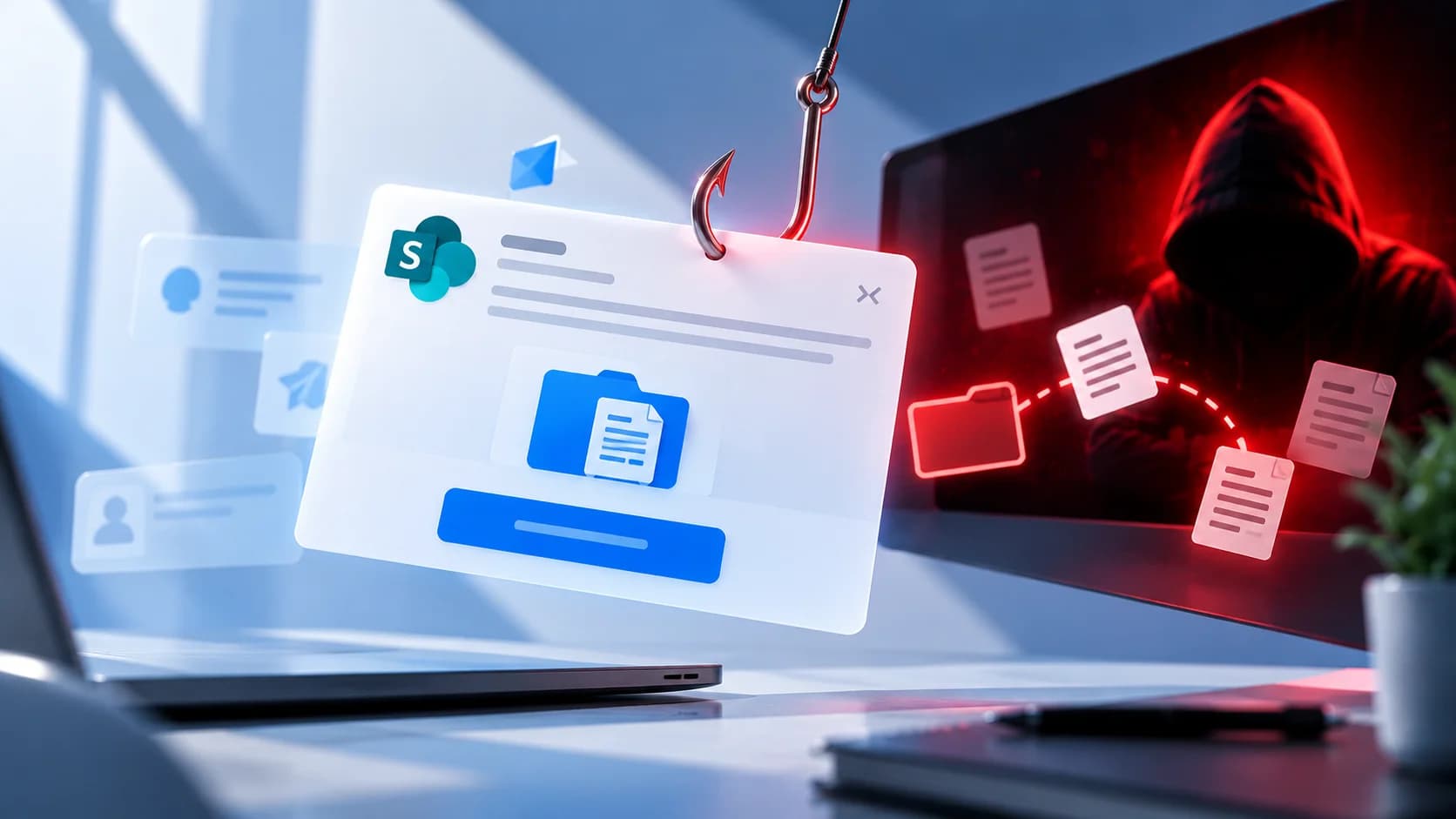
Real or Fake? How to verify a sharepoint file invitation
Received a SharePoint file invitation? Learn how to spot fake SharePoint emails, verify shared files safely, and protect your Microsoft 365 account from phishing.
Oct 1, 2026
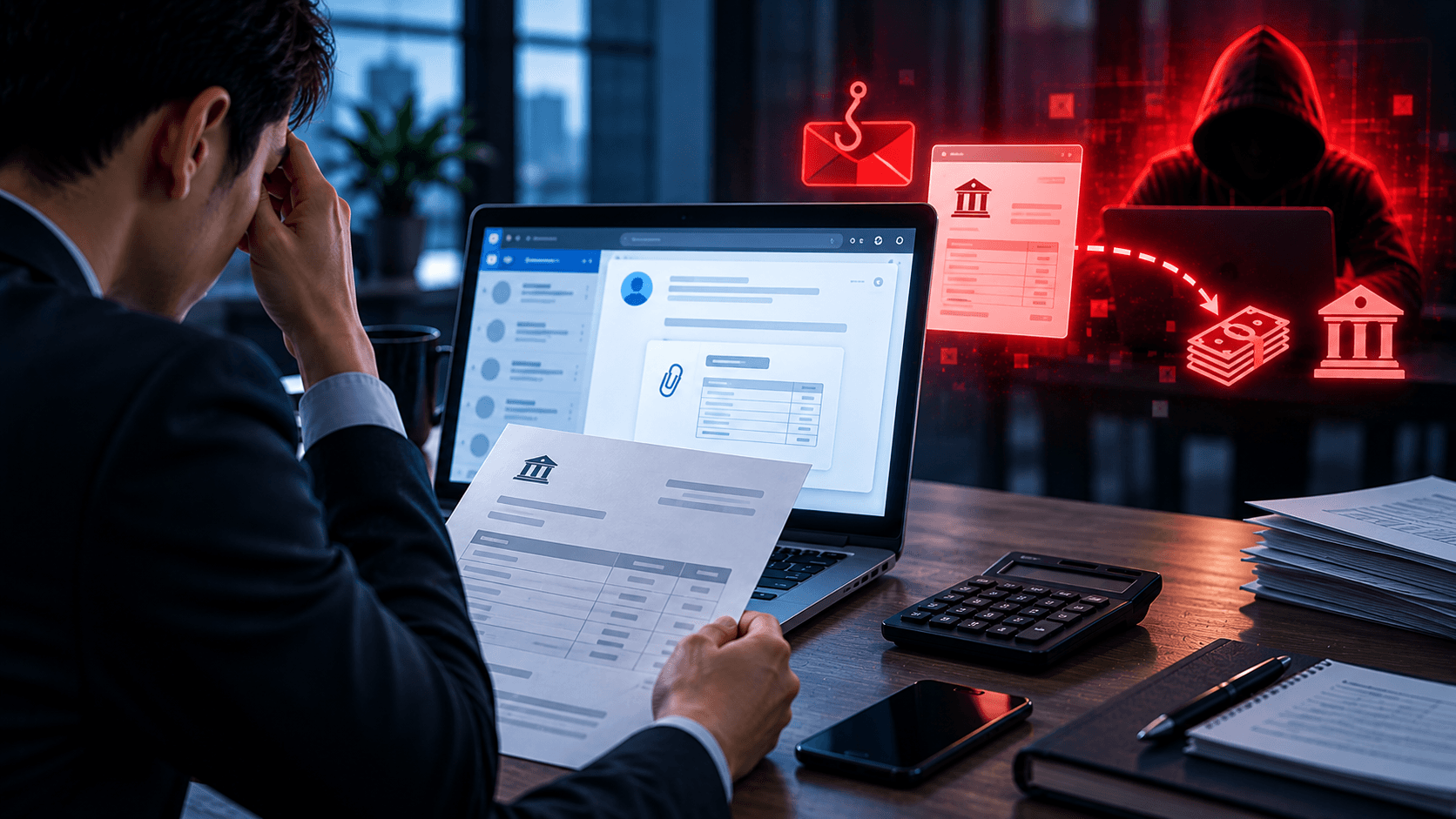
I paid a fake invoice. What should my business do?
Paid a fake invoice? Learn what your business should do immediately to contact the bank, preserve evidence, secure accounts, investigate the fraud, and reduce further losses.

Protect your business with ShieldNet 360
Get started and learn how ShieldNet 360 can support your business.