
Jun 23, 2026
BlogHardware, Software & Cloud Firewalls Compared: Which Type Fits Your Business?
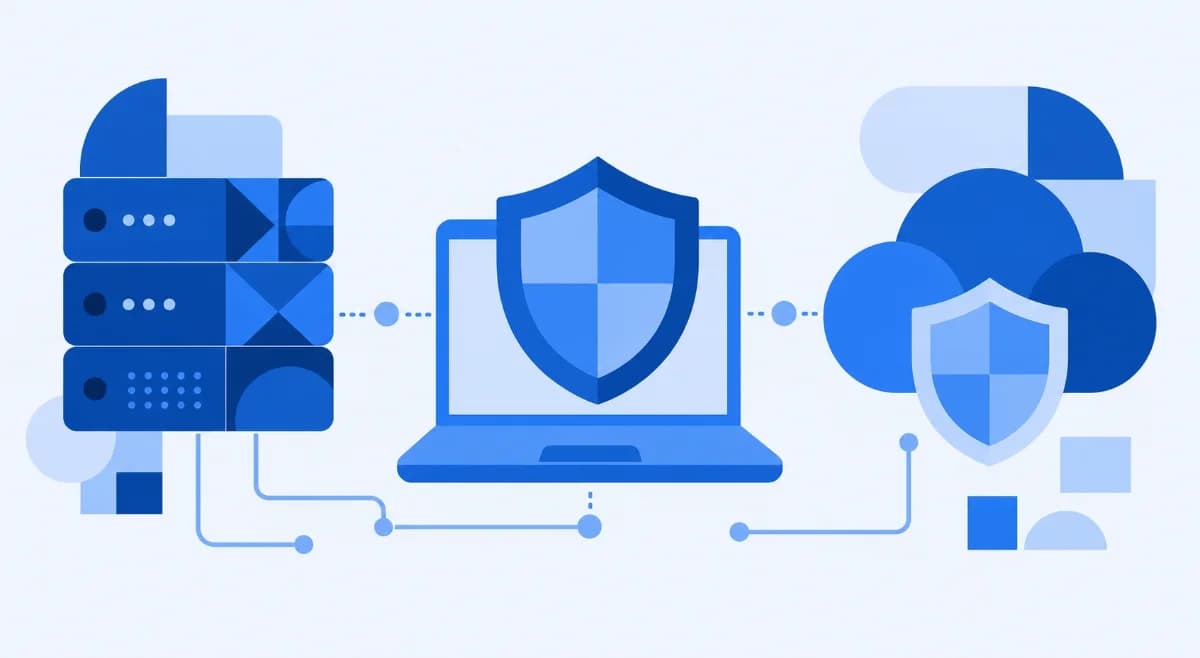
A hardware firewall is a dedicated physical appliance that filters traffic for your whole network at its edge; a software firewall runs on a single device's operating system; and a cloud firewall (often delivered as Firewall-as-a-Service) protects your network from a provider's infrastructure with no on-site box. Most small businesses end up combining a network-level firewall with cloud-based management – that mix gives you full-network coverage without needing a security team to run it.
Here's the deal: all three do the same core job – inspect traffic, compare it to your rules, and allow or block it. What changes is where the firewall sits and who has to manage it. Get that choice wrong and you either overspend on an appliance you can't maintain, or you leave gaps a single laptop firewall can't cover. This guide walks an IT generalist (or a busy owner) through the real trade-offs and lands on a clear answer for a 10–250-device business.
What is a hardware firewall, and how does it work?
A hardware firewall is a standalone physical device that sits between your private network and the internet, checking every packet that flows in or out. Because it lives on the network rather than on any one computer, it protects every connected device at once – laptops, tablets, the POS terminal, the guest Wi-Fi, all of it. Common examples include Fortinet, FortiGate, SonicWall TZ, and Cisco appliances.
Under the hood, it uses packet filtering to compare each packet's header (source, destination, port) against your rule set, and stateful inspection to track active sessions so it only allows packets that belong to a valid connection. Modern appliances go further with deep packet inspection, reading the actual content of traffic to catch hidden threats. As Palo Alto Networks explains in its breakdown of how a hardware firewall enforces rules at the network edge, the device becomes the single checkpoint between your trusted network and the untrusted internet.
The upside is strong, consistent coverage with no drain on individual machines. The catch for a small business: someone has to set it up, write the rules, and keep it patched – and if that one box fails without a backup, the whole office can lose its connection. That's the practical reality the glossy spec sheets skip.
What is a software firewall?
A software firewall is an application installed directly on a single device's operating system, where it watches that machine's traffic and blocks anything suspicious. Windows Firewall, the built-in macOS firewall, and Linux's iptables are all software firewalls you may already be running.
Its strength is granularity and cost: it's usually free (built into the OS), it can allow or block traffic per application, and it protects a device even when it leaves the office – useful for remote and travelling staff. The limits are just as clear. A software firewall only protects the one machine it's installed on, it uses some of that machine's processing power, and malware that lands on the device can sometimes disable it. For a network of dozens of devices, installing, configuring, and updating a separate firewall on each one quickly becomes its own headache.
What is a cloud firewall (and what is Firewall-as-a-Service)?
A cloud firewall runs in a provider's infrastructure rather than on a box in your office, filtering your traffic in the cloud before it ever reaches your network. When the provider also handles setup, updates, and monitoring for you, it's usually sold as Firewall-as-a-Service (FWaaS).
This model fits the way small businesses actually work now – staff split between the office, home, and the road, with apps living in the cloud. Because protection isn't tied to a physical location, a cloud firewall covers remote workers and multiple sites with the same set of rules, and it scales up or down without buying new hardware. The trade-off is that you depend on the provider's availability and your internet connection. The big practical win is management: there's no appliance to rack, patch, or replace, which is exactly what a business without a security team needs.
Hardware vs software vs cloud firewalls: a side-by-side comparison
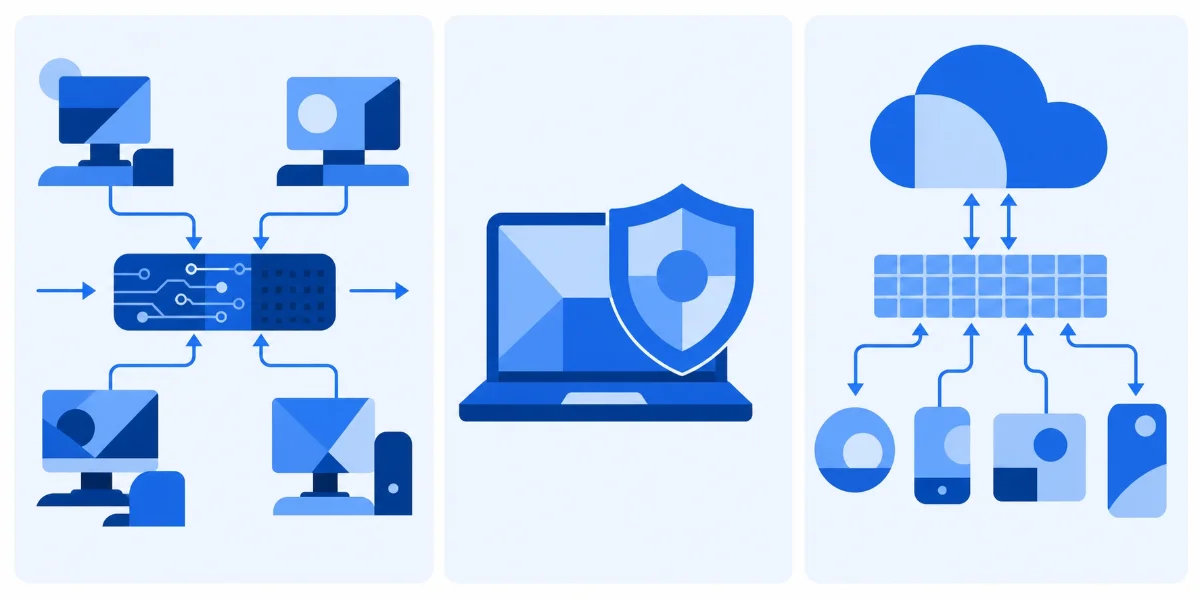
The fastest way to choose is to look at coverage, cost, performance, and – the factor small businesses underrate – how much ongoing management each one demands. Firewalls have been a baseline control for decades for a reason: the UK government's 2024 Cyber Security Breaches Survey found that around half of UK businesses experienced a breach or attack in the prior 12 months, and roughly three-quarters use network or device firewalls as a core defence.
Factor | Hardware firewall | Software firewall | Cloud firewall (FWaaS) |
|---|---|---|---|
What it protects | The whole network – every device behind it | Only the single device it's installed on | The whole network, including remote/off-site devices |
Where it lives | Physical box at the network edge | On the device's operating system | In the provider's cloud infrastructure |
Cost | Appliance + setup; refresh every few years | Usually free (built into the OS) | Subscription; no hardware to buy |
Performance impact | None on devices (dedicated hardware) | Uses the device's own resources | None local; depends on your internet link |
Setup & management | Often needs expertise; manual updates | Easy per device, but tedious at scale | Provider-managed; lightest ongoing effort |
Best for | A fixed office network with someone to run it | One laptop, or a second layer on a device | Distributed teams; businesses with no IT staff |
Coverage: whole network vs one device
The single biggest difference is scope. A hardware or cloud firewall protects everything on the network in one move; a software firewall protects exactly one machine. If you're responsible for more than a handful of devices that should follow the same policy, a network-level firewall (hardware or cloud) is the only efficient way to do it – it inspects traffic for the whole network at once, the same principle behind network traffic analysis.
Cost and management: the small-business reality
On paper a software firewall looks cheapest because it's free. In practice, the cost that actually bites a small business is time – every appliance to patch, every device to configure, every rule to review. A breach is the expensive end of getting this wrong: IBM's Cost of a Data Breach Report 2025 put the global average total cost of a data breach at USD 4.4 million. You're not buying a firewall to tick a box; you're buying back the hours and the risk.
Which firewall type fits your business?
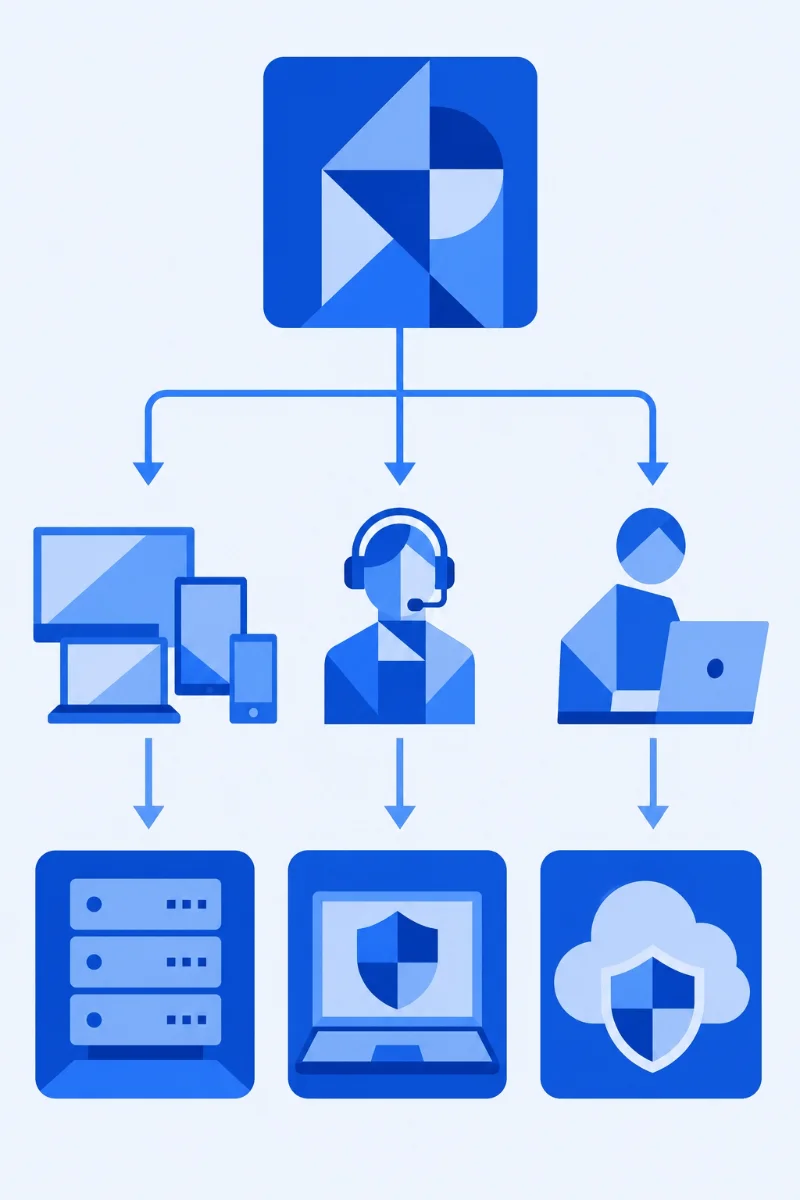
Answer four questions and the choice gets simple: How many devices need protecting? Do you have in-house IT? Are staff remote? And do you have anyone to manage an appliance day to day?
- One or two devices, no network to speak of: the built-in software firewall is enough – turn it on and keep it updated.
- A fixed office network with on-site IT expertise: a hardware firewall at the edge gives strong, predictable coverage (just plan for a backup so one failure doesn't take the office offline).
- A growing team, remote workers, or no security staff: a cloud-managed firewall covers every device and site without an appliance to babysit.
When a small business should pick cloud-managed
If "who's going to manage this?" is a real question in your business, that's your answer. Government guidance points the same way: CISA's cyber guidance for small businesses urges small firms to lean on managed, cloud-based services rather than on-premises systems that "require a great deal of skill to secure." A cloud-managed firewall applies that same logic to your network boundary – protection without the staffing assumption baked into traditional appliances.
Do you have to choose just one?
No – and most small businesses shouldn't. A common, sensible setup is a network firewall covering the whole office plus the built-in software firewall left on as a second layer on each laptop, so a device stays protected when it leaves the building. Security people call this layered defence, or defence in depth.
This is also where the lines blur in a good way. A next-generation firewall (NGFW) rolls intrusion prevention, web content filtering, application control, and deep packet inspection into one box – and when it's cloud-managed, you get hardware-grade, whole-network coverage with the light-touch management of a cloud service. That combined approach is exactly what ShieldNet Gateway's cloud-managed firewall is built to deliver for businesses without a security team.
Frequently asked questions
Is a hardware firewall necessary?
Not always. If you're protecting a single device, a software firewall is enough. But once you have a network of multiple devices that should follow the same rules, a network-level firewall – hardware or cloud – is the practical choice because it protects everything at once.
What is an example of a hardware firewall?
Fortinet FortiGate, SonicWall TZ series, and Cisco firewall appliances are common hardware firewalls. They're physical boxes you place at the edge of your network, between your office and the internet.
What are the main types of firewalls?
By delivery model, the three are hardware, software, and cloud firewalls. By inspection method, you'll also hear about packet-filtering firewalls, stateful inspection firewalls, proxy firewalls, and next-generation firewalls (NGFWs) that combine several techniques in one.
What's the difference between a hardware and software firewall?
A hardware firewall is a separate device that protects the whole network and doesn't use your computers' resources. A software firewall is an app on one device's operating system that protects only that machine and uses some of its processing power.
Do small businesses need a hardware firewall, or is cloud enough?
For many small businesses, a cloud-managed firewall now covers the same ground as a traditional appliance – whole-network protection – without the box to rack, patch, or replace. Hardware still makes sense for fixed offices with in-house IT; cloud-managed suits distributed teams and businesses with no security staff.
The bottom line
Hardware, software, and cloud firewalls aren't really competitors – they're three ways to deliver the same protection, suited to different situations. Software covers one device, hardware anchors a fixed office, and cloud-managed covers everyone everywhere with the least upkeep. For a small business with many devices and no security team, a cloud-managed next-generation firewall usually hits the sweet spot: full coverage, simple management, no appliance to babysit. If that sounds like your situation, see how an all-in-one cloud-managed firewall from ShieldNet Gateway protects every device without on-site hardware.
Related Articles
Sep 18, 2026
What is Invoice Fraud and How can employees spot it?
Learn how invoice fraud works, how attackers fake supplier payment requests, the warning signs employees should check, and how to verify invoices safely.
Sep 17, 2026
What Is DLP for AI and Why do Businesses need t?
Learn what DLP for AI is, how it prevents employees from sharing sensitive business data with AI tools, and why businesses need AI data protection.

Sep 16, 2026
What is Payroll Phishing and How does it target HR?
Learn how payroll phishing targets HR teams, how fake salary and bank account requests work, the warning signs, and how employees can verify requests safely.

Protect your business with ShieldNet 360
Get started and learn how ShieldNet 360 can support your business.