
Apr 8, 2026
BlogAutomated incident response: workflows and SME KPIs in 2026
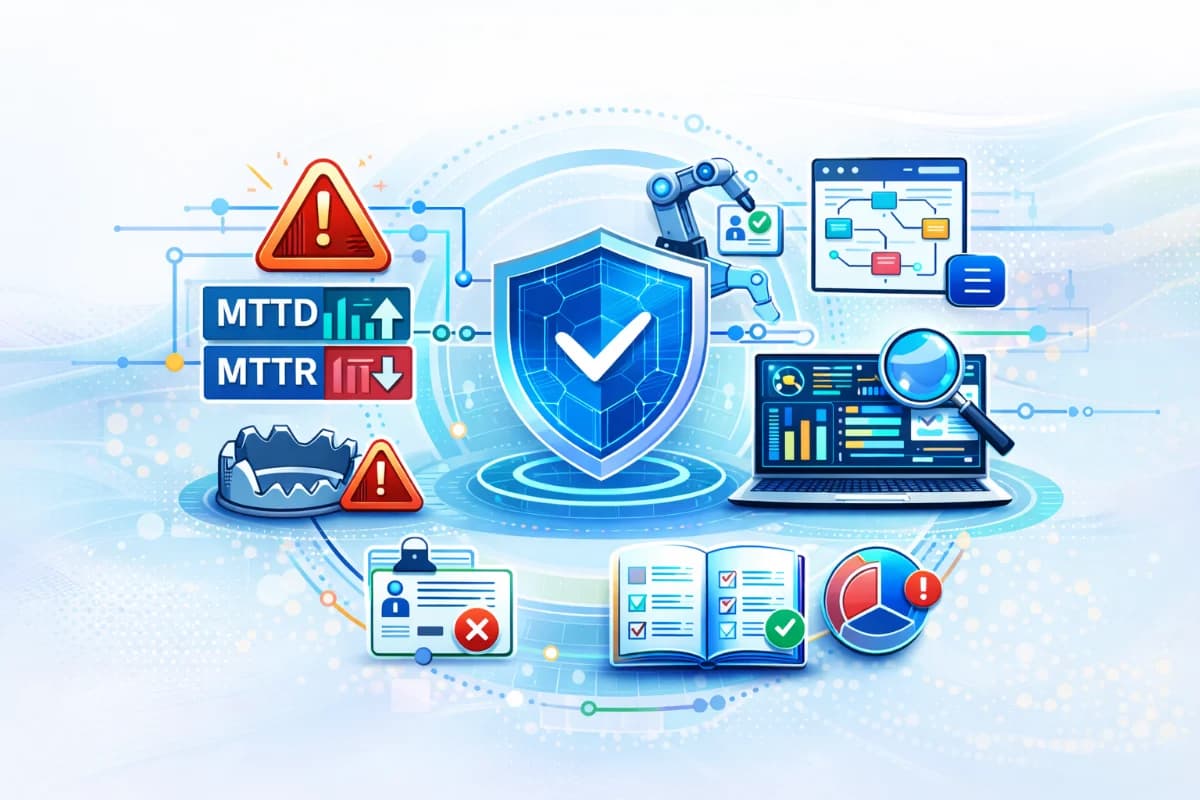
Automated incident response for SMEs: SOAR workflow, playbooks and runbooks, alert triage automation, and KPIs for MTTD and MTTR with pitfalls to avoid.
Automated incident response is how SMEs turn “we got an alert” into a repeatable workflow that detects, triages, contains, and documents incidents quickly without needing a full SOC team. The value is not flashy automation; it is predictable speed with evidence and guardrails. When automation is done well, MTTD (time to detect) drops because incidents are recognized earlier, and MTTR (time to recover) drops because containment happens before scope expands. When automation is done poorly, false positives cause disruption and teams lose trust. This article maps an end to end SOAR workflow for SMEs (detect → triage → contain → recover), explains how to design playbooks and runbooks, outlines common pitfalls, and provides measurable KPIs you can track monthly.
Why this topic matters
SMEs are hit by fast moving incidents account takeover, invoice fraud, ransomware like activity, and accidental data exposure often outside business hours. The biggest driver of business impact is delay. If alerts sit untriaged or responders waste time collecting evidence, attackers gain hours to escalate. Automated incident response matters because it standardizes the first 15 minutes: collect context, group alerts into one incident, and execute safe containment steps. That reduces attacker dwell time and turns incident handling into an operational routine rather than a panic event.
A realistic scenario is a compromised email account used to request a payment change. Without alert triage automation, you might see separate alerts new device sign in, mailbox rule creation, unusual downloads and treat them as unrelated. With automation, those signals become one incident labeled high severity, with evidence attached and a playbook that triggers session revocation and forced re authentication. The result is fewer near misses and less financial risk. For SMEs, that consistency is the difference between “security as chaos” and “security as operations.”
Key factors and features to consider
End-to-end workflow
Automated incident response should be designed as an end to end workflow, not a collection of isolated automations. Detect means collecting telemetry and recognizing suspicious patterns. Triage means grouping related alerts into a single incident, scoring severity, and attaching evidence so a human can make a decision quickly. Contain means executing the first safe action that stops the incident from expanding, such as revoking sessions or isolating a device. Recover means restoring normal operations, validating integrity, and creating follow up tasks to prevent recurrence. SMEs succeed when each stage has a clear owner, clear outputs, and clear timing expectations.
A practical workflow design treats detection as signal collection, triage as decision support, containment as time critical action, and recovery as business continuity. If any stage is missing, automation will not reduce real risk. For example, detection without triage produces alert floods, and triage without containment produces reports without action. When the workflow is complete, automation can shrink MTTD by surfacing incidents earlier and shrink MTTR by reducing scope before it spreads.
Alert triage automation: turning noise into one incident
Alert triage automation is the heart of SME friendly incident response because lean teams cannot investigate dozens of alerts. Triage automation should correlate signals across identity, email, endpoints, and cloud activity, then create a single incident narrative. It should also apply business context, such as asset criticality and user privilege, so severity reflects real impact. The output should be plain language: what happened, what is at risk, what was done, and what action is needed next.
A useful triage output includes a time ordered timeline and 3 5 evidence highlights, not raw logs. This makes decisions faster and reduces false positives because isolated anomalies are not escalated alone.
Playbooks and runbooks: how SMEs make automation safe
Playbooks define what to do for a given incident type, including triggers, severity rules, and response actions. Runbooks define how to do it, step by step, including approvals, rollback steps, and who is responsible. SMEs need both because automation without boundaries can break operations. A good playbook is short and outcome driven, while a good runbook is detailed enough to execute under stress.
For example, an account takeover playbook might define that new device login + mailbox rule change + unusual download triggers high severity and a containment action of session revocation. The runbook would specify how to verify business impact, how to communicate with finance, and when to escalate to leadership. It would also include stop conditions such as “do not disable the CFO account without approval” and “do not block broad domains.” This structure makes automation safe and repeatable.
Evidence: the difference between trust and alert fatigue
Evidence is what makes automation trustworthy. SMEs should standardize an evidence package for every incident: timeline, affected accounts, affected devices, key signals, actions taken, and next tasks. Evidence should be collected automatically where possible, because manual evidence gathering is a major source of delay. When evidence is consistent, post incident review becomes easier, customer security reviews are faster, and teams learn what to tune.
Evidence also supports KPIs. If you cannot measure when the first malicious action occurred and when containment happened, you cannot calculate MTTD or the time to first containment. A platform that preserves incident timelines and action logs makes KPI tracking credible. ShieldNet Defense can be mentioned here as supporting evidence timelines and plain language reporting, which helps SMEs maintain discipline without heavy overhead.
KPIs for SMEs: keep them few and action oriented
SMEs should track a small set of KPIs that predict business impact. The core KPIs are MTTD (time to detect), time to first containment, and MTTR (time to recover). Add two supporting KPIs: false positive rate and after hours coverage rate. These metrics reflect whether your SOAR workflow is actually working when it matters. Reviewing them monthly creates a continuous improvement loop.
A practical KPI definition is: MTTD is from first malicious activity to incident recognition, time to first containment is from recognition to the first containment action, and MTTR is from containment to restored operations. False positive rate measures how many escalations were benign, and after hours coverage measures whether high severity incidents are detected and contained outside business hours. SMEs should avoid measuring too many metrics because that turns response into reporting rather than improvement.
Detailed comparisons or explanations
A practical SME SOAR workflow map
A workable SME SOAR workflow map can be described in four phases. Detect collects signals from identity, email, endpoints, and cloud apps and flags high signal behaviors. Triage correlates related signals into one incident, assigns severity, and attaches evidence with a plain language summary. Contain executes safe actions based on playbooks session revocation, forced re authentication, email quarantine, or endpoint isolation and logs what was done. Recover restores systems, validates integrity, and creates remediation tasks like access reviews, rule updates, and user training.
The workflow should include decision points. For example, if confidence is high, the system can execute safe containment automatically. If confidence is medium, it should request human review within a defined SLA. If the incident affects critical systems, it should require approval for disruptive actions. This is how SMEs achieve speed with safety: not by automating everything, but by automating the right steps with the right guardrails.
Common pitfalls that break automated incident response
One pitfall is automating high impact actions too early, which causes business disruption and destroys trust. Another pitfall is implementing automation without clear ownership, so incidents are generated but nobody acts. A third pitfall is poor telemetry: missing identity or email logs means the system cannot correlate properly, so triage quality suffers and false positives rise. SMEs also fail when they lack evidence discipline incidents are handled in chat but not documented, making KPI tracking impossible.
A practical mitigation is phased automation with approvals. Start by automating evidence collection and triage, then add safe containment actions that are reversible. Keep disruptive actions behind approvals until false positives are low. Also run monthly reviews to tune detections and playbooks. Automated incident response is not a one time install; it is an operating system that improves with iteration.
How automation improves MTTD and MTTR
Automation improves MTTD by recognizing patterns sooner and by correlating signals so incidents are recognized as incidents, not as isolated alerts. It improves MTTR by shrinking incident scope through faster containment and by reducing rework through consistent evidence. In SMEs, the biggest time sink is manual triage and evidence gathering. If automation removes that, responders can focus on decisions and recovery.
For example, if an account takeover is contained within 10 minutes through session revocation, the attacker cannot continue downloading data or changing settings. That reduces the number of systems and users affected, which reduces recovery steps and communications burden. Over time, the same playbooks reduce variance: incidents are handled the same way regardless of who is on call. That predictability is what makes KPIs improve sustainably.
Best practices and recommendations
- Start with two high impact incident types: account takeover and ransomware suspicion
- Build playbooks that define triggers, severity, and the first safe containment action
- Write runbooks with approvals, rollback steps, and stop conditions to protect operations
- Automate triage first: incident grouping, evidence capture, and plain language summaries
- Add safe containment automation next: session revocation, email quarantine, endpoint isolation
- Measure monthly KPIs: MTTD, time to first containment, MTTR, false positives, and after hours coverage
To implement this, run a 30 day pilot with a narrow scope: identity and email for account takeover, plus endpoints for ransomware suspicion. Configure triage automation to correlate signals and attach evidence. Then enable one or two safe containment actions and keep everything else behind approvals. Track KPI baselines during the pilot, then tune based on false positives and real outcomes. If you use ShieldNet Defense, configure it to produce plain language incidents and evidence timelines, then map those outputs into your playbooks and executive reporting templates.
- Safe first automations: evidence collection, incident grouping, severity tagging, session revocation, email quarantine
- Approval gated actions: disabling privileged accounts, isolating critical servers, blocking broad domains
- Standard evidence pack: timeline, affected identities, affected devices, key signals, actions taken, remediation tasks
These lists protect SMEs from common mistakes. Safe automations reduce attacker dwell time with minimal operational risk. Approval gates prevent disruptive mistakes while the system is tuned. A standard evidence pack ensures your KPIs are measurable and your reporting is consistent. Together, they make automated incident response sustainable.
FAQ
What is the most important first step in automated incident response?
The most important first step is defining your incident workflow and playbooks before turning on automation. Without clear triggers and safe first actions, automation will either do nothing useful or cause disruption. SMEs should start with one or two incident types and build a repeatable triage and contain loop. This creates fast value and reduces complexity.
How do SMEs choose which actions to automate?
Choose actions that are reversible, targeted, and low disruption, such as session revocation, forced re authentication, quarantining a specific email, and isolating a single endpoint. Avoid broad blocks and disabling critical accounts until false positives are low and approvals are defined. SMEs should automate in phases to build trust. The goal is speed without business interruption.
How can we track MTTD and MTTR accurately?
Track them using incident timelines that capture first malicious activity, incident recognition time, first containment action, and recovery completion. Automate evidence capture so these timestamps are consistent and not dependent on memory. Use a standard evidence pack for every incident so metrics are comparable. Monthly review of these KPIs is what drives improvement.
What are common pitfalls in SOAR workflows for SMEs?
Common pitfalls include automating disruptive actions too early, lacking clear ownership, missing telemetry coverage, and failing to document incidents consistently. Another pitfall is alert overload, where triage automation is not strong enough and teams lose trust. SMEs avoid these by starting narrow, using phased automation, and tuning regularly. SOAR is an operating discipline, not a one time tool deployment.
How does ShieldNet Defense support automated incident response?
ShieldNet Defense can support automated incident response by correlating multi source signals into plain language incidents, attaching evidence timelines, and enabling safe response steps. It helps lean teams triage faster and supports executive reporting with consistent narratives. It can also improve KPI tracking by preserving action logs and timelines. The same guardrail approach applies: start with safe actions and expand with approvals as confidence improves.
Conclusion
Automated incident response helps SMEs execute a reliable detect → triage → contain → recover workflow with evidence and guardrails, reducing attacker dwell time and improving MTTD and MTTR. The key is to start with alert triage automation and standardized evidence, then add safe containment automation in phases while keeping disruptive actions behind approvals. Track a small set of KPIs monthly and tune playbooks based on real outcomes. If you want a practical next step, pick two incident types, write playbooks and runbooks, and use a platform such as ShieldNet Defense to generate plain language incidents, evidence timelines, and safe response steps that lean teams can operate.
Related Articles
Jun 18, 2026
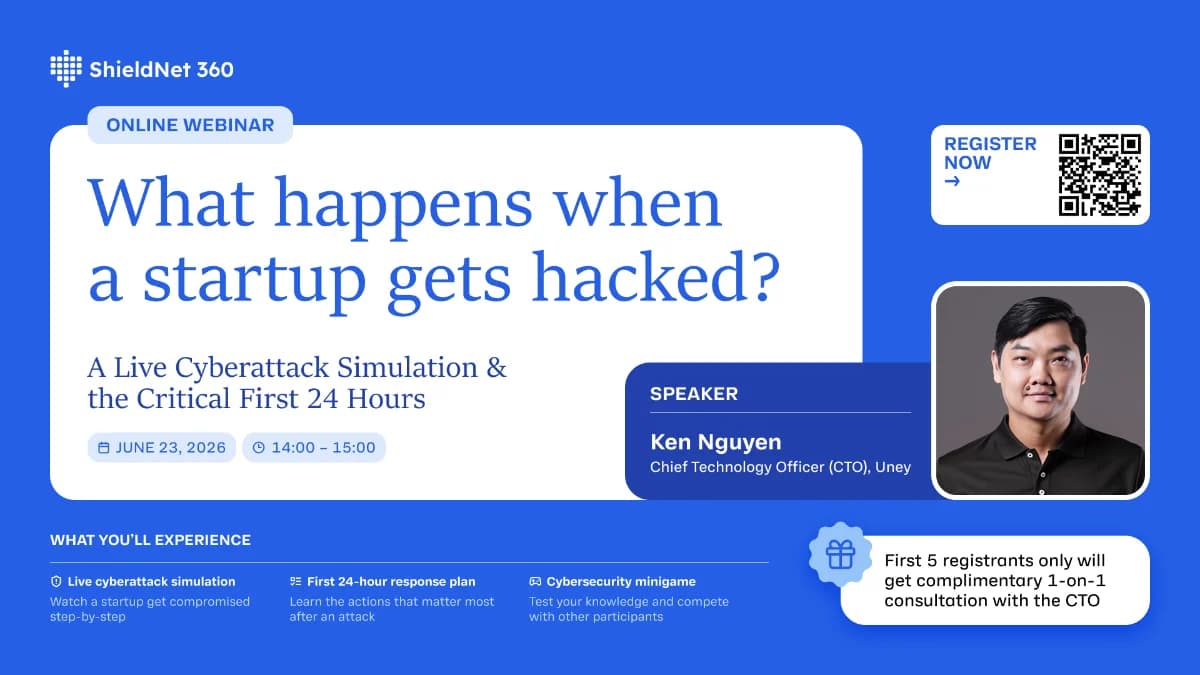
Webinar: What really happens when a startup gets hacked? A live cyberattack simulation and the critical first 24 hours
Most cyberattacks do not begin with sophisticated malware or advanced hacking techniques. They often start with a simple phishing email, a stolen password, or a trusted employee unknowingly granting access to the wrong person.

Jun 17, 2026
Business Email Compromise (BEC): How It Works and How SMEs Stop It
Business email compromise (BEC) is a social-engineering scam where attackers impersonate executives or vendors over email to steal money or credentials — no malware needed. Learn how BEC works and the controls that stop it.
Jun 16, 2026
What Is Web Content Filtering? How Small Businesses Block Risky & Distracting Sites
Content filtering software screens and blocks access to risky or distracting websites based on rules you set. Learn how DNS, proxy, and cloud-based web filtering works and how to choose the right solution for your small business.

Protect your business with ShieldNet 360
Get started and learn how ShieldNet 360 can support your business.