
Feb 5, 2026
BlogUse case: ShieldNet Defense vs stealer malware for SMEs
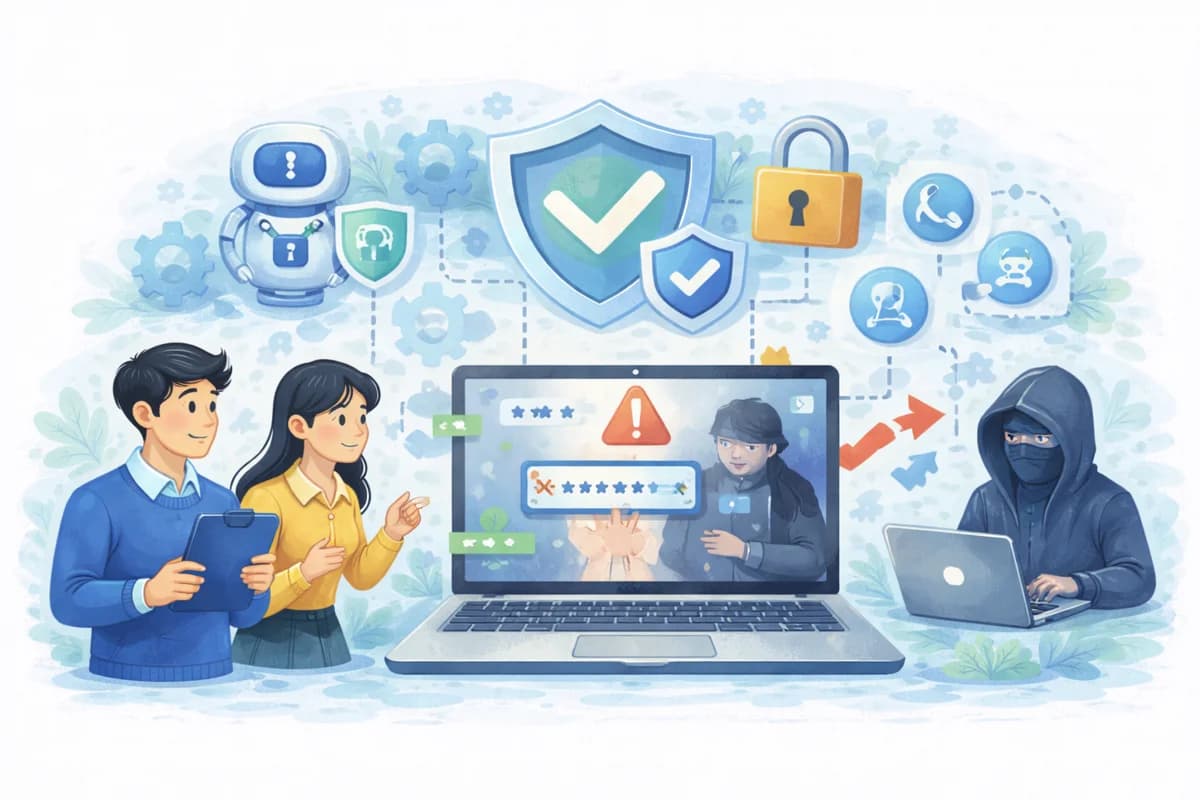
Use case Stealer Malware Detection for SMEs: How ShieldNet Defense detects stolen passwords, blocks attacks automatically, and protects business accounts without needing a large security team.
1. Quick summary (for busy SME leaders)
Problem:
Your employees install a “free tool” or browser extension to make work easier. Hidden inside is stealer malware – a type of malware that quietly steals:
- Logins to company systems
- Email accounts
- Admin portals
- Online banking / trading accounts
You see nothing wrong at first… until accounts get hijacked, money goes missing, or customer data is leaked.
Solution:
ShieldNet 360 – ShieldNet Defense works like an AI-powered security control room for your company. It:
- Detects stealer malware behavior on employee devices
- Automatically investigates what’s happening
- Blocks the attack and isolates infected devices within minutes
- Gives you clear next steps to reduce the chance of it happening again
All of this is designed for SMEs without a big in-house security team.
2. What is stealer malware – in simple words?
Stealer malware is a quiet thief.
Instead of locking your files like ransomware, it focuses on stealing your keys:
- Saved passwords in browsers
- Password managers
- System credential vaults
- API keys, cloud access keys, source code access
Once it has those keys, attackers can:
- Log into your systems like a real employee
- Move money, change orders, download data
- Stay inside your environment for a long time without being noticed
This usually starts from something that looks harmless:
- A “free” PDF converter
- A “productivity” browser extension
- A cracked or pirated version of paid software
3. A simple scenario: how one “free tool” becomes a security problem
- Normal work day
An employee needs a quick tool – a converter, a screenshot helper, or a “free” browser extension. They install it in seconds. No warnings, no errors. - Stealer malware wakes up
In the background, the malicious software starts to:
- Read saved passwords from the browser
- Try to access the system’s password storage
- Connect to unknown servers on the internet controlled by attackers
Everything looks normal to the employee. The computer still works fine.
- Your business is quietly exposed
The attacker now has credentials to:
- Internal systems and emails
- Banking and trading platforms
- Admin portals for e-commerce, CRM, or cloud services
They can take over accounts, move money, or copy sensitive data without touching your office physically.
4. Business impact: what could happen to your SME?
The same type of attack can hurt different kinds of SMEs in different ways.
For general SMEs / startups
- Account takeover leading to business disruption
- Loss of sensitive internal documents and data
- Costly recovery efforts and overtime for IT and operations
- Loss of money and reputation with customers and partners
If you handle money or trading (finance / fintech / trading)
- Unauthorized money transfers
- Fraudulent trades and transactions
- Regulatory exposure and difficult questions from banks and partners
If you run e-commerce or retail
- Compromised admin accounts in your store systems
- Fake discounts, fake orders, or price changes
- Customer data leaks (names, addresses, order history)
If you are a tech or SaaS company
- Theft of source code, API keys, cloud credentials
- Risk of attackers using your product as part of a supply chain attack on your customers
The scary part: all of this can start from just one infected laptop.
5. How ShieldNet Defense detects stealer malware early
Instead of waiting for a visible “virus warning”, ShieldNet Defense focuses on behavior.
When stealer malware infects a device, it almost always tries to:
- Access browser password storage
- Reach into password managers
- Read system credential vaults
- Send collected data to unknown servers on the internet
ShieldNet Defense:
- Continuously monitors employee devices (laptops, desktops, workstations)
- Watches for unusual access to passwords and credentials
- Tracks abnormal network connections going out to suspicious servers
- Triggers real-time alerts when patterns match stealer behavior
You don’t have to hunt for these signals manually. The system is always watching.
6. AI Agents that triage, analyze, and investigate for you
When ShieldNet Defense detects something suspicious, its AI Agents step in automatically.
They:
- Extract key details from the alert
- Which process/program is running?
- Which files are touched?
- Which IPs / domains is the device talking to?
- Classify the attack type and how serious it is
- Correlate activity across:
- Devices (endpoints)
- Network traffic
- User actions
- Assess potential business impact
- “Is this just noise, or is this risking money / critical systems?”
For you as an SME leader, this means:
- Less manual work for IT or outsourced SOC teams
- A clear picture of “what is happening” within minutes
- No need to be a cybersecurity expert to understand the situation
7. Automated response: what happens when an attack is confirmed?
Once the AI Agents confirm that a stealer malware attack is happening, ShieldNet Defense can take action automatically, based on rules and logic you pre-approve.
Typical automatic actions include:
- Terminating malicious processes
- Kill the suspicious program immediately
- Blocking malicious IPs or domains
- Stop the infected device from talking to attacker servers
- Cutting off data exfiltration channels
- Close the “pipe” that is sending your passwords out
- Quarantining or isolating infected endpoints
- Temporarily isolate the infected laptop from the internal network to prevent spread
All actions are:
- Logged in detail
- Visible on the ShieldNet Defense dashboard
- Available as evidence if you need audits or compliance reports later
So instead of asking, “Who will do what at 2 a.m.?” – you have AI Agents responding within minutes.
8. After the incident: hardening your defenses
Stopping one attack is not enough. You want to reduce the chance of it happening again.
After containment, ShieldNet Defense AI Agents provide concrete, easy-to-understand recommendations, such as:
- Restricting or blocking risky software categories or browser extensions
- Enforcing stronger rules for passwords and stored credentials
- Improving endpoint security policies (for devices)
- Updating monitoring rules to catch similar behavior even faster next time
Your team does not have to guess what to do. You get clear next steps that are practical for SMEs.
9. What value does this bring to SME leaders?
With ShieldNet Defense, SMEs can:
- Detect stealer malware early
Before attackers fully exploit stolen credentials - Automate analysis and response within minutes
No waiting for manual investigation while attackers move fast - Operate without a large in-house SOC team
AI Agents handle most of the heavy lifting, your human team focuses on decisions and business impact - Minimize downtime and financial damage
Faster containment = less disruption and fewer losses - Show maturity to customers, partners, and regulators
You can demonstrate that you have structured detection, response, and logging in place
ShieldNet 360 – ShieldNet Defense brings enterprise-grade security operations to SMEs and startups, without the enterprise-grade complexity.
ShieldNet 360 – Security Made Simple.
10. FAQ – common questions from SME leaders
Q1. We don’t have a cybersecurity team. Can we still use ShieldNet Defense?
Yes. ShieldNet Defense is designed for SMEs without dedicated security staff. AI Agents automate much of the detection and response, and the interface is built to be understandable for IT managers and business leaders.
Q2. How is ShieldNet Defense different from normal antivirus?
Traditional antivirus mostly looks for known bad files. Stealer malware can be new, modified, or hidden inside “legit” tools. ShieldNet Defense looks at behavior (what the software does), correlates activity across devices and network, and can respond automatically, not just show a popup.
Q3. What data does ShieldNet Defense help protect?
It helps safeguard:
- Employee and admin accounts
- Online banking and trading accounts
- Cloud and SaaS admin portals
- Source code repositories and API keys
- Email and collaboration tools
Anything that depends on logins and passwords benefits from stronger protection against stealer malware.
Q4. Will this slow down my employees’ work?
ShieldNet Defense runs quietly in the background. It focuses on suspicious behavior, not on blocking normal business activity. When it intervenes, it is because there is a real risk to your company.
Related Articles

Oct 9, 2026
I replied to a phishing email. Am I at risk?
Replied to a phishing email? Learn what risks you face, what attackers can learn from your reply, and what to do next to protect your account and business.
Oct 8, 2026
Real or Fake? How to verify a sharepoint file invitation
Received a SharePoint file invitation? Learn how to spot fake SharePoint emails, verify shared files safely, and protect your Microsoft 365 account from phishing.
Oct 1, 2026
I paid a fake invoice. What should my business do?
Paid a fake invoice? Learn what your business should do immediately to contact the bank, preserve evidence, secure accounts, investigate the fraud, and reduce further losses.

Protect your business with ShieldNet 360
Get started and learn how ShieldNet 360 can support your business.