
May 21, 2026
BlogWhat Are Shared Passwords Security Risks? SME IT Guide
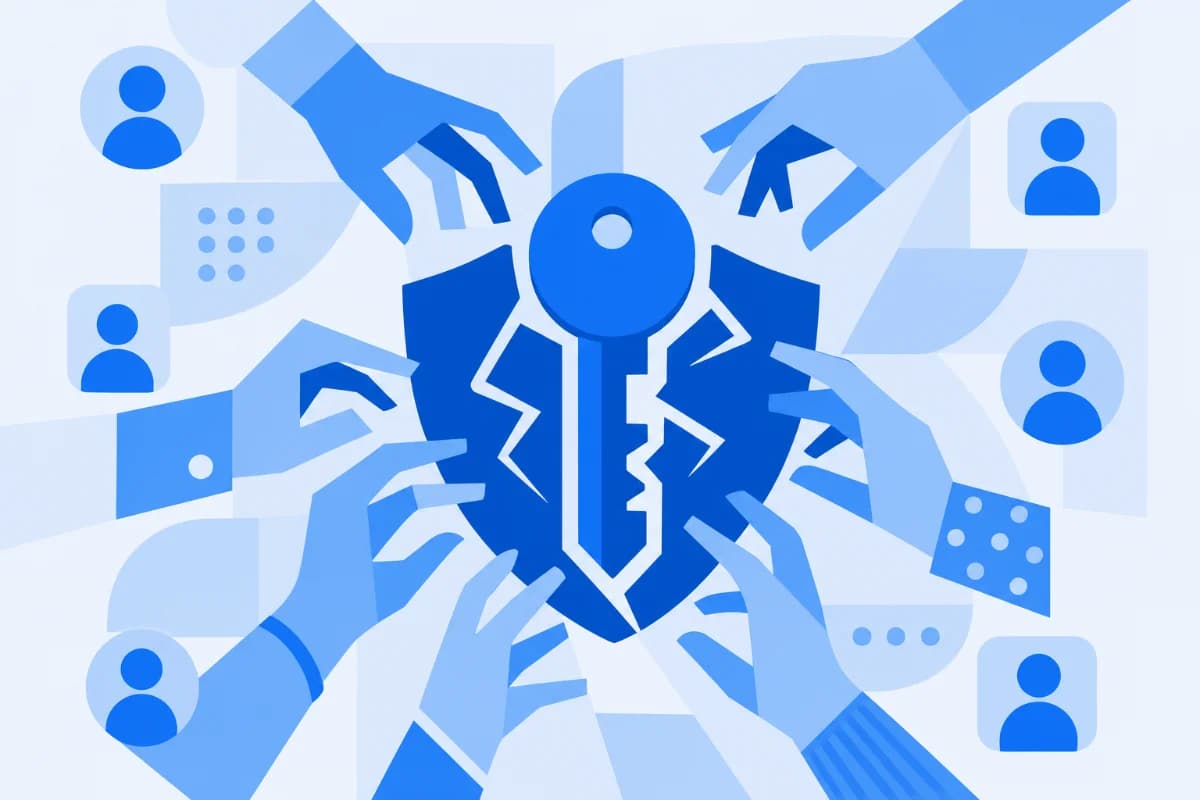
Your team shares one login to "save time" – and that single habit can become the open door an attacker walks straight through.
Shared passwords create serious security risks because they remove accountability, multiply exposure, and turn one leaked credential into company-wide access. When several people use the same login, you can't trace who did what, you can't revoke access cleanly, and a single phishing slip or departing employee can compromise every system that credential unlocks.
This guide breaks down the real security risks of shared passwords for small and medium businesses – and the simpler, identity-based way modern teams are replacing them.
What Counts as a Shared Password?
A shared password is any single set of login credentials used by more than one person. In a growing SME, this shows up more often than most IT managers realize:
- Team accounts: one login for a shared inbox, social media tool, or billing portal.
- Admin credentials: the same admin password handed around so "everyone can fix things."
- Service logins: a single account for a SaaS tool the whole team uses to dodge per-seat costs.
- Vendor and contractor access: temporary logins that quietly become permanent.
It feels efficient. The problem is that convenience and security pull in opposite directions here – and the security cost is far higher than the time saved.
Why Are Shared Passwords Such a Big Security Risk?
The security risks of shared passwords aren't theoretical. Credential-based attacks now dominate the threat landscape. According to the Verizon 2025 Data Breach Investigations Report, stolen credentials were the initial entry point in 22% of breaches, and 88% of attacks against basic web applications involved stolen credentials. Shared logins simply widen that attack surface.
Here's why they're so dangerous:
- Zero accountability. When five people use one login, audit logs become meaningless. You can't prove who approved a payment, deleted a file, or exported customer data.
- One leak compromises everything. Many people reuse the same password elsewhere, so one shared credential can unlock far more than intended.
- Broken offboarding. When an employee or contractor leaves, a shared password often stays active because changing it disrupts everyone else.
- Human error scales. The Verizon report found the human element present in roughly 60% of breaches – and every extra person holding a password is another chance for a phishing mistake or accidental exposure.
- Expensive cleanup. The IBM Cost of a Data Breach 2025 report puts the global average breach cost at USD 4.44 million, and credential-based incidents are consistently among the slowest to detect and contain.
Sharing is also widespread. Consumer research from The Zebra found that most people share passwords, yet very few worry about it – a comfort gap that follows employees straight into work.
How Do Shared Passwords Actually Lead to a Breach?
Understanding the attack chain makes the risk concrete. A typical shared-password breach unfolds in stages:
- Exposure. The credential leaks – through phishing, an unencrypted message, a sticky note, or a teammate's already-breached personal account.
- Quiet access. An attacker logs in with valid credentials. Because the login looks legitimate, it rarely triggers alerts. Attackers increasingly "log in rather than hack in."
- Lateral movement. Reused or over-privileged shared accounts let the intruder reach more systems, from email to financial tools.
- Damage and confusion. Data is stolen or encrypted – and because the account was shared, your team can't quickly tell whether the activity was a colleague or an attacker.
This is the gap most consumer-focused advice misses. Even Bitwarden's 2025 guidance on safer sharing notes that passing credentials through unencrypted channels leaves them open to interception. A static password – shared or not – is still a single secret that can be copied, leaked, and reused.
How Can SMEs Reduce Shared Password Risks Without Adding Complexity?
You don't need an enterprise security team to fix this. The goal is control without complexity:
- Give every person a unique login. Individual accounts restore accountability and make audit logs trustworthy.
- Apply least privilege. People should access only what their role needs – nothing more.
- Turn on multi-factor authentication (MFA). It blocks most credential-only attacks instantly.
- Tie access to identity, not a static secret. Verify who is connecting and from what device, every time – instead of trusting one password forever.
- Make onboarding and offboarding instant. Access should be granted and revoked per person in seconds, not by changing a password everyone shares.
These steps map directly to frameworks SMEs are increasingly asked to meet, including ISO 27001, SOC 2, and GDPR – all of which expect clear, individual access control and audit trails.
Shared Passwords vs. Identity-Based Access
Factor | Shared Passwords (Traditional Logins) | ShieldNet Access (Identity-Based Access) |
|---|---|---|
Accountability | No way to tell who did what under one login | Every connection is verified and tied to a specific identity |
Verification | One static password trusted indefinitely | Continuous, identity-driven verification of every connection |
Off-boarding | Must change the password everywhere; easy to miss | Revoke a single user's access instantly |
Risky devices | A compromised device keeps its access | Unauthorized connections are blocked and risky endpoints isolated automatically |
Setup complexity | "Simple" but unmanaged and invisible | Cloud-based, no installation, integrates with Microsoft 365 and Google Workspace |
Replacing Shared Passwords with ShieldNet Access
Shared passwords are really an access-control problem, not just a password problem. ShieldNet Access is built to close that gap for growing SMEs by replacing shared logins and legacy VPNs with seamless, identity-based access that verifies every connection, every time.
For an IT manager juggling too many tasks, the practical wins are:
- Continuous verification of users and devices, so a leaked password alone isn't enough to get in.
- Automatic protection that prevents unauthorized connections and isolates risky endpoints before they spread.
- Clean onboarding and off-boarding – grant or remove a person's access without disrupting the whole team.
- No installation and easy integration with Microsoft 365 and Google Workspace, since it's cloud-based.
Think of it as a modern, power-up version of Zero Trust Network Access (ZTNA): the visibility and control of a large security department, sized for a lean team.
FAQ
What are the risks of sharing passwords?
The main risks are lost accountability (you can't tell who did what), wider exposure (one leak can unlock many systems), failed offboarding, and higher breach likelihood – since stolen credentials are a leading entry point for attackers, per the Verizon 2025 DBIR.
Why is it not okay to share passwords at work?
Shared logins break audit trails, make least-privilege impossible, and leave accounts active after people leave. They also undermine compliance frameworks like ISO 27001 and SOC 2, which expect individual, traceable access for every user.
Is using a password manager enough to share passwords safely?
A password manager helps store and share credentials more securely, but the login is still a static, shared secret that can be copied or reused. Identity-based access is stronger because it verifies the person and device on every connection.
What is the safest alternative to sharing passwords?
Give each person a unique account, enforce MFA and least privilege, and use identity-based access control that continuously verifies who is connecting – rather than relying on a single password multiple people know.
Related Articles
Oct 1, 2026
I paid a fake invoice. What should my business do?
Paid a fake invoice? Learn what your business should do immediately to contact the bank, preserve evidence, secure accounts, investigate the fraud, and reduce further losses.
Sep 29, 2026
I clicked a phishing link. What should I do now?
Sent confidential information to a fake email? Learn what to do immediately, how to report the incident, assess exposed data, and reduce further risk.

Sep 25, 2026
I clicked a phishing link. What should I do now?
Clicked a phishing link? Learn what to do immediately, whether you entered a password or downloaded a file, and how to reduce the risk to your account and business.

Protect your business with ShieldNet 360
Get started and learn how ShieldNet 360 can support your business.