
Apr 20, 2026
BlogHow to Revoke Employee Access When Offboarding (2026 Guide)
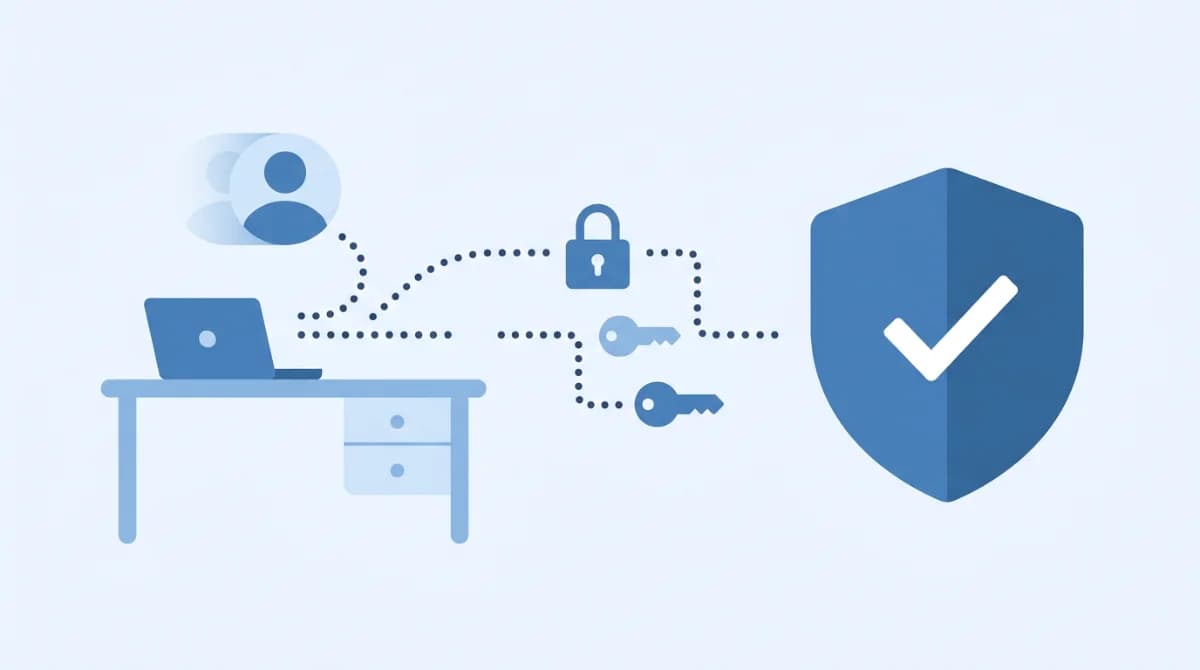
Your ex-employee left three weeks ago – and their Slack, Notion, and AWS logins still work.
To revoke employee access when off-boarding, disable the user in your identity provider (IdP/SSO) first, then immediately expire active sessions, rotate any shared credentials, revoke API tokens and personal access keys, deprovision SaaS accounts not governed by SSO, and log every action for audit. Speed matters: most damage happens in the first 24 hours after someone leaves.
That gap between "last day" and "access fully cut" is where breaches live. This guide walks small and mid-sized IT teams through exactly how to close it, why the gap keeps reappearing, and what a modern access-revocation workflow looks like in 2026.
What is the "offboarding security gap"?
The off-boarding security gap is the period – hours, days, sometimes years – between an employee leaving and every one of their access paths being fully, verifiably closed.
In the 2025 Verizon DBIR, stolen credentials were the initial access vector in 22% of breaches and appeared in 88% of basic web application attacks, keeping credential abuse the #1 way attackers get in for a second year running. Former-employee accounts are a prime source of those credentials, because nobody is watching them anymore.
The gap usually shows up as:
- Zombie accounts – disabled in SSO but still active inside a SaaS app that was never connected to SSO
- Orphaned secrets – API keys, service tokens, and personal access tokens stored in scripts or CI/CD pipelines, tied to a person who no longer exists in the directory
- Shared credentials – a team Gmail, a shared admin login, or a password manager vault the departing employee had access to
- Persistent sessions – a browser cookie or mobile app session that keeps them logged in after their account is disabled
- Personal device residue – company data, refresh tokens, or VPN profiles still sitting on a laptop or phone they own
Why does this gap keep happening?
Because the way most SMEs hand out access is not the way they take it back.
A 2022 Beyond Identity survey of more than 1,100 workers and business leaders found 83% of employees kept access to at least one account from a previous employer, and 74% of business leaders said their company had been negatively impacted by a former employee's cybersecurity breach. A separate PasswordManager.com study reported by Dark Reading found 47% of former employees admitted using old company passwords after leaving – with some still doing it more than two years later.
The root causes are structural, not moral:
- Access sprawl. The average SME runs 30–80 SaaS apps. Not all of them sit behind SSO, so disabling the identity provider only cuts the front door – not the side windows.
- Manual, ticket-driven offboarding. IT gets a Monday email for a Friday departure. By the time the ticket is worked, the employee has already been gone for days.
- Shared and hardcoded credentials. Team inboxes, stored API keys in scripts, and admin logins that no one wants to rotate because "it'll break something."
- No visibility into active sessions. Most teams can see who has access. Almost none can see who is currently logged in right now.
- HR and IT on different clocks. HR owns the exit date. IT owns the access. When they're not tied to the same trigger, one always lags the other.
The 2025 Verizon DBIR also reported that the human element was involved in 60% of all breaches – and few humans are more dangerous than a disgruntled ex-employee whose laptop still talks to your network.
How to revoke employee access when offboarding: the 9-step workflow
Work these steps in order. Steps 1–4 should happen within the first hour of the effective departure time; steps 5–9 can extend over the first 72 hours.
Step 1 – Disable the user in your identity provider first
Go to your IdP (Microsoft Entra ID, Okta, Google Workspace, or JumpCloud) and suspend the account. This is the master switch: every app connected via SAML, OIDC, or SCIM will block the user at the next authentication attempt.
Do not delete yet. You'll need the account later to transfer files, forward email, and preserve audit trails.
Step 2 – Kill active sessions
Disabling an account does not log the user out of apps they're already in. Force a global sign-out from your IdP (Okta "Clear User Sessions," Entra ID "Revoke sign-in sessions," Google Workspace "Sign out user"). For browser-based sessions, this invalidates refresh tokens so cookies stop working.
Step 3 – Revoke API tokens, OAuth grants, and personal access tokens
Check:
- GitHub/GitLab/Bitbucket personal access tokens and SSH keys
- AWS/Azure/GCP IAM user keys, access keys, and assumed-role sessions
- Slack/Notion/Linear app-level personal tokens
- Third-party OAuth grants the user authorized against company data (e.g., a Zapier integration they set up)
These outlive the user account by design and are the most common cause of "we disabled them but they still got in" incidents.
Step 4 – Rotate shared credentials
Anything the departing employee knew – shared Gmail, team admin account, production database password, Wi-Fi pre-shared key, vendor portal login – must be rotated. If your password manager shows a shared vault they had access to, change every credential in it.
Step 5 – Deprovision non-SSO SaaS apps
This is the step almost everyone misses. Log into every SaaS tool that is not managed by SSO and delete or suspend the user directly in the app. Common offenders: marketing tools, design software (Figma, Canva), analytics (GA4), freelance-style tools billed per seat. You'll also reclaim license spend.
Step 6 – Handle email and file ownership
Convert the user's mailbox to a shared or forwarding inbox so clients and vendors don't hit a black hole. Transfer ownership of Drive/OneDrive files and shared documents to the departing employee's manager. This should happen before you delete the account in Step 9.
Step 7 – Retrieve or wipe devices
Collect company laptops, phones, and hardware keys (YubiKeys, access badges). For BYOD devices, use MDM (Intune, Jamf, Google Endpoint Management) to remotely wipe the company profile – not the whole device.
Step 8 – Document everything for audit
Log what was disabled, when, and by whom. Frameworks like NIST SP 800-53's AC-2 (Account Management) control require auditable evidence that access was removed in a timely manner. For SOC 2, ISO 27001, or PCI DSS audits, this log is what the assessor asks for first.
Step 9 – Schedule final deletion
After 30–90 days (depending on your retention policy and local labor law), fully delete the account. This prevents accidental reactivation and frees up directory space.
Traditional offboarding vs. identity-based access control
Where the checklist above breaks down is at scale. The comparison below is what most SMEs actually look like today versus what a continuous, identity-verified access model looks like.
Capability | Traditional SME offboarding (VPN + manual tickets) | Identity-based access control (e.g., ShieldNet Access) |
|---|---|---|
Access trigger | HR email → IT ticket → manual deactivation across tools | Identity disabled once in the IdP; every connection re-verified against current identity on every request |
Time-to-revoke | Hours to days; worse on weekends or for remote hires | Near-immediate; sessions fail the next verification check |
Non-SSO apps | Each app must be manually deprovisioned; easy to miss | Access policies tied to identity + device posture, not just app-by-app logins |
Shared credentials & VPN passwords | Must be rotated manually; often skipped | No static shared secrets – access is granted per-session, per-user |
Visibility into active sessions | Usually none; IT sees "who has access," not "who is logged in now" | Continuous session visibility; risky endpoints isolated automatically |
Audit evidence | Scattered across tickets, emails, and app-level logs | Centralized access log, ready for ISO 27001, SOC 2, or PCI DSS auditors |
Works for contractors & partners | Usually bolted on; same offboarding gaps apply | Same identity-driven model covers employees, contractors, and third parties |
The practical difference: in the traditional model, the list of things to revoke is the weak point – anything you forget stays open. In the identity-based model, the identity itself is the control plane, so disabling it collapses access everywhere at once.
This is the space ShieldNet Access is built for: SMEs with growing teams, Microsoft 365 or Google Workspace as their identity backbone, and no appetite for enterprise-grade PAM complexity. It verifies every connection against current identity, kills stale sessions, and gives a single place to see who has access – so the offboarding gap never opens in the first place.
FAQs
What should be on an offboarding checklist?
At minimum: disable the IdP account, kill active sessions, revoke API tokens and OAuth grants, rotate shared credentials, deprovision non-SSO apps, transfer files and email, retrieve devices, log every action for audit, and schedule final deletion after your retention window ends.
What is the biggest security mistake in employee offboarding?
Disabling the SSO account and assuming the job is done. Non-SSO SaaS tools, API keys, OAuth grants, and shared passwords survive the IdP suspension and are how former employees – or attackers holding their credentials – keep getting in.
How quickly should employee access be revoked after termination?
Ideally within one hour of the effective departure time for primary access (IdP, email, VPN, production systems) and within 72 hours for secondary apps, license reclamation, and device retrieval. For involuntary terminations, revocation should happen before the employee is told.
Do shared passwords really need to be rotated when one person leaves?
Yes. A shared password known by a departed employee is the digital equivalent of a lost key. If that employee ever reuses that password elsewhere – or it shows up in a credential dump – every person who still uses it becomes a potential entry point for attackers.
Related Articles

Oct 9, 2026
I replied to a phishing email. Am I at risk?
Replied to a phishing email? Learn what risks you face, what attackers can learn from your reply, and what to do next to protect your account and business.
Oct 8, 2026
Real or Fake? How to verify a sharepoint file invitation
Received a SharePoint file invitation? Learn how to spot fake SharePoint emails, verify shared files safely, and protect your Microsoft 365 account from phishing.

Oct 1, 2026
I paid a fake invoice. What should my business do?
Paid a fake invoice? Learn what your business should do immediately to contact the bank, preserve evidence, secure accounts, investigate the fraud, and reduce further losses.

Protect your business with ShieldNet 360
Get started and learn how ShieldNet 360 can support your business.