
Apr 17, 2026
BlogHow to automate incident response safely step by step
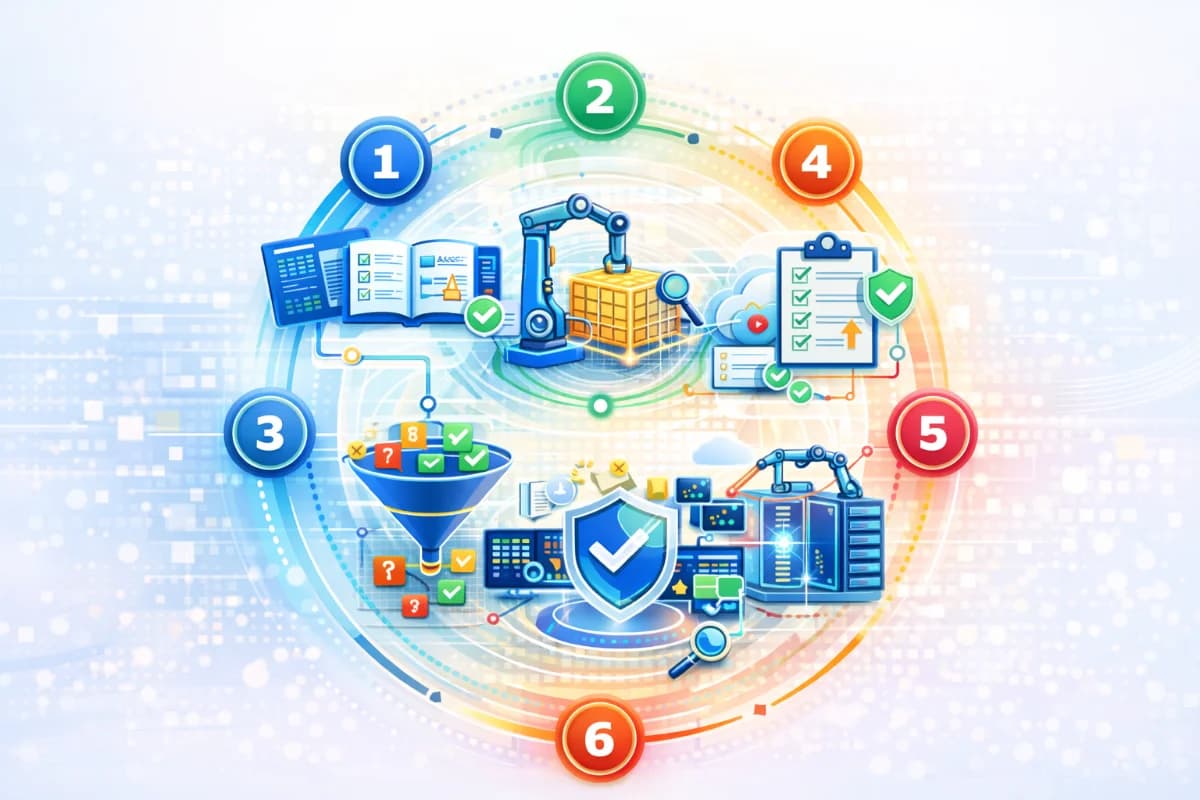
How to automated incident response with a SOAR workflow, containment automation, playbooks and runbooks, and response orchestration using a safe phased rollout.
]If you are searching how to automated incident response, the safest answer is not to automate everything. It is to automate the right steps in the right order so you get faster containment without breaking operations. A practical SOAR workflow for SMEs starts small, validates signal quality, standardizes evidence, enables safe containment automation, then expands playbooks and integrations over time. This step-by-step guide shows exactly how to do that with lean resources.
Why this topic matters
Incident response is often slow in SMEs because the first responder spends time hunting for evidence across tools. During that delay, attackers escalate access, download data, or spread ransomware-like behavior. Automation matters because it shortens the first 15 minutes and makes the response loop consistent after hours. However, automation also introduces a new risk: false positives can trigger disruptive actions that hurt the business. That is why safe automation must be phased and governed.
A realistic scenario is account takeover. Without automation, an analyst might take 30 to 60 minutes to confirm the incident, revoke sessions, and check what changed. With containment automation, suspicious sessions can be revoked quickly, evidence collected automatically, and the incident owner notified with a clear summary. The difference is not small: it can determine whether the incident stays contained or becomes a customer-impact event. This guide focuses on predictable speed with guardrails.
Key factors and features to consider
Validate signals before automating actions
Automation should only run on signals you trust. Signal quality depends on telemetry coverage, consistency, and context. For SMEs, the highest-value signals usually come from identity sign-ins, email activity, endpoints, and critical cloud audit logs. Before you automate any containment step, confirm that these signals are flowing reliably and that your team can interpret them.
A practical signal validation test is to replay recent benign events. For example, a legitimate travel login, a password reset, or a software update should not produce a critical incident. If it does, your baselines and correlation are not ready. Signal validation reduces false positives and protects trust in the automation program.
Design a SOAR workflow that matches your operating reality
A SOAR workflow is simply a standardized detect, triage, contain, recover loop. In SMEs, the workflow must be small enough to operate weekly. The key is to define what the incident should look like: a plain-language summary, a timeline, evidence highlights, and the first recommended action. If your workflow produces a pile of alerts without a story, your team will not act faster.
The workflow should include confidence and severity rules. Low confidence incidents should collect evidence and notify quietly. Medium confidence incidents should request human review. High confidence incidents can trigger safe containment actions. This structure keeps response predictable and prevents alert chaos.
Containment automation must be reversible and scoped
Safe containment automation focuses on actions that are reversible and limited in blast radius. Typical examples include revoking suspicious sessions, forcing re-authentication, quarantining a specific email, isolating a single endpoint, or temporarily restricting a risky account. These actions reduce attacker dwell time while minimizing business disruption. The goal is to buy time for investigation and decision-making.
Disruptive actions should require approval. Examples include disabling critical accounts, isolating servers, blocking broad domains, or revoking wide vendor access. A time-limited control model is especially useful for SMEs: apply a reversible restriction for 30 minutes, then require explicit approval to extend. This supports fast containment without long downtime if the incident is benign.
Playbooks and runbooks are the safety rails
Playbooks define what to do for an incident type and what triggers the workflow. Runbooks define how to do it step by step, including approvals and rollback. SMEs should start with two playbooks: account takeover and ransomware suspicion, because they are common and time-sensitive. Each playbook should define the first safe action, the escalation path, and the evidence package required.
A runbook should include stop conditions. For example, do not isolate billing servers without approval, and do not block broad domains without verifying impact. Stop conditions prevent automation from harming critical operations. Over time, playbooks can expand to cover invoice fraud attempts, data sharing exposure, and vendor access anomalies.
Response orchestration connects your tools into one action path
Response orchestration is how you execute actions across identity, email, endpoints, and cloud systems from one workflow. Without orchestration, responders waste time switching tools. With orchestration, the same incident triggers the same sequence of actions and evidence capture, improving consistency and speed. Orchestration should be introduced gradually, starting with evidence collection and ticket creation, then adding safe containment actions.
If your team is lean, an AI-first workflow like ShieldNet Defense can fit here by producing plain-language incidents, correlating multi-source signals, and triggering safe actions with guardrails. It reduces the cognitive load of triage and helps leadership understand what is happening quickly. The platform supports speed, but your phased rollout keeps it safe.
Detailed comparisons or explanations
A step-by-step rollout plan for SMEs
Step 1: Choose two incident types and define outcomes. Start with account takeover and ransomware suspicion. Define what fast success looks like, such as first containment within 20 minutes and an evidence package that is consistent. Define who owns the incident after hours and who approves disruptive actions.
Step 2: Connect minimum integrations and validate signal quality. Ensure identity, email, endpoint, and critical cloud logs are connected. Run signal validation using known benign scenarios to ensure you do not page on normal behavior. Confirm that each incident type has at least two independent signals.
Step 3: Implement alert triage automation and incident grouping. Configure correlation so multiple related alerts become one incident. Require a timeline and evidence highlights in the incident output. Define confidence levels and paging rules so only high-confidence, high-impact incidents wake someone up.
Step 4: Standardize evidence and executive summaries. Every incident should include what happened, impact, what was done, and next steps. Standardize timestamps so you can measure time-to-detect and time-to-first containment. This step is essential for MTTD and MTTR tracking.
Step 5: Enable safe containment automation for high-confidence patterns. Start with reversible actions: session revocation, forced re-authentication, email quarantine, and isolating a single endpoint. Keep disruptive actions behind approvals. Use time-limited restrictions to avoid long disruption.
Step 6: Run drills, measure KPIs, and tune. Review false positives weekly at first, then monthly. Track KPIs: MTTD, time to first containment, MTTR, after-hours pages, and alert-to-incident conversion. Make one tuning decision per month based on evidence.
Step 7: Expand playbooks and integrations. Add playbooks for invoice fraud, data exposure through sharing, and vendor access anomalies. Add additional data sources only when the workflow is stable, because more data without correlation increases alert noise. Expand orchestration to include more actions gradually.
This plan works because it treats safety as a first-class requirement. SMEs get speed early by focusing on high-signal incidents and safe actions. They avoid disruption by gating high-impact actions and validating signals first. Over time, the program becomes a predictable operating system rather than a brittle set of scripts.
Common pitfalls and how to avoid them
One pitfall is automating too broadly on day one. This creates disruption and destroys trust. Another pitfall is skipping triage and evidence standardization, so automation triggers actions without clarity. A third pitfall is adding too many integrations too soon, which increases noise faster than you can tune. SMEs also fail when approvals are unclear after hours, creating bottlenecks and delays.
Avoid these pitfalls by enforcing phased rollout, correlation requirements, and approval gates. Maintain an automation register and a rollback plan for every action. Measure outcomes and tune monthly. If you adopt ShieldNet Defense, still apply the same governance: define who owns it, how approvals work, and how tuning is performed. Tools do not replace discipline.
Best practices and recommendations
- Start with two incident types and a clear under-20-minute first containment target
- Validate signal quality with benign scenarios before enabling any automated action
- Correlate alerts into incidents and require a minimum evidence package
- Automate reversible, scoped containment actions first and gate disruptive actions
- Use time-limited restrictions to reduce risk without long disruption
- Track KPIs monthly and expand only when false positives are stable and low
To implement, treat the first month as a controlled pilot. Focus on building trust in triage quality and evidence. Automate one or two safe actions and measure how often they help versus how often they disrupt. Then expand playbooks and integrations gradually. ShieldNet Defense can be positioned as supporting this rollout by generating plain-language incidents and action logs that make tuning easier.
FAQ
What is the safest first automation for incident response?
The safest first automations are evidence capture and incident grouping, because they do not disrupt operations. The next safest are reversible containment actions like session revocation and quarantining a specific email. SMEs should avoid disabling accounts or blocking broad domains early. Safety comes from reversibility and narrow scope.
How do we know our signals are good enough to automate?
Signals are good enough when they are reliable, consistent, and supported by context from at least two sources. Your system should not page on routine events like travel logins or scheduled updates. If false positives are frequent, you need better correlation and baselining before automation. Validation with real benign scenarios is the best test.
What KPIs should we track during rollout?
Track MTTD, time to first containment, MTTR, after-hours pages, and alert-to-incident conversion rate. These KPIs show whether you are improving speed while controlling noise. SMEs should review them monthly and use them to drive one tuning decision at a time. KPI discipline is what prevents alert chaos.
How do playbooks and runbooks reduce risk?
They make response repeatable and define boundaries. Playbooks define triggers and actions, while runbooks define approvals, rollback, and stop conditions. This prevents automation from taking harmful actions and prevents humans from improvising under stress. For SMEs, these documents are the safety rails that make automation sustainable.
Where does ShieldNet Defense fit in a step-by-step rollout?
ShieldNet Defense can fit as the incident correlation and automation layer that produces plain-language incidents, evidence timelines, and safe actions with guardrails. It can help lean teams reduce triage effort and speed up containment. You should still implement phased rollout and approvals to keep it safe. Evaluate it on measurable outcomes such as time to first containment and false positives.
Conclusion
How to automate incident response safely is about phased implementation. Start small, validate signal quality, correlate alerts into incidents, standardize evidence, enable safe containment automation, then expand playbooks and integrations over time. Keep disruptive actions behind approvals and use time-limited restrictions to protect business continuity. With disciplined KPIs and monthly tuning, SMEs can achieve faster, more predictable responses without alert chaos. An AI-first workflow like ShieldNet Defense can support this by turning signals into plain-language incidents and enabling safe actions, but the phased approach is what keeps automation safe.
Related Articles

Oct 9, 2026
I replied to a phishing email. Am I at risk?
Replied to a phishing email? Learn what risks you face, what attackers can learn from your reply, and what to do next to protect your account and business.

Oct 8, 2026
Real or Fake? How to verify a sharepoint file invitation
Received a SharePoint file invitation? Learn how to spot fake SharePoint emails, verify shared files safely, and protect your Microsoft 365 account from phishing.

Oct 1, 2026
I paid a fake invoice. What should my business do?
Paid a fake invoice? Learn what your business should do immediately to contact the bank, preserve evidence, secure accounts, investigate the fraud, and reduce further losses.

Protect your business with ShieldNet 360
Get started and learn how ShieldNet 360 can support your business.