
Jun 11, 2026
BlogReact2Shell on Kubernetes: Detect and Stop It Fast
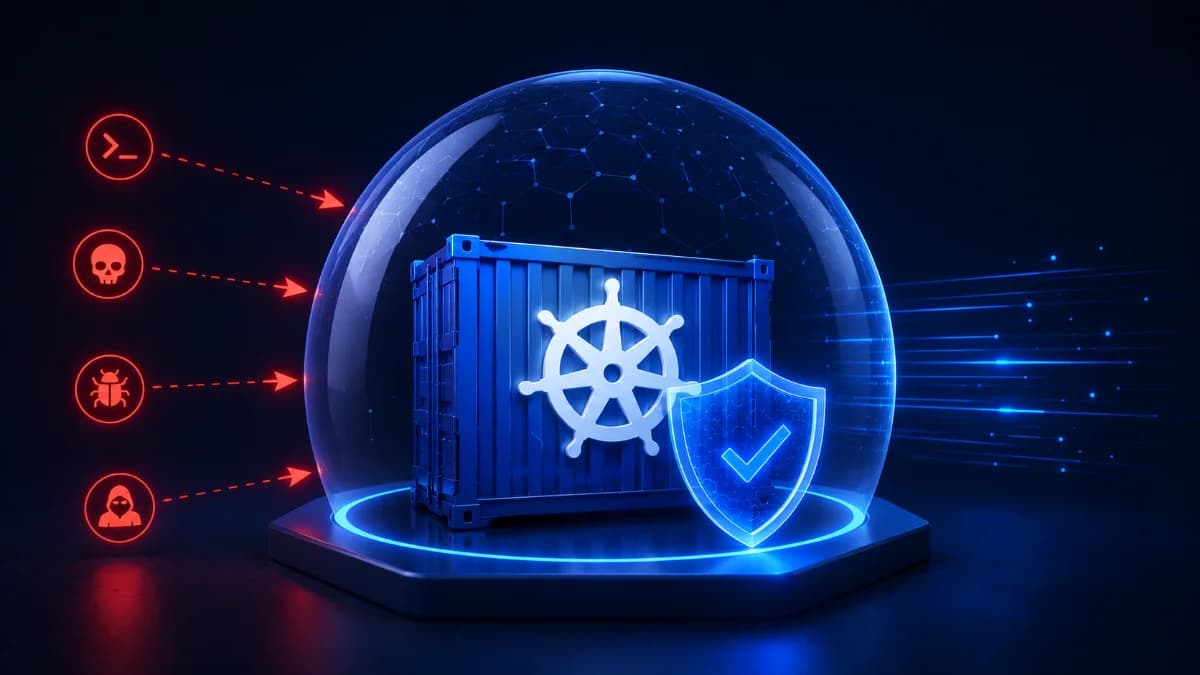
Learn how a React2Shell attack targets Kubernetes workloads, how attackers deploy webshells and C2 agents, and how runtime security stops attacks within seconds.
Why Kubernetes attacks are becoming harder to detect
Modern Kubernetes environments are designed for speed and scalability. Applications are deployed faster than ever, containers are created and destroyed continuously, and development teams can release updates multiple times a day.
Unfortunately, attackers benefit from this speed too.
A single vulnerability in an application can provide an entry point into a Kubernetes workload. Once inside, attackers can establish persistence, communicate with external infrastructure, and move toward sensitive systems before anyone notices.
One increasingly common scenario is what many security teams describe as a React2Shell-style attack.
The attack begins with a remote code execution vulnerability and quickly evolves into a runtime security incident inside Kubernetes.
What is a React2Shell attack?
The term React2Shell describes an attack chain where an attacker exploits a vulnerability in a web application and gains shell access to the underlying workload.
The goal is not simply to exploit a vulnerability.
The goal is to establish control over the container and use it as a foothold inside the environment.
The attack typically progresses through several stages.
Stage 1: Exploiting a vulnerable application
The attacker discovers a vulnerability that allows command execution.
Examples include:
- Remote Code Execution (RCE)
- Command Injection
- Vulnerable third-party libraries
- Application logic flaws
At this point, preventive controls such as WAFs may already be under pressure.
Stage 2: Bypassing the first line of defense
Attackers often modify or encode payloads to bypass security controls.
The request reaches the application successfully.
From the attacker's perspective, the objective is achieved:
The application is now executing commands.
Stage 3: Deploying a webshell
Once command execution is available, attackers commonly deploy a webshell.
A webshell provides:
- Remote command execution
- Persistence
- File upload capability
- Additional attack opportunities
The Kubernetes workload is now compromised.
Stage 4: Installing a C2 agent
Most attackers do not stop at a webshell.
They deploy a Command-and-Control (C2) agent.
This allows them to:
- Maintain access
- Execute commands remotely
- Download additional tools
- Steal data
At this stage the attacker has active control of the workload.
Stage 5: Expanding the attack
The attacker may attempt to:
- Access secrets
- Steal credentials
- Enumerate services
- Move laterally
- Deploy ransomware
The business impact can escalate rapidly.
Why traditional security tools often miss React2Shell attacks
Many organizations focus on:
- WAFs
- Vulnerability scanning
- Perimeter security
These controls are valuable but mainly focus on prevention.
Once a webshell or C2 agent is running inside a container, traditional tools may have limited visibility.
Security teams often discover the attack only after:
- Data is stolen
- Services are disrupted
- Customers are affected
This is where runtime security becomes critical.
Detecting React2Shell attacks at runtime
Runtime security focuses on attacker behavior rather than attack signatures.
Important indicators include:
Webshell activity
- Unexpected shell execution
- Suspicious file creation
- Unauthorized scripts
Command execution
- Bash processes
- Reverse shells
- Unknown binaries
Network activity
- Outbound C2 communications
- Beacon traffic
- Connections to suspicious IP addresses
Container behavior
- Privilege escalation
- Unauthorized workload activity
- Persistence mechanisms
Detecting these behaviors early can stop the attack before significant damage occurs.
How ShieldNet Defense protects Kubernetes workloads
ShieldNet Defense provides Kubernetes Workload Protection designed specifically for runtime detection and response.
The platform continuously monitors workload activity using behavior-based detection techniques.
ShieldNet Defense can identify:
- Webshell deployment
- Reverse shell execution
- Suspicious command execution
- C2 communications
- Unauthorized process creation
- Privilege escalation attempts
Instead of generating isolated alerts, the platform automatically correlates attack indicators into a complete timeline.
This helps teams quickly understand:
- How the attack started
- Which workload was affected
- What actions the attacker performed
- What response actions were executed
Detect → Analyze → Respond in Seconds
A successful response depends on speed.
ShieldNet Defense follows a three-stage workflow.
Detect
Identify suspicious runtime behavior immediately.
Analyze
Correlate events and reconstruct the attack timeline automatically.
Respond
Automatically:
- Kill webshell processes
- Terminate C2 agents
- Block malicious connections
- Alert security teams
This can reduce response times from hours to seconds.
Business benefits
By stopping React2Shell-style attacks early, organizations can:
- Prevent data theft
- Reduce downtime
- Protect Kubernetes services
- Minimize incident response costs
- Improve security resilience
Use ShieldNet Defense now: https://shieldnet360.com/products/defense/start-free-trial
Frequently Asked Questions
What is a React2Shell attack?
A React2Shell attack is an attack chain where a vulnerability leads to command execution and shell access inside a workload.
Can WAF stop React2Shell attacks?
WAFs help reduce risk but cannot stop every attack. Runtime detection is required once attackers gain access.
How do attackers maintain access?
Attackers commonly deploy webshells, reverse shells, and C2 agents.
How can Kubernetes workloads be protected?
Organizations should combine prevention controls with runtime detection and response solutions such as ShieldNet Defense.
Related Articles

Oct 9, 2026
I replied to a phishing email. Am I at risk?
Replied to a phishing email? Learn what risks you face, what attackers can learn from your reply, and what to do next to protect your account and business.
Oct 8, 2026
Real or Fake? How to verify a sharepoint file invitation
Received a SharePoint file invitation? Learn how to spot fake SharePoint emails, verify shared files safely, and protect your Microsoft 365 account from phishing.

Oct 1, 2026
I paid a fake invoice. What should my business do?
Paid a fake invoice? Learn what your business should do immediately to contact the bank, preserve evidence, secure accounts, investigate the fraud, and reduce further losses.