
Mar 31, 2026
BlogHow to Set Up SSO for Remote Access: MFA and SSO Explained for Growing Teams
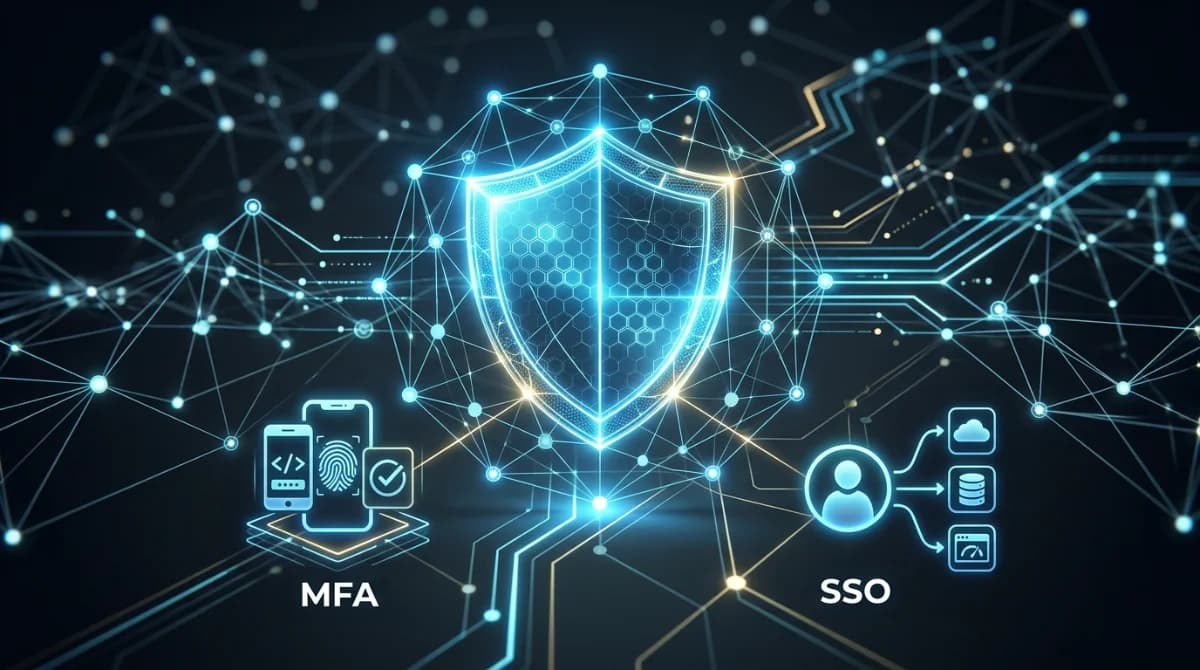
Your IT team spends 30% of their time resetting passwords and managing access requests when they should be driving innovation.
Setting up SSO for remote access starts with choosing a cloud-based identity provider that supports SAML 2.0, implementing MFA through authenticator apps or hardware tokens, and creating a phased rollout plan beginning with critical applications. The key is automating user provisioning through HR system integration while maintaining granular access controls through role-based permissions that scale with your growing team.
This guide transforms access management from your biggest headache into your competitive advantage, showing you exactly how to implement SSO and MFA without disrupting your team's productivity.
Why Do Growing Teams Struggle with Access Management?
The average SME employee juggles 12 different passwords across business applications. When your team grows from 20 to 50 people, you're suddenly managing 600 password combinations, each representing a potential security breach or productivity bottleneck.
Traditional password management creates three critical problems:
- Manual provisioning overhead: IT teams spend 4-6 hours onboarding each new employee across multiple systems
- Deprovisioning delays: 89% of companies take more than a week to fully revoke access for departed employees
- Shadow IT proliferation: Teams bypass IT to use unauthorized apps when official access takes too long
Remote work amplifies these challenges exponentially. Your Dubai-based fintech startup might have developers in Pakistan, customer support in the Philippines, and contractors across Southeast Asia. Each remote connection multiplies your attack surface while making centralized control nearly impossible with traditional VPN-based approaches.
The hidden costs compound quickly:
- Support ticket volume: Password resets consume 20–50% of help desk resources, with Gartner finding this to be one of the most persistent drains on IT capacity
- Compliance risks: Manual access logs fail audit requirements for PCI-DSS or SOC 2
- Productivity loss: Employees waste 12.6 minutes daily managing passwords
Understanding the full scope of this problem starts with a solid grasp of access control entry fundamentals and identity lifecycle management – the foundation on which any SSO strategy must be built.
What Makes SSO and MFA Essential for Modern Access Control?
What is Single Sign-On (SSO) and Why It Matters
Single Sign-On transforms your access architecture from a sprawling password maze into a streamlined authentication gateway. Users authenticate once through your identity provider (IdP) and gain access to all connected applications without re-entering credentials.
The technical foundation relies on three protocols:
- SAML 2.0: The OASIS-ratified industry standard for enterprise applications like Salesforce, AWS, and Microsoft 365, enabling web-based cross-domain single sign-on
- OAuth 2.0: Modern protocol for API-based applications and mobile apps
- OpenID Connect: Identity layer built on OAuth for consumer-facing applications
For IT managers, SSO delivers measurable operational improvements:
- 70% reduction in password reset tickets through centralized authentication
- Instant deprovisioning across all connected applications from a single dashboard
- Unified access logs providing complete visibility for compliance audits
Multi-Factor Authentication (MFA) Explained Simply
MFA adds verification layers without adding complexity when implemented correctly. Rather than just "something you know" (password), MFA requires additional factors from "something you have" (device) or "something you are" (biometric).
Modern MFA methods ranked by security and usability:
- Hardware security keys (FIDO2/WebAuthn): Highest security, phishing-proof, requires physical device
- Authenticator apps (TOTP): Strong security, works offline, supported by Google Authenticator, Microsoft Authenticator
- Push notifications: Convenient for users, requires internet connection
- SMS/Voice: Weakest option – NIST SP 800-63B has restricted the use of SMS-based authentication due to its vulnerability to phishing and SIM-swapping attacks; use only as a fallback
The key insight: MFA doesn't slow teams down when you implement adaptive authentication. Low-risk activities like accessing company wikis might require only SSO, while financial systems demand hardware key verification. Pairing MFA with a Least privilege access model ensures that even authenticated users can only reach the resources their role genuinely requires.
How to Set Up SSO for Remote Access: Your Implementation Roadmap
Assessing Your Current Access Landscape
Start by creating a comprehensive access inventory. Most SMEs discover 30-40% more applications than IT officially tracks.
Document these elements for each application:
- Authentication method: Local accounts, Active Directory, Google Workspace, existing SSO
- User count and roles: Who needs access and at what permission level
- Integration capabilities: Check for SAML, OAuth, SCIM support in admin panels
- Business criticality: Rank from essential (CRM, email) to nice-to-have (learning platforms)
- Compliance requirements: Applications handling PII, financial data, or customer records
For distributed teams operating across multiple regions, this inventory phase is also the right moment to evaluate whether zero trust network access principles should govern how remote users connect to each application tier – particularly for high-sensitivity systems that VPN alone cannot adequately protect.
Selecting the Right IdP for Your Business Scale
The identity provider (IdP) forms the foundation of your SSO architecture. For growing SMEs, key selection criteria include:
Feature | Why It Matters | ShieldNet Access Advantage |
|---|---|---|
Cloud-native architecture | Eliminates on-premise maintenance and enables true remote access | 100% cloud-based with no hardware to install or maintain |
SAML 2.0 support | Enterprise-grade security for SaaS applications | Native SAML 2.0 support with pre-configured templates for 3000+ applications |
Automated user provisioning | Reduces manual account creation through SCIM protocol | HR system integration for automated lifecycle management |
Contextual access policies | Adapts security based on user, device, location, and activity risk | Risk-based authentication that adjusts MFA requirements automatically |
Adaptive MFA options | Balances security with usability | Supports all authentication methods with risk-appropriate enforcement |
Access monitoring | Provides audit trail for compliance and threat detection | Real-time visibility dashboard with anomaly detection |
Implementation: Your Phased Rollout Strategy
A successful SSO deployment follows a strategic sequence:
- Pilot phase (Weeks 1-2)
- Configure your identity provider (ShieldNet Access)
- Integrate with your primary directory (Google Workspace, Microsoft 365)
- Set up MFA for IT administrators
- Connect 2-3 non-critical applications
- Test with a small group of technically proficient users
- Critical applications phase (Weeks 3-4)
- Integrate mission-critical systems (CRM, ERP, financial tools)
- Create role-based access policies
- Implement appropriate MFA methods for each application tier
- Develop user training materials
- Configure automatic provisioning where supported
- Company-wide rollout (Weeks 5-8)
- Schedule department-by-department migration
- Provide clear communications with benefits messaging
- Offer live support sessions for the first login
- Monitor help desk tickets and address friction points
- Implement automated user lifecycle management
- Optimization phase (Ongoing)
- Review access logs for unusual patterns
- Refine access policies based on usage data
- Add new applications as they join your ecosystem
- Conduct quarterly access reviews
- Measure ROI through help desk ticket reduction
Managing the Human Side: User Adoption Strategies
Technical implementation is only half the battle. Successful SSO deployments require thoughtful change management:
- Executive sponsorship: Ensure leadership visibly supports the initiative
- Clear communication: Explain how SSO benefits users, not just IT security
- Targeted training: Create role-specific guides showing exactly what changes
- Support reinforcement: Provide multiple channels for assistance during transition
- Quick wins emphasis: Highlight immediate benefits like fewer passwords to remember
The key to adoption success is positioning SSO as a productivity enhancement rather than a security restriction. When users understand they'll spend less time on password resets and more time on meaningful work, resistance diminishes.
Frequently Asked Questions
How much does implementing SSO typically cost for a small business?
For a growing SME with 20-100 employees, cloud-based SSO solutions like ShieldNet Access typically cost $5-15 per user per month depending on features needed. Consider this against the hidden costs of traditional access management: 20-50% of help desk time, security incident response, and employee productivity losses that can exceed $50,000 annually for even small teams.
Can we implement SSO while keeping some legacy systems that don't support modern protocols?
Yes. Modern identity providers offer solutions for legacy applications through techniques like header-based authentication, application proxies, or password vaulting. ShieldNet Access specifically includes a secure credential vault for legacy systems that cannot support SAML or OAuth, ensuring you can maintain a single sign-on experience even with older applications.
How does SSO actually improve security if users only need one password?
While counter-intuitive, SSO significantly enhances security through several mechanisms:
- Stronger authentication requirements for the single entry point
- Multi-factor authentication that would be impractical across multiple systems
- Immediate deprovisioning capabilities across all applications
- Visibility into access patterns that reveal potential account compromise
- Elimination of password reuse and weak credentials across applications
The security principle is consolidating to better defend one strong entry point rather than managing dozens of potentially weak access points.
How long does a typical SSO implementation take for a small to mid-sized business?
For most SMEs, a phased SSO implementation takes 6-8 weeks from planning to full deployment. The most time-consuming elements are typically application inventory, creating role-based access policies, and managing user training. ShieldNet Access accelerates this timeline through pre-configured application templates and simplified user onboarding processes that can reduce implementation to 3-4 weeks for many organizations.
Take Control of Your Access Management Today
Implementing SSO and MFA for remote access is no longer an enterprise-only luxury. For growing SMEs, particularly those with distributed teams, it's become a competitive necessity that simultaneously improves security, productivity, and compliance posture.
ShieldNet Access provides the ideal path to modern access management with:
- Cloud-based deployment requiring no hardware installation
- Pre-configured integrations with the applications your team already uses
- Flexible MFA options that balance security with usability
- Comprehensive visibility into who's accessing what, when, and how
- Automated user lifecycle management that scales with your business
Request a personalized demo today to see how ShieldNet Access can transform your team's access experience while strengthening your security foundation.
Related Articles
May 12, 2026
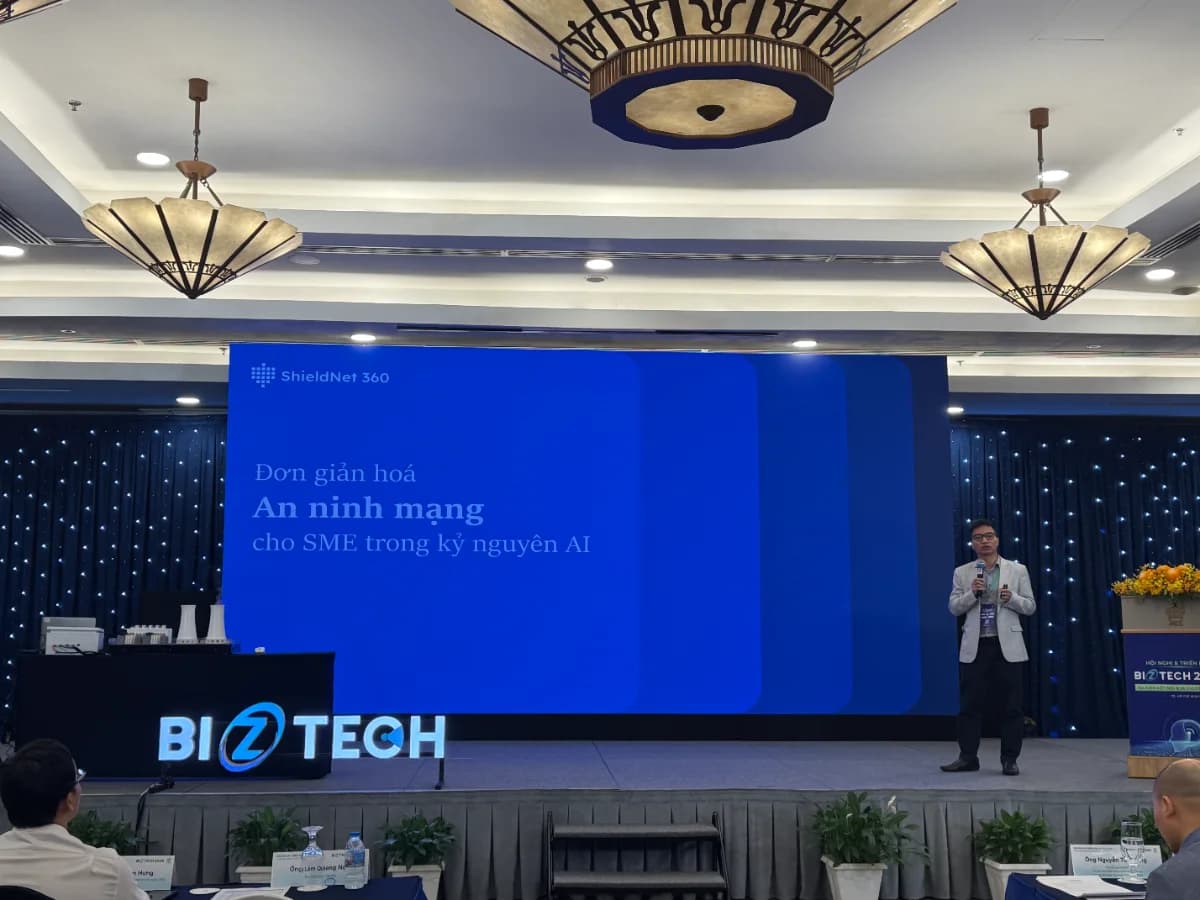
ShieldNet 360 at Biztech 2026: Security Made Simple in the AI era
Today, on May 12, 2026 in Ho Chi Minh City, ShieldNet 360 is attending Biztech 2026 and speaking in the session Cyber Security in the AI Era with the topic “Security Made Simple for SMEs in the AI Era”, delivered by Mr. Tung Nguyen (Ethan), Director of ShieldNet 360.
May 5, 2026
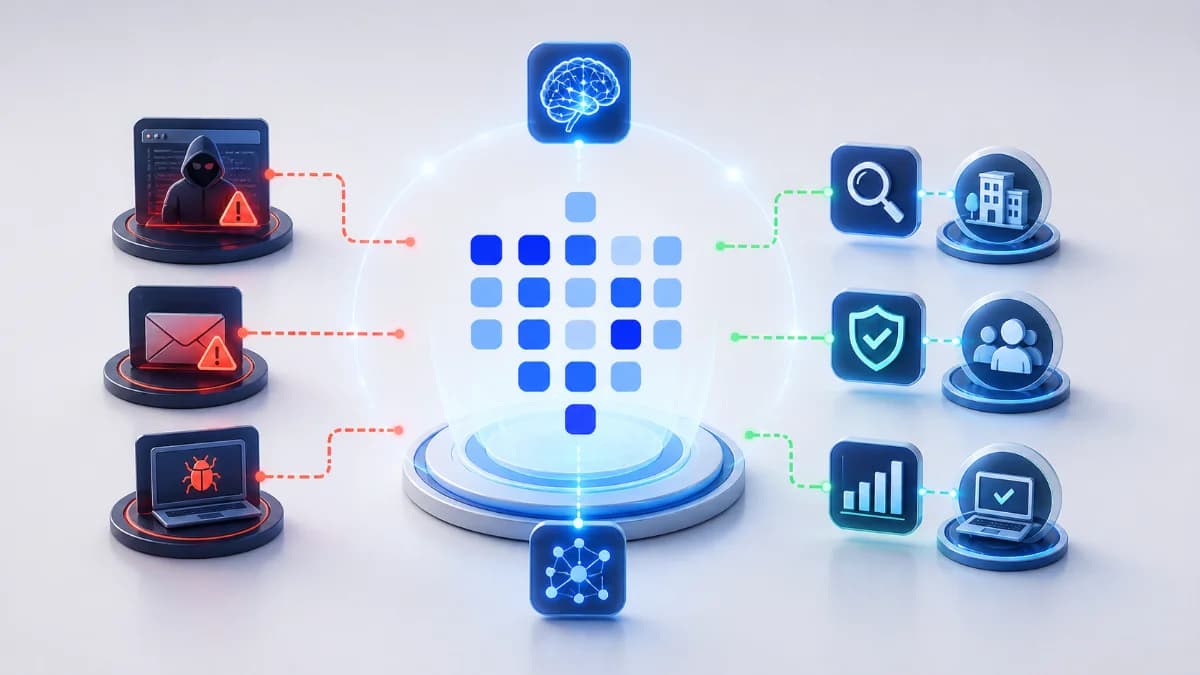
ShieldNet Defense: AI-powered threat detection for SMEs
Discover ShieldNet Defense, an AI-powered threat detection platform that explains risks in plain language and helps SMEs detect, analyze, and respond to threats faster.

May 4, 2026
AI threat detection demo: detect, analyze, respond
Learn how an AI threat detection demo works with a clear detect–analyze–respond workflow. See dashboard outputs, real scenarios, and how SMEs stop threats in minutes.

Protect your business with ShieldNet 360
Get started and learn how ShieldNet 360 can support your business.