
Jul 1, 2026
BlogWhy AI explains security alerts better than traditional tools
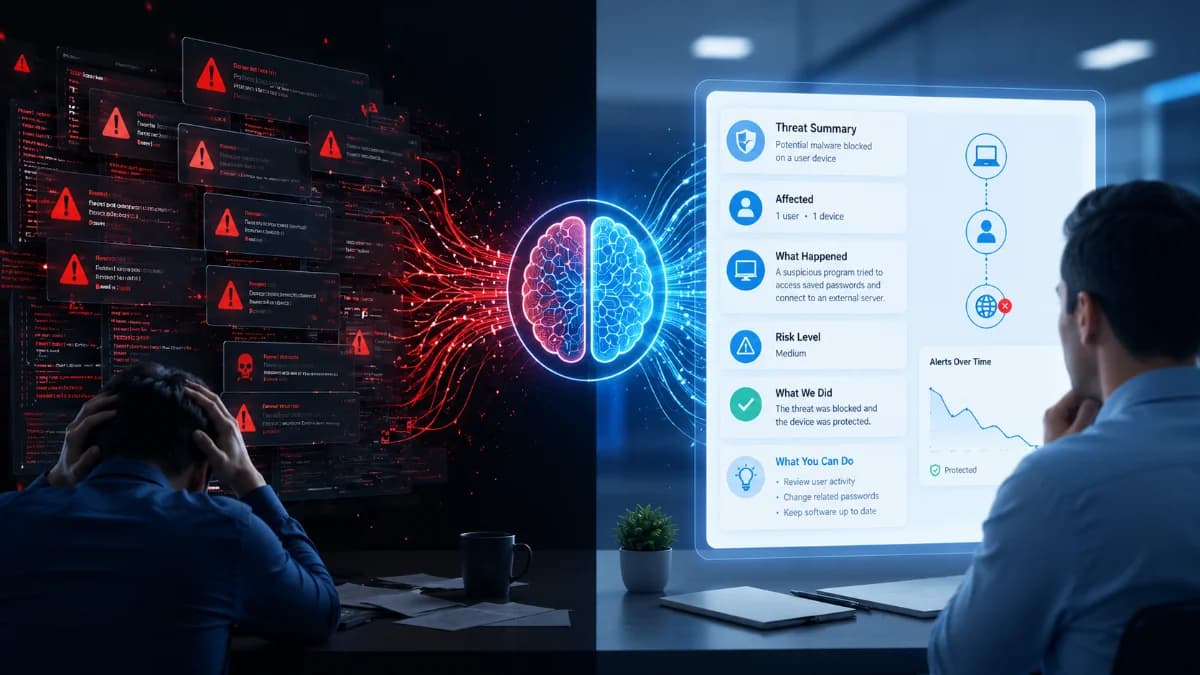
Traditional security tools generate alerts but often leave businesses guessing. Learn how AI explains security alerts in plain language and helps SMEs respond faster.
Security alerts are supposed to help but they often create confusion
Every day, businesses receive security alerts from antivirus software, firewalls, cloud services, and other security tools.
The problem is that many of these alerts are written for cybersecurity experts, not business owners or small IT teams.
A typical alert might contain technical terms, unfamiliar process names, IP addresses, or file paths that make little sense to someone without cybersecurity experience.
As a result, businesses often ask the same questions:
- Is this a real attack?
- How serious is it?
- What system is affected?
- What should we do next?
Finding these answers can take hours – or even days.
This is where Artificial Intelligence (AI) is changing cybersecurity.
Quick Answer
Why does AI explain security alerts better?
AI can automatically analyze thousands of security events, connect related activities, and explain what happened in simple language. Instead of showing raw technical data, AI highlights the business impact, affected systems, and recommended next steps, helping businesses respond faster and with greater confidence.
Why traditional security alerts are difficult to understand
Most traditional security tools focus on detecting threats.
Once they detect something suspicious, they generate an alert.
Then they stop.
The investigation is left to people.
For large enterprises with dedicated Security Operations Center (SOC) teams, this works.
For most SMEs, it does not.
A business owner or IT administrator may receive dozens of alerts every day without knowing:
- Which alert matters most
- Whether it is a false alarm
- Whether customer data is at risk
- Whether immediate action is required
This creates "alert fatigue" – a situation where important alerts are overlooked because there are simply too many to review.
How AI changes the way businesses understand alerts
AI does much more than detect suspicious activity.
It helps explain the entire situation.
Instead of presenting isolated alerts, AI can answer questions such as:
- What happened?
- When did it begin?
- Which employee or device is involved?
- Which business systems are affected?
- How serious is the incident?
- What should happen next?
This gives decision-makers the context they need without reading technical logs.
An example: Traditional alert vs AI explanation
Traditional Alert
Suspicious PowerShell execution detected from Process ID 4721.
Unless you're a cybersecurity specialist, this message doesn't tell you much.
AI Explanation
An employee downloaded software from an unknown website. The software attempted to access saved passwords and connect to an external server. The activity was blocked before sensitive business data was accessed. We recommend removing the application, changing affected passwords, and reviewing recent account activity.
The second explanation is easier for anyone to understand – even without technical knowledge.
Why this matters for SMEs
Most small and medium-sized businesses do not have cybersecurity analysts available 24 hours a day.
Business owners need clear answers, not complicated reports.
When alerts are easy to understand, businesses can:
- Respond more quickly
- Reduce downtime
- Protect customer data
- Make better security decisions
- Reduce unnecessary panic
Simple explanations also help management communicate incidents with employees, customers, and business partners.
How ShieldNet Defense makes security simple
ShieldNet Defense is designed for businesses that want enterprise-grade security without enterprise complexity.
Instead of showing technical alerts, ShieldNet Defense uses AI Agents to explain:
- What happened
- Why it happened
- Which systems are affected
- How serious the risk is
- What actions have already been taken
- What should happen next
This follows the platform's Detect → Analyze → Respond approach.
Detect
ShieldNet Defense continuously monitors endpoints, cloud services, identities, and business systems for suspicious activity.
Analyze
AI Agents automatically investigate alerts, connect related events, identify attack patterns, and assess potential business impact.
Respond
ShieldNet Defense recommends – or automatically performs – response actions such as isolating affected devices, blocking malicious activity, or guiding administrators through recovery.
The goal is simple:
Turn complex security alerts into clear business decisions.
Benefits of AI-powered alert explanations
Businesses can:
- Understand incidents in minutes instead of hours
- Reduce alert fatigue
- Improve response speed
- Minimize business disruption
- Operate with smaller security teams
- Increase confidence in security decisions
Key Takeaways
- Traditional security tools detect threats but rarely explain them.
- AI provides business context instead of technical jargon.
- Clear explanations help businesses respond faster.
- ShieldNet Defense combines AI with continuous monitoring to simplify cybersecurity for SMEs.
Frequently Asked Questions
Does AI replace cybersecurity professionals?
No. AI helps security teams by automating analysis and explaining alerts, allowing experts to focus on higher-value tasks.
Why are traditional security alerts difficult to understand?
Most are written for security analysts and contain technical information rather than business context.
Can AI reduce false alarms?
AI helps prioritize alerts and correlate related events, making it easier to identify which incidents require immediate attention.
Is this suitable for small businesses?
Yes. AI is especially valuable for SMEs that do not have dedicated cybersecurity teams.
How does ShieldNet Defense use AI?
ShieldNet Defense uses AI Agents to continuously detect, analyze, investigate, and respond to threats while explaining incidents in clear, business-friendly language.
Ready to simplify cybersecurity?
Discover how ShieldNet Defense helps your business understand threats, respond faster, and stay protected with AI-powered security that speaks your language.
Related Articles

Sep 25, 2026
I clicked a phishing link. What should I do now?
Clicked a phishing link? Learn what to do immediately, whether you entered a password or downloaded a file, and how to reduce the risk to your account and business.
Sep 24, 2026
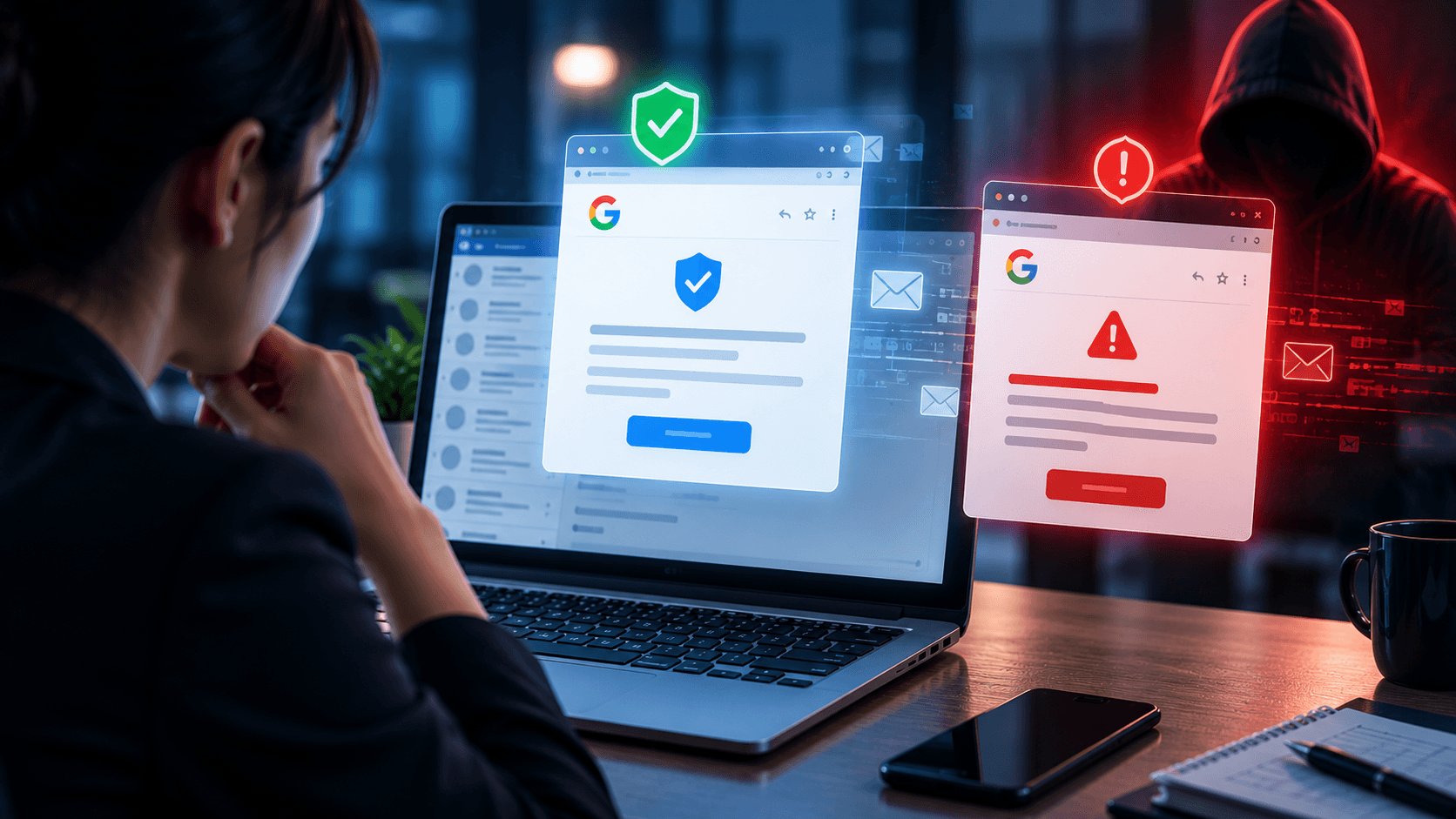
Real or Fake? Google Account Security Alert
Got a Google Account security alert? Learn how to tell if it is real or phishing, verify it safely, and protect your account without clicking suspicious links.
Sep 18, 2026
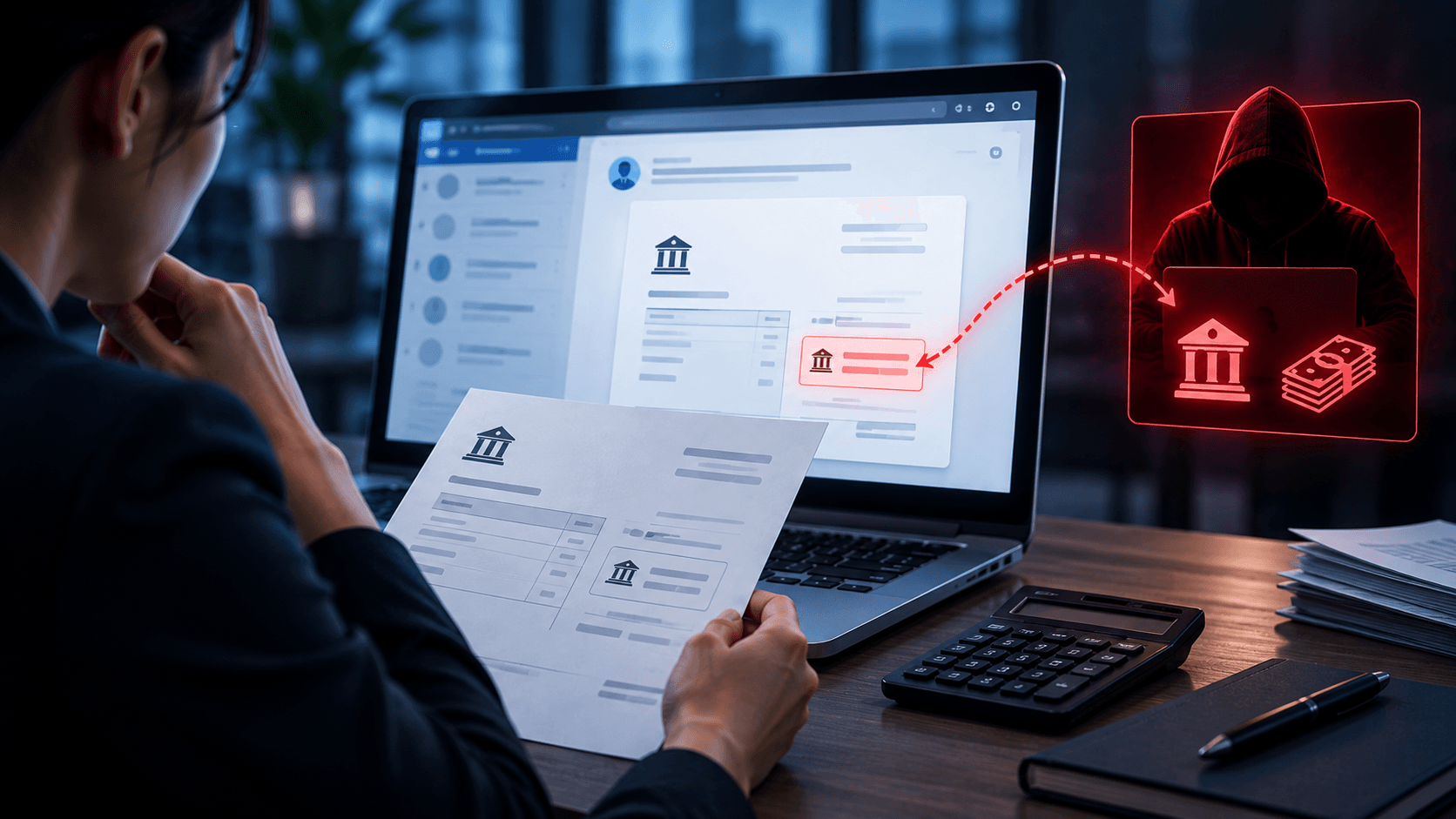
What is Invoice Fraud and How can employees spot it?
Learn how invoice fraud works, how attackers fake supplier payment requests, the warning signs employees should check, and how to verify invoices safely.

Protect your business with ShieldNet 360
Get started and learn how ShieldNet 360 can support your business.