
Mar 23, 2026
BlogZero Trust Network Access Explained: What SMEs Need to Know
Your business may already be breached – and the attacker could be using a credential that belongs to a former employee.
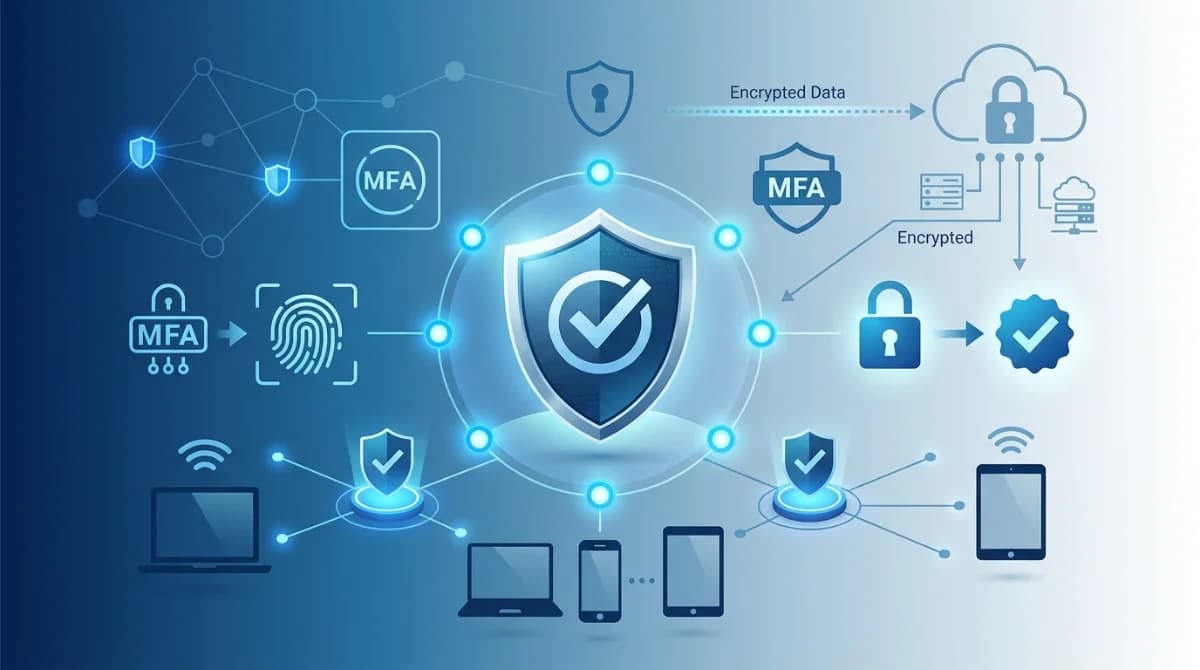
Zero Trust Network Access (ZTNA) is a security model that requires every user and device to verify their identity before accessing any system or application – every single time, regardless of whether they are inside or outside your office network. Unlike traditional VPNs that grant broad access once a user logs in, ZTNA follows a "never trust, always verify" approach, granting access only to the specific resource a user needs.
For compliance officers and IT managers at small and mid-sized businesses, ZTNA is no longer a concept reserved for large enterprises. It is now the practical baseline for audit-readiness, data protection, and access governance – without requiring a team of security engineers to manage it.
What Is Zero Trust Network Access (ZTNA)?
ZTNA is a security framework that replaces the outdated assumption that anyone already inside your network can be trusted. It was first defined by Gartner as a model that creates an identity-based access boundary around individual applications rather than the entire network.
The core principle is straightforward:
- Never trust by default. A user's location – office, home, or coffee shop – does not determine their access rights.
- Always verify. Identity, device health, and context (role, time of access, location) are checked every time, not just at login.
- Least-privilege access. Each user or device can only reach what they specifically need, preventing lateral movement if credentials are ever compromised.
- Application-level isolation. Your internal tools and data are hidden from public discovery – invisible to anyone not explicitly authorized.
This matters because the threat landscape has changed. According to the Verizon 2025 Data Breach Investigations Report, 88% of attacks on web applications involved the use of stolen credentials, and 60% of all confirmed breaches involved the human element – errors, social engineering, or misused access. The weakest point in most SME networks is not a software vulnerability; it is an open door left by over-privileged access.
Why Should Compliance Officers Care About ZTNA?
Compliance frameworks – including ISO 27001, PCI DSS, and GDPR – share a common thread: they require organizations to demonstrate that access to sensitive data is controlled, logged, and limited to authorized individuals.
ZTNA directly supports these requirements in three ways:
- Audit-ready access logs. Every access request is verified and logged. Auditors receive a clear, timestamped record of who accessed what and when – without your team scrambling to compile reports manually.
- Least-privilege enforcement. Compliance controls like ISO 27001 Annex A.9 (Access Control) require that users have access only to what their role demands. ZTNA enforces this automatically, reducing the risk of a control gap being flagged during an audit.
- Reduced attack surface for regulated data. GDPR and PCI DSS penalize organizations for failing to prevent unauthorized access to personal and financial data. A ZTNA model ensures that even if one set of credentials is stolen, the attacker cannot move across your systems to reach protected data.
For fintech and financial services companies in particular, where one unauthorized access incident can trigger regulatory investigation or result in license suspension, ZTNA moves access governance from a periodic checkbox to a continuous, automated control.
How Does Zero Trust Network Access Work?
ZTNA works through a verification process that happens before every connection – not just at the start of a session. Here is the flow in plain terms:
- User requests access to an application or resource.
- Identity is verified using Multi-Factor Authentication (MFA) and integration with identity providers such as Microsoft Entra ID (formerly Azure AD) or Google Workspace.
- Device posture is checked. Is the device up-to-date? Does it comply with security policy? An unmanaged personal device may be blocked automatically.
- Access is granted – narrowly. The user receives access only to the specific application requested, not the broader network.
- Session is monitored continuously. If behavior changes mid-session – unusual data downloads, access from a new location – the session can be automatically terminated.
This process happens in seconds and is invisible to the end user when configured correctly. The business keeps running; the risk exposure is reduced.
ZTNA vs. VPN: What's the Real Difference?
VPNs were built for a world where employees worked from a single office. Once connected, a VPN user typically has access to the entire internal network – a significant risk if those credentials are ever compromised.
Feature | Traditional VPN | ZTNA (Generic) | ShieldNet Access |
|---|---|---|---|
Access model | Full network access after login | Application-level access only | Per-user, per-application identity-verified access |
Identity verification | One-time login | Continuous verification | Continuous verification via Microsoft 365 / Google Workspace integration |
Device check | Rarely enforced | Varies by solution | Automatic – risky or unmanaged endpoints are isolated |
Compliance logging | Limited or manual export | Depends on implementation | Audit-ready access logs built in |
Installation required | VPN client on each device | Often requires agent | Cloud-based, no installation needed |
Scalability for growing teams | Complex, manual provisioning | Varies | Easy onboarding and offboarding; scales with your team |
ShieldNet Access is built specifically for SMEs that need the access control capabilities of enterprise ZTNA – without the infrastructure overhead. It integrates directly with the identity platforms your team already uses, eliminates the need for traditional VPNs, and gives compliance officers a clear, centralized view of who has access to what.
How to Implement ZTNA Without an In-House Security Team
One of the most common objections SMEs raise about ZTNA is complexity. The enterprise solutions – Zscaler, Palo Alto Networks Prisma Access, Cloudflare Access – are powerful but built for organizations with dedicated security architects.
For SMEs, implementation should follow a simpler path:
- Start with identity. Connect your existing Microsoft 365 or Google Workspace directory as the foundation for access decisions. Most of your user accounts already exist there.
- Map your critical applications. Identify the top 5–10 tools or systems that hold sensitive data: your CRM, financial platform, HR system, cloud storage. These are your first ZTNA perimeter.
- Enforce MFA everywhere. ZTNA without MFA leaves identity verification incomplete. Enable MFA for all users accessing business-critical applications.
- Remove standing access for contractors and former staff. Orphaned accounts are among the most exploited entry points. Periodic access reviews – or automated offboarding – close this gap.
- Deploy a cloud-based ZTNA solution. Look for solutions that require no agent installation, integrate with your existing identity provider, and provide audit-ready logs out of the box.
The Cloud Security Alliance's Zero Trust Guidance for SMBs (January 2025) provides a framework-aligned approach that SME IT teams can follow without needing specialist expertise.
Frequently Asked Questions
What is Zero Trust in network access?
Zero Trust in network access means that no user or device is automatically trusted, even inside the company network. Every request for access to an application or resource must be verified using identity, device status, and context before access is granted.
What is Zero Trust network access vs VPN?
A VPN connects a user to the entire internal network after one login. ZTNA connects a user only to the specific application they need, and continues verifying their identity throughout the session. ZTNA reduces risk because a compromised credential cannot access systems the user was never authorized to use.
What are the benefits of Zero Trust network access for SMEs?
For SMEs, the main benefits are reduced breach risk from stolen credentials, simplified audit compliance with access logs and least-privilege enforcement, easier management of contractors and remote staff, and no need for legacy VPN infrastructure. Modern cloud-based ZTNA tools deploy in minutes with no hardware required.
Ready to move beyond VPNs? ShieldNet Access gives growing SMEs continuous, identity-based access control that integrates with Microsoft 365 and Google Workspace – no installation, no complexity, audit-ready from day one. contact us to learn more
Related Articles
Mar 23, 2026
Stealer Malware: How It Steals Passwords and What to Do First
Stealer malware silently steals your passwords, cookies, and business credentials in minutes. Learn how it works and follow this action-first response playbook for SMEs.

Mar 20, 2026
What is a security automation platform for SMEs?
Security automation platform for SMEs: security orchestration, automated incident response, and security playbooks that turn alerts into clear incident workflows.

Mar 19, 2026
ShieldNet 360 and OMZ Cloud announce strategic partnership to strengthen cybersecurity for SMEs
March 19, 2026 — ShieldNet 360, an AI-powered cybersecurity platform for small and medium-sized enterprises (SMEs), and OMZ Cloud, a cloud infrastructure provider, today announced the signing of a strategic partnership agreement to enhance cybersecurity capabilities for businesses operating in cloud environments.
