
Mar 23, 2026
BlogStealer Malware: How It Steals Passwords and What to Do First
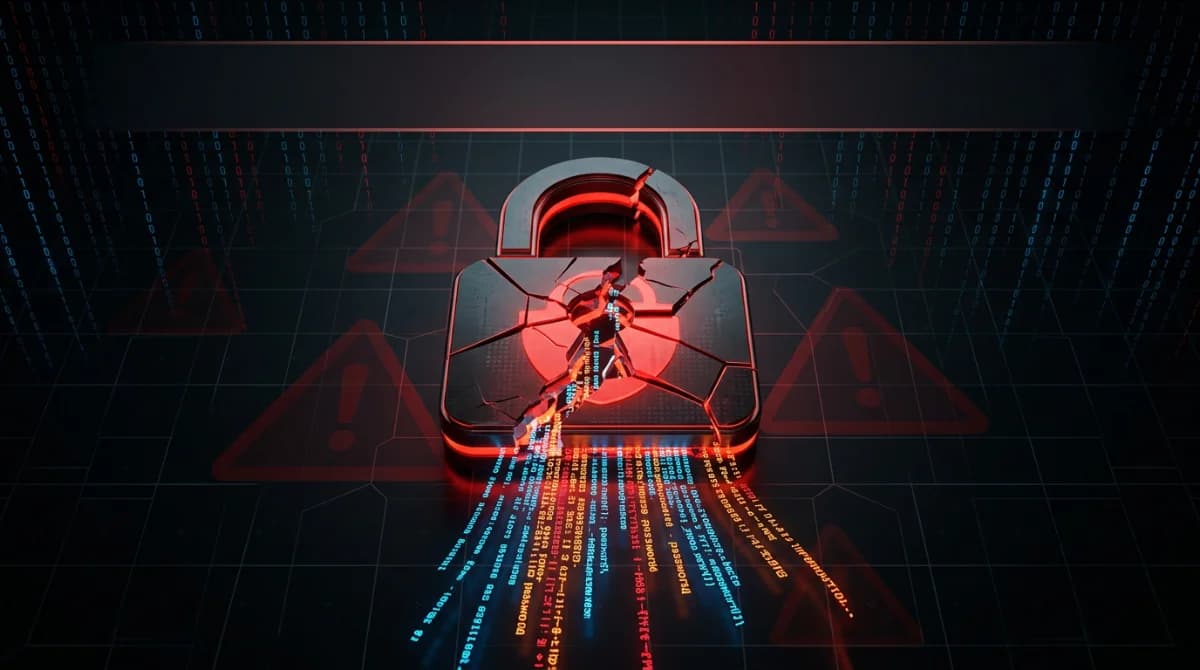
Your employee clicked a suspicious link three hours ago – and by now, your business passwords may already be for sale on a dark web marketplace.
Stealer malware (also called infostealer) is malicious software that silently extracts saved passwords, browser cookies, session tokens, and authentication data from an infected device, then transmits them to attackers within minutes. Once stolen, credentials are packaged and sold on underground markets – often before the victim knows they were compromised. For small businesses, a single infection can expose every system, cloud account, and client record the affected employee could access.
This guide explains exactly how stealer malware works and gives you an action-first response playbook to contain the damage in the critical first hour.
What Is Stealer Malware and How Does It Actually Work?
Stealer malware is a category of credential theft malware designed for one purpose: extract as much sensitive data as possible without being detected.
How it gets in:
- Phishing emails with malicious attachments or links – the most common entry point, accounting for roughly 60% of intrusions
- Malvertising – fake software download pages placed in search results via SEO poisoning
- ClickFix attacks – fake CAPTCHA or browser update prompts that trick users into executing malware directly
- Drive-by downloads from compromised websites
What it steals – in minutes:
- Saved passwords from Chrome, Edge, Firefox, Brave, and other browsers
- Active session cookies (allowing attackers to bypass passwords and MFA entirely)
- Email credentials and Microsoft 365 / Google Workspace tokens
- Crypto wallet keys and seed phrases
- Screenshots and clipboard contents
- System fingerprint data (hardware IDs, installed software, network configuration)
The speed is what makes stealers especially dangerous. Infostealers send harvested data to command-and-control servers within minutes of infection – there is no delay, no staging period. The moment credentials are collected, they are transmitted to attacker infrastructure.
The stolen data then gets packaged into what threat actors call "stealer logs" – archive files containing all harvested credentials from a single device – and listed for sale on dark web markets, sometimes within hours of theft.
The most active stealer families in 2025:
LummaC2 emerged as the most prolific infostealer of 2024–2025, with ESET reporting a 369% surge in detections between the first and second halves of 2024. Microsoft identified over 394,000 Windows computers infected globally during just a two-month window between March and May 2025. Other widely deployed families include RedLine, Vidar, Raccoon, and StealC – most available as Malware-as-a-Service subscriptions for as little as $150–$250 per month.
Why Is Stealer Malware Such a Critical Threat for SMEs in 2025?
The scale of the problem is no longer hypothetical. The numbers behind credential theft malware describe a category-level crisis.
IBM X-Force observed an 84% year-over-year increase in infostealers delivered via phishing emails in 2024. Mandiant reported that stolen credentials – many sourced from infostealer logs – became the second most common initial infection vector in 2024, involved in 16% of incidents.
According to the 2025 Verizon Data Breach Investigations Report, stolen credentials were the root cause of 22% of data breaches in 2024.
Over 54% of ransomware victims in 2024–2025 had their domain credentials appear on infostealer log marketplaces before the attack, and the window between a stolen log and a ransomware incident is sometimes under 48 hours.
For SMEs specifically, the risk is compounded by three factors:
- No dedicated security team to monitor for credential exposure or dark web appearances
- BYOD and hybrid work expand the attack surface significantly – 46% of infostealer infections in 2025 occurred on non-managed personal devices that also contained business credentials
- Single-point-of-failure access – one employee's compromised Microsoft 365 account can open access to email, SharePoint, Teams, OneDrive, and connected third-party apps simultaneously
Around 90% of organizations breached in 2024 had their credentials available for sale on dark web marketplaces before anyone knew about the infection. Most SMEs don't find out until a ransomware demand arrives.
How to Respond in the First Hour: A Step-by-Step Containment Playbook
When you suspect a stealer malware infection – or receive an alert indicating one – speed determines impact. Here is the action sequence your team should follow.
Minutes 0–15: Isolate the infected device immediately
Do not power off the machine. This destroys volatile memory data (running processes, network connections, decryption artifacts) that you will need for investigation and cleanup.
Instead:
- Disconnect the device from the network – unplug the ethernet cable or remove it from Wi-Fi
- If you have an EDR tool (such as Microsoft Defender for Endpoint or CrowdStrike Falcon), use its network isolation function to cut off the device while keeping it powered on for analysis
- Disable VPN and cloud application access for the affected user account immediately
- Do not delete or disable the account in Active Directory yet – preserve it for forensic investigation
Minutes 15–30: Assume all credentials on that device are compromised
Infostealers do not just grab one password – they harvest everything accessible on the system, including passwords typed into browsers. You should assume all credentials and session tokens were captured.
Act on that assumption immediately:
- Force a password reset for the affected user across all applications – email, Microsoft 365, Google Workspace, CRM, banking portals, and any other business systems
- Revoke all active sessions in your identity provider (Azure AD / Entra ID, Okta, or Google) – changing a password does not automatically invalidate active session cookies that were already stolen
- Notify IT or your managed security provider so they can begin a broader scope check
Minutes 30–45: Identify what was accessed and map the exposure
Infostealer malware also harvests device and web session cookies, potentially leaving accounts vulnerable to session hijacking through device impersonation. Changing the application password does not guarantee active user sessions or trusted device tokens will be invalidated.
Review access logs in:
- Microsoft 365 audit logs or Google Workspace Admin for unusual sign-ins
- Your CRM, financial tools, and any cloud storage (OneDrive, Google Drive, Dropbox)
- VPN and remote access logs for unusual IP addresses or geolocations
- Email systems for forwarding rules that may have been silently created
Look for logins from unexpected locations, new devices, or off-hours activity. Any suspicious access should be treated as a confirmed breach of that system.
Minutes 45–60: Reset, harden, and document
With containment underway, shift to hardening the exposure:
- Enable or enforce MFA on every account that doesn't already have it – prioritize admin accounts, email, and financial systems first
- Reset passwords to unique, complex values for every exposed application. Never reuse variations of the compromised password
- Check for persistence mechanisms – look for new email forwarding rules, new admin accounts, or any scheduled tasks created on the affected device
- Document everything – timestamps, which accounts were reset, which systems were reviewed, and what suspicious activity was found. This log is essential for compliance obligations (GDPR 72-hour notification, ISO 27001 incident records) and any future insurance claims
- Do not restore the device from backup until you have confirmed the backup predates the infection – restoring from a compromised backup can reintroduce the malware
Stealer Malware Response: Reactive vs. Proactive Approaches
Most SMEs manage credential threats reactively – they find out after the damage is done. Continuous monitoring changes that window entirely.
Capability | Reactive (Manual) | Proactive (ShieldNet Defense – Pro/Ultimate) |
|---|---|---|
Threat detection | Discovered after breach or alert | AI-powered 24/7 detection with real-time endpoint monitoring |
Response speed | Hours to days (manual investigation) | Under 20 minutes from detection to containment via Autopilot response |
Session & credential visibility | Reviewed manually after incident | Continuous cloud monitoring (Microsoft 365, Google Workspace, AWS, GCP) |
Log retention for investigation | Often absent or too short | 30 days (Pro) / 180 days (Ultimate) with custom retention add-on |
Incident documentation | Manual, inconsistent | Automated – audit-ready evidence for ISO 27001, PCI DSS, GDPR |
Security expertise required | Yes – your IT team must investigate | No – Cybersecurity Engineers handle response (24/7 on Ultimate) |
ShieldNet Defense's Autopilot response capability and cloud workload protection (available on Pro and Ultimate plans) are specifically designed to detect the behavioral signatures of credential-harvesting activity and isolate threats before they escalate to ransomware. The platform also supports Entra ID / Google integration for rapid session revocation when credentials are flagged
FAQ
What is stealer malware and how is it different from a virus?
A virus replicates and damages files. Stealer malware (infostealer) is designed purely to extract data – passwords, cookies, tokens, and system information – and transmit it to attackers, usually without causing visible damage. It is built to be undetected, not destructive.
Can stealer malware bypass multi-factor authentication (MFA)?
Yes, in some cases. Modern infostealers like LummaC2 specifically target active session cookies – files that prove you already passed MFA. With a valid session cookie, an attacker can impersonate an authenticated user without needing the password or the second factor. This is why revoking sessions (not just resetting passwords) is critical after an infection.
How long do stolen credentials stay valid before attackers use them?
The credential theft pipeline moves faster than most organizations realize – stolen credentials appear on dark web marketplaces within hours to days of infection. However, initial access brokers often test and resell credentials, creating a window of days to weeks before exploitation. That window is your detection and remediation opportunity.
Does my business need dedicated security software to detect stealer malware?
Standard antivirus is often insufficient – most modern infostealers are built with anti-detection and sandbox evasion capabilities. Endpoint detection and response (EDR) tools, combined with cloud activity monitoring, provide the behavioral visibility needed to catch stealer activity. For SMEs without in-house security teams, a managed platform like ShieldNet Defense handles this without requiring dedicated security staff.
Ready to close the stealer malware gap before it becomes a ransomware incident? Start a free trial of ShieldNet Defense – no security team required, protection live in minutes.
Related Articles
May 12, 2026
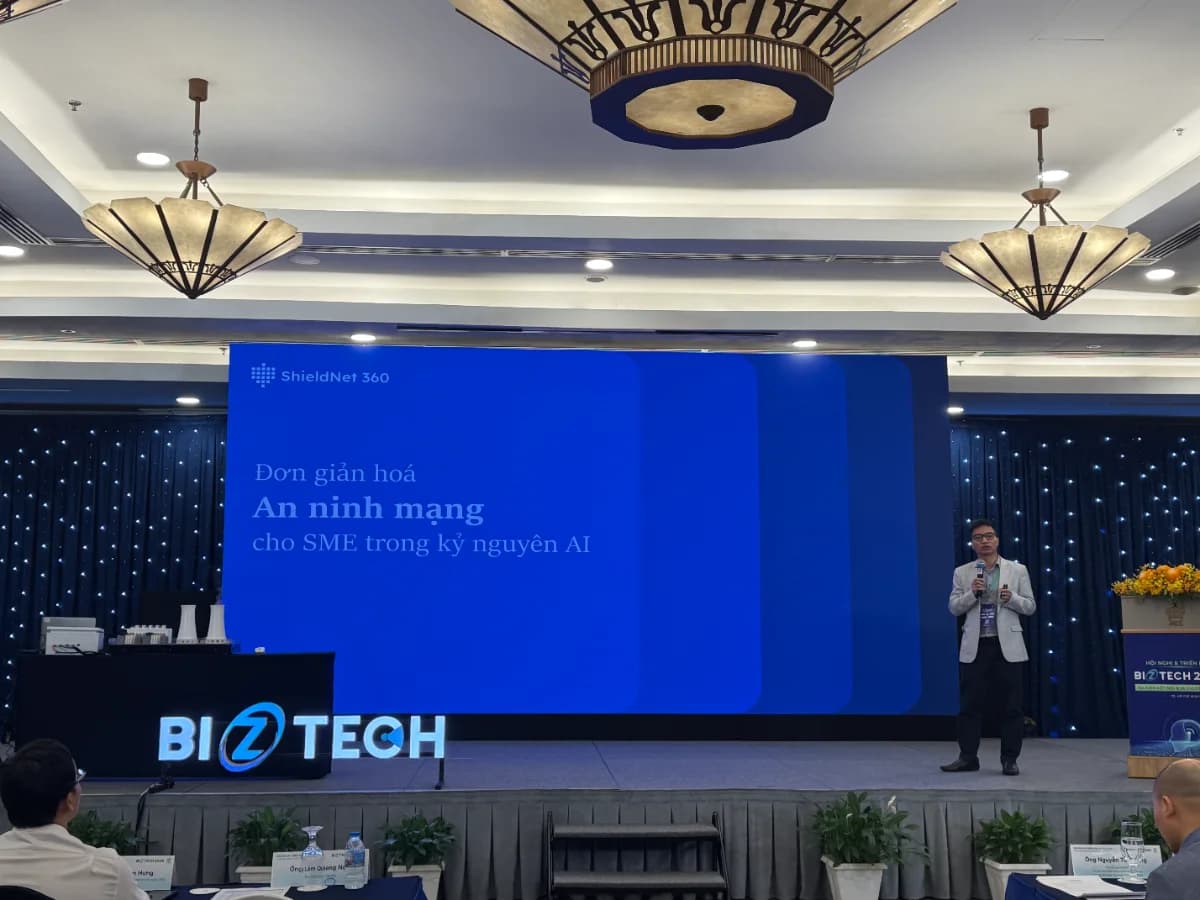
ShieldNet 360 at Biztech 2026: Security Made Simple in the AI era
Today, on May 12, 2026 in Ho Chi Minh City, ShieldNet 360 is attending Biztech 2026 and speaking in the session Cyber Security in the AI Era with the topic “Security Made Simple for SMEs in the AI Era”, delivered by Mr. Tung Nguyen (Ethan), Director of ShieldNet 360.
May 5, 2026
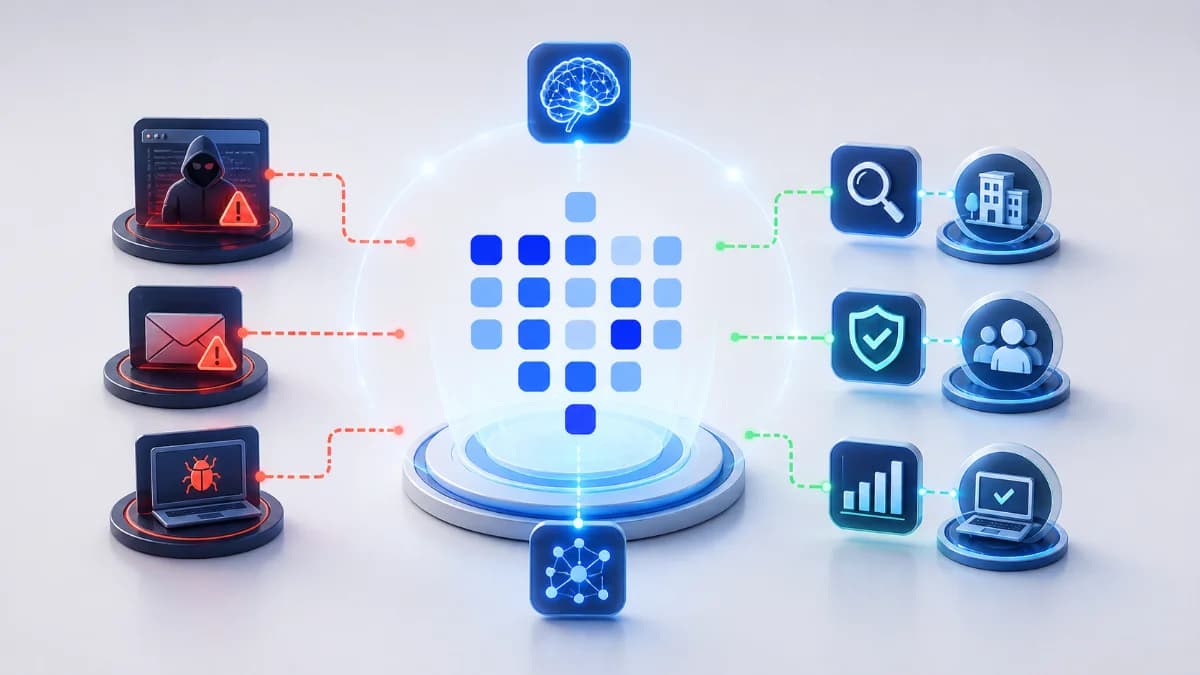
ShieldNet Defense: AI-powered threat detection for SMEs
Discover ShieldNet Defense, an AI-powered threat detection platform that explains risks in plain language and helps SMEs detect, analyze, and respond to threats faster.

May 4, 2026
AI threat detection demo: detect, analyze, respond
Learn how an AI threat detection demo works with a clear detect–analyze–respond workflow. See dashboard outputs, real scenarios, and how SMEs stop threats in minutes.

Protect your business with ShieldNet 360
Get started and learn how ShieldNet 360 can support your business.